Have you ever pulled into your driveway only to realize you need to grab a separate remote just to open your garage? If you’re wondering how to program 2015 GMC Sierra garage door opener, you’re not alone. Many truck owners struggle with this seemingly simple task, but with the right guidance, you can have your Sierra’s built-in HomeLink system working perfectly in under 10 minutes.
Understanding Your 2015 GMC Sierra’s HomeLink System
The 2015 GMC Sierra comes equipped with the HomeLink universal transceiver, a sophisticated system that allows your vehicle to communicate with various radio-controlled devices. According to HomeLink’s official documentation, this technology has been integrated into millions of vehicles worldwide since the 1990s, making it one of the most reliable garage door opener systems available.
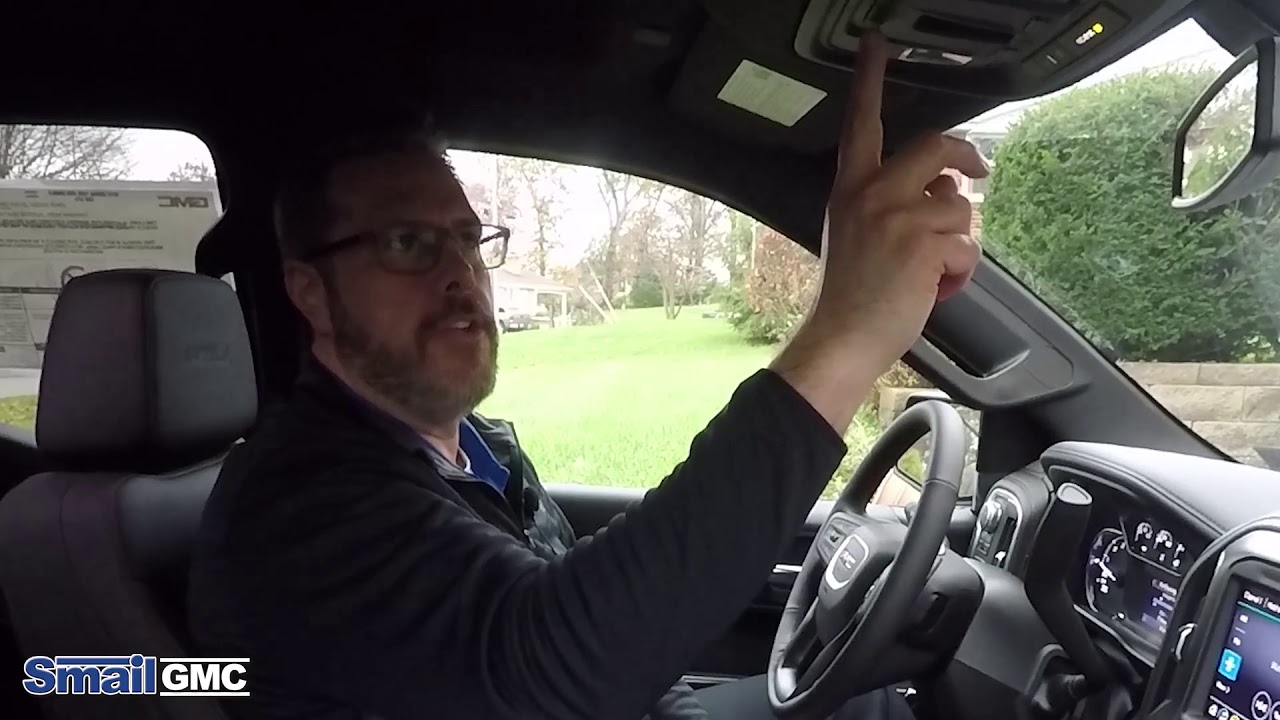
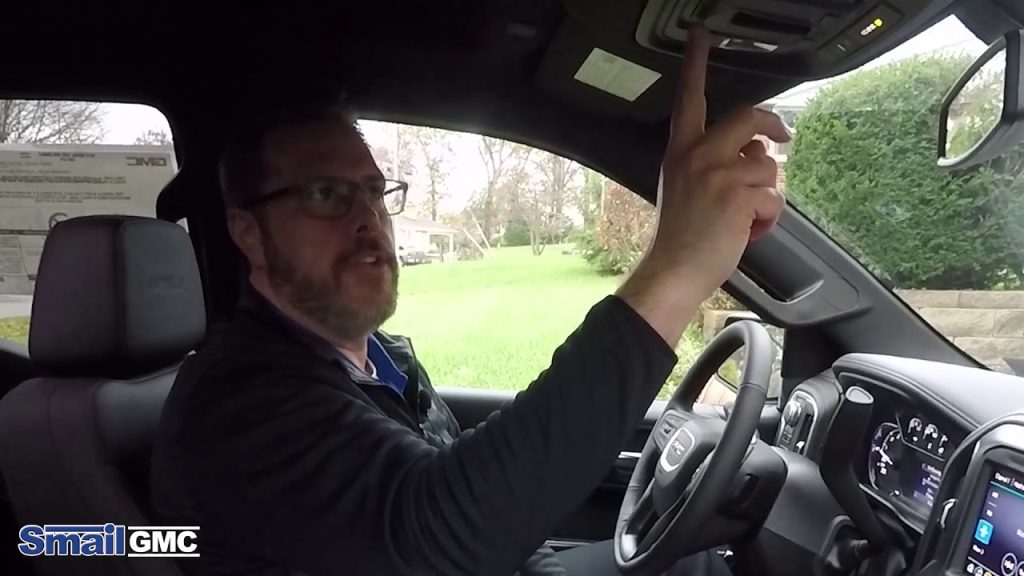
Before diving into the programming process, it’s essential to understand what you’re working with. The HomeLink buttons are typically located on your rearview mirror or overhead console, depending on your trim level. These buttons serve as programmable remotes that can control up to three different devices.
Why Programming Matters for Security
Programming your garage door opener correctly isn’t just about convenience—it’s about security. An improperly programmed system can leave your home vulnerable or cause frustration with inconsistent operation. The 2015 Sierra uses rolling code technology, which changes the access code each time you use the remote, providing enhanced protection against code grabbing thieves.
Step-by-Step Programming Instructions
Preparing for Programming
Before you begin, gather these essentials:
- Your original garage door remote
- A ladder (if your garage door motor is mounted high)
- About 15-20 minutes of uninterrupted time
- A helper (optional but recommended)
Important: Ensure your garage door is in good working condition and that you have easy access to the “Learn” or “Smart” button on your garage door opener motor unit.
Method 1: Standard Programming Procedure
Follow these precise steps to program your first HomeLink button:
- Clear Existing Programming (If Necessary)
- Press and hold the two outer HomeLink buttons simultaneously
- Continue holding for 20 seconds until the indicator light begins to flash rapidly
- Release both buttons when the light flashes quickly
- Position Your Vehicle
- Park your 2015 GMC Sierra outside your garage
- Keep the engine running or in accessory mode
- Ensure you have clear line-of-sight to your garage door opener motor
- Initiate Learning Mode
- Choose which HomeLink button you want to program (1, 2, or 3)
- Press and hold your chosen HomeLink button AND your original garage door remote button simultaneously
- Hold both buttons for 20-30 seconds
- Watch for the HomeLink indicator light to change from slow to rapid flashing
- Program the Garage Door Opener
- Locate the “Learn” or “Smart” button on your garage door motor unit
- Press and release this button (you typically have 30 seconds to complete the next step)
- Return to your vehicle within 30 seconds
- Press and hold the programmed HomeLink button for 2 seconds, release, then press again for 2 seconds
- Repeat this press-release-hold cycle up to three times
- Test the Connection
- Press the programmed HomeLink button
- Your garage door should activate
- Test multiple times to ensure consistent operation
Method 2: Rolling Code Systems
If your garage door opener uses rolling code technology (most modern systems do), you’ll need an additional step:
- Complete steps 1-4 from Method 1
- Locate the “Learn” button on your garage door motor
- Press and hold the Learn button until the indicator light turns off
- Within 30 seconds, press and hold your programmed HomeLink button for 2 seconds
- Release and immediately press and hold again for another 2 seconds
- Your garage door should now respond to the HomeLink button
Troubleshooting Common Issues
Even with careful following of instructions, you might encounter problems. Here’s how to address the most common issues:
| Problem | Possible Cause | Solution |
|---|---|---|
| HomeLink light doesn’t flash | Weak battery in original remote | Replace remote battery |
| Garage door doesn’t respond | Incorrect timing during programming | Restart the entire process |
| Intermittent operation | Signal interference | Reprogram away from other electronics |
| Only works sometimes | Distance too great during programming | Move vehicle closer to garage |
When Programming Fails
If standard programming doesn’t work, consider these alternatives:
- Check Compatibility: Not all garage door openers are compatible with HomeLink. Visit the HomeLink compatibility checker online.
- Reset and Retry: Sometimes starting fresh resolves issues. Clear all HomeLink memory and begin again.
- Professional Help: If multiple attempts fail, consult your garage door manufacturer or a professional installer.
Advanced Tips for Optimal Performance
Maximizing Signal Strength
To ensure your 2015 GMC Sierra communicates effectively with your garage door opener:
- Program in an open area without metal obstructions
- Avoid programming near power lines or large electronic devices
- Keep your vehicle’s battery fully charged during programming
- Position your vehicle 10-15 feet from the garage door for optimal signal transmission
Multiple Device Programming
Your HomeLink system can control up to three devices. To program additional devices:
- Choose an unused HomeLink button
- Follow the same programming steps
- Label each button mentally or with small stickers for easy identification
- Test each device individually after programming
Frequently Asked Questions
How long does it take to program a 2015 GMC Sierra garage door opener?
Typically, the entire process takes 10-15 minutes if you follow the instructions carefully. However, allow extra time if you’re programming multiple devices or if you encounter any issues that require troubleshooting.
Can I program my HomeLink system without the original remote?
Unfortunately, no. You need your original garage door remote to initiate the programming sequence. If you’ve lost your original remote, contact your garage door manufacturer to purchase a replacement before attempting to program your HomeLink system.
Why won’t my HomeLink system remember the programming?
This issue usually occurs due to:
- Weak vehicle battery during programming
- Interference from other electronic devices
- Incomplete programming sequence
- Faulty HomeLink module
Try reprogramming with a fully charged battery and minimal electronic interference. If the problem persists, consult your GMC dealer.
Is it safe to program my garage door opener myself?
Yes, programming your HomeLink system is completely safe when you follow the manufacturer’s instructions. The system uses secure rolling codes that protect against unauthorized access. However, always ensure your garage door safety sensors are functioning properly before relying on any automated system.
What should I do if my garage door opener is very old?
Older garage door openers (pre-1995) may not be compatible with HomeLink’s rolling code technology. In such cases, you might need to:
- Upgrade your garage door opener to a newer model
- Use a HomeLink-compatible receiver kit
- Consult with a professional garage door technician for compatibility solutions
Can weather affect HomeLink performance?
Extreme weather conditions can occasionally impact signal transmission. Heavy rain, snow, or extreme temperatures might reduce range or cause intermittent operation. If you notice weather-related issues, try repositioning your vehicle or reprogramming during better weather conditions.
Conclusion
Learning how to program 2015 GMC Sierra garage door opener doesn’t have to be intimidating. With patience and attention to detail, you can successfully integrate your garage door with your vehicle’s HomeLink system, enjoying the convenience of hands-free garage access every time you pull into your driveway.
Remember, the key to successful programming lies in following each step carefully, ensuring proper timing, and testing thoroughly before considering the job complete. If you encounter persistent issues, don’t hesitate to seek professional assistance—your safety and security are paramount.
Leave a Reply