Introduction
There are few things more frustrating than fumbling for a separate garage remote every time you pull into your driveway, especially when your vehicle already has built-in technology designed to eliminate that hassle. If you have been searching for how to set up garage door opener in Toyota Camry, you are likely ready to streamline your daily routine and embrace the convenience of integrated vehicle access. This comprehensive guide will walk you through the programming process safely and accurately, ensuring you can sync your opener with confidence regardless of your specific model year.
Understanding HomeLink Technology in Toyota Vehicles
Before diving into the buttons, it is crucial to understand what you are actually programming. Most Toyota Camry models from the late 1990s to present utilize the HomeLink Wireless Control System. This is not merely a “garage door button”; it is a universal transceiver capable of replacing up to three distinct radio-frequency (RF) remotes.
According to technical documentation referenced on Wikipedia, HomeLink operates by learning the unique signal code from your existing handheld transmitter and replicating it via the vehicle’s overhead console or rearview mirror assembly. Understanding this distinction matters because the setup process differs significantly depending on whether your garage door opener uses fixed-code technology (older models pre-1995) or rolling-code security (modern standard). Identifying which system you have prevents wasted time and ensures successful synchronization.
Fixed-Code vs. Rolling-Code: Why It Matters
| Feature | Fixed-Code Openers | Rolling-Code Openers |
|---|---|---|
| Manufacture Date | Typically before 1995 | 1996 to Present |
| Security Level | Low (Static Signal) | High (Changing Signal) |
| Programming Steps | Basic Training Only | Training + Motor Unit Sync |
| Indicator Light | Solid/Slow Flash | Rapid Flash / Specific Pattern |
| Common Brands | Older Genie, Stanley | LiftMaster, Chamberlain, Craftsman |
Note: If your handheld remote has a purple, orange, or yellow learn button on the motor unit, you almost certainly have a rolling-code system requiring the extended programming steps detailed below.
Step-by-Step: How To Set Up Garage Door Opener In Toyota Camry
This tutorial assumes you have a functioning handheld garage door remote and access to the garage door motor unit. Always ensure your vehicle is parked outside the garage during initial programming to prevent accidental activation or injury.
Phase 1: Clearing Previous Codes (Recommended)
Even if this is your first time programming, clearing old memory ensures no conflicting signals exist.
- Locate the two outer HomeLink buttons in your Camry (usually labeled I and III, or found on the overhead console/mirror).
- Press and hold both outer buttons simultaneously for approximately 8–10 seconds.
- Watch the indicator LED. When it changes from a slow blink to a rapid flash, release both buttons.
- Your HomeLink system is now factory-reset and ready for new programming.
Phase 2: Training the HomeLink Button
This phase teaches your Toyota the signal from your existing remote.
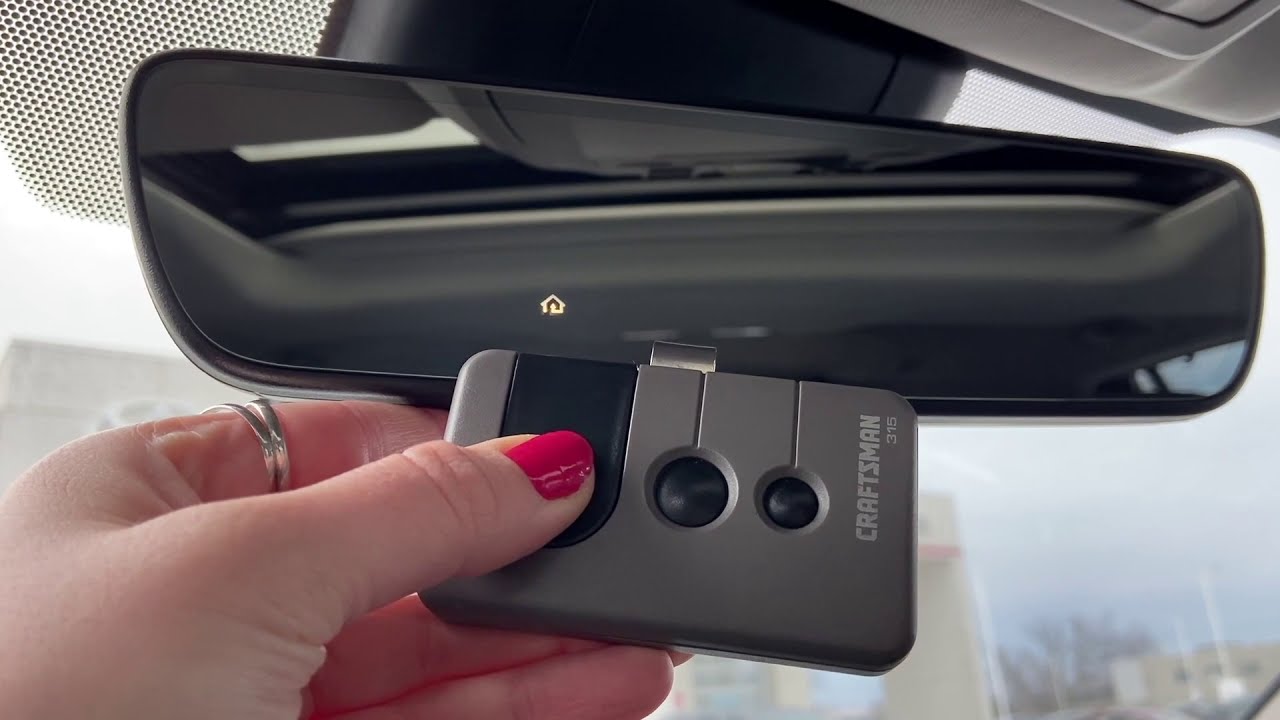
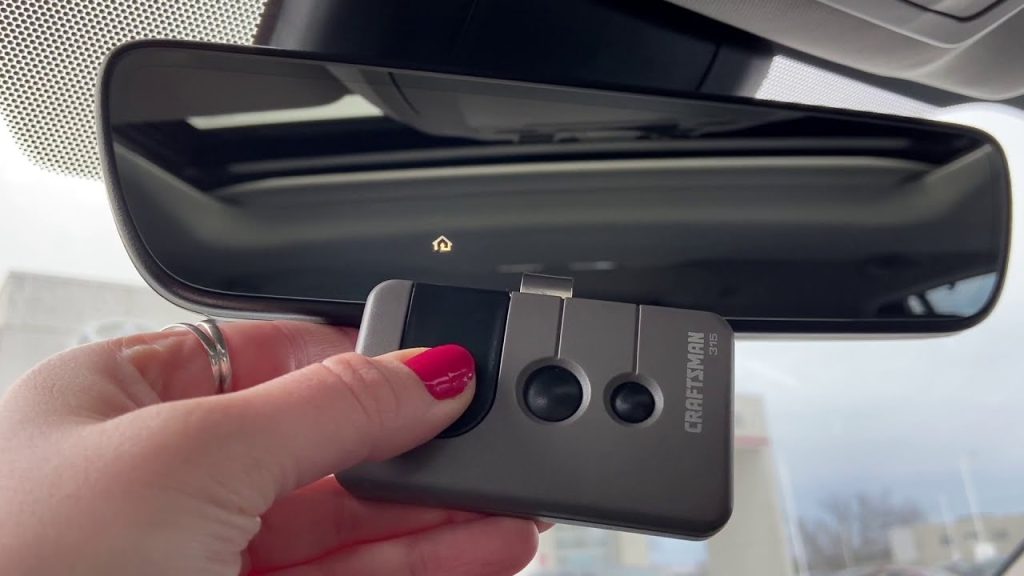
- Hold your original garage door remote 1–3 inches away from the HomeLink surface. Angle it slightly; direct contact can sometimes block RF transmission.
- Simultaneously press and hold the desired HomeLink button AND your handheld remote’s transmit button.
- Observe the HomeLink indicator light. It will begin flashing slowly, then transition to a rapid, continuous flash.
- Once the rapid flash appears, release both buttons immediately.
- Test the result: Press the programmed HomeLink button once. If the garage door activates, you have a fixed-code opener and are finished. If the light flashes rapidly but the door does not move, proceed to Phase 3.
Phase 3: Synchronizing Rolling-Code Openers
Modern safety standards require this additional handshake between your car and the garage motor.
- Locate the “Learn” or “Smart” button on your garage door motor unit (usually near the antenna wire or light lens). Colors vary: yellow, orange, red, purple, or green.
- Press the Learn button once (do not hold). The indicator light on the motor will illuminate or begin blinking, signaling a 30-second programming window.
- Return to your Camry within those 30 seconds. Firmly press and hold the programmed HomeLink button for 2 seconds, then release.
- Repeat this press-hold-release cycle up to three times until the garage door begins to move.
- Some newer Chamberlain/LiftMaster units may require pressing the HomeLink button a fourth time to confirm the link. Test thoroughly before relying on it.
Troubleshooting Common Programming Failures
Even experienced technicians encounter hiccups. Industry data suggests that over 60% of failed HomeLink setups stem from one of three issues: battery weakness, timing errors, or frequency incompatibility.
Weak Handheld Remote Battery
Your original remote must transmit at full strength for HomeLink to capture a clean signal. Replace the battery before starting, even if the remote still opens your door. A degraded signal may operate the door directly but fail during the training replication process.
Frequency Mismatch
HomeLink supports frequencies between 288 MHz and 399 MHz. If your opener operates outside this range (common with certain European imports or specialized commercial systems), standard programming will never succeed. Check your motor unit’s specification label or consult the manufacturer’s compatibility database.
Timing Window Expiration
The 30-second rolling-code window is strict. If you cannot reach your vehicle and complete Phase 3 within this period, simply press the Learn button again to restart the timer. There is no penalty for multiple attempts.
LED Patterns Decoded
- Solid Light: Programming successful; fixed-code confirmed.
- Rapid Flash: Programming successful; rolling-code requires Phase 3.
- No Light Change After 20 Seconds: Signal not received. Reposition remote, replace battery, or verify frequency compatibility.
- Flashing Then Stopping: Partial capture. Restart Phase 2 from the beginning.
Frequently Asked Questions (FAQ)
Can I program my Toyota Camry HomeLink without an original remote?
Generally, no. HomeLink is a learning system, not a standalone generator. You need an existing working transmitter to clone the signal. However, some newer garage door openers support direct Wi-Fi or Bluetooth pairing through manufacturer apps that bypass traditional RF cloning. Consult your opener’s manual for app-based alternatives.
Does HomeLink work with all garage door brands?
HomeLink is compatible with most major North American manufacturers including LiftMaster, Chamberlain, Craftsman, Genie, Overhead Door, and Linear. Compatibility issues typically arise only with proprietary commercial systems, international frequency variants, or extremely outdated pre-1980s units. Always verify using the official HomeLink compatibility checker online before purchasing accessories.
Why did my programmed button stop working after changing my car battery?
HomeLink memory is non-volatile and should survive battery disconnection. If functionality is lost, the issue likely coincided with garage door opener maintenance, power outages resetting the motor unit, or accidental reprogramming. Simply repeat Phase 3 (rolling-code resync) rather than full retraining; this often restores function in under 60 seconds.
Can I use HomeLink for gates, lights, or other devices?
Absolutely. Each of the three HomeLink buttons can be independently programmed for different RF devices. Many homeowners dedicate one button to their garage, another to an exterior gate, and a third to smart lighting or security systems that operate on compatible frequencies. The programming process remains identical regardless of device type.
Is there a safety risk in programming HomeLink myself?
When performed correctly following manufacturer guidelines, DIY programming carries minimal risk. The critical safety rule is always keeping your vehicle outside the garage during training to prevent unintended door movement while you are positioned near the mechanism. Additionally, never disable safety reversal sensors or force-limit settings on your garage door opener to accommodate HomeLink; these features protect people and property regardless of activation method.
How do I know which HomeLink version my Camry has?
Version identification helps troubleshoot advanced issues. Press any HomeLink button without programming: older versions (v1–v3) show no light until trained, while v4+ displays a brief illumination upon press. Alternatively, check your owner’s manual index under “HomeLink” or locate the FCC ID printed near the buttons and cross-reference it with regulatory databases. Version matters primarily for compatibility with newer encrypted rolling-code protocols introduced post-2015.
Conclusion
Mastering how to set up garage door opener in Toyota Camry transforms a minor daily friction point into seamless automation, enhancing both convenience and home security through modern rolling-code encryption. By understanding the difference between fixed and rolling-code systems, following precise timing protocols, and troubleshooting methodically, virtually any Camry owner can achieve reliable integration without professional assistance.
Remember that patience during the 30-second synchronization window and fresh batteries in your original remote resolve the majority of setup challenges. Once successfully programmed, test your HomeLink system weekly for the first month to build confidence before relying on it exclusively.
Found this guide helpful? Share it with fellow Toyota owners on Facebook, X (Twitter), or Reddit who might still be digging through glove compartments for lost remotes. Tag us with your success stories—we love seeing drivers reclaim their convenience! Safe programming and smoother arrivals ahead.
Leave a Reply