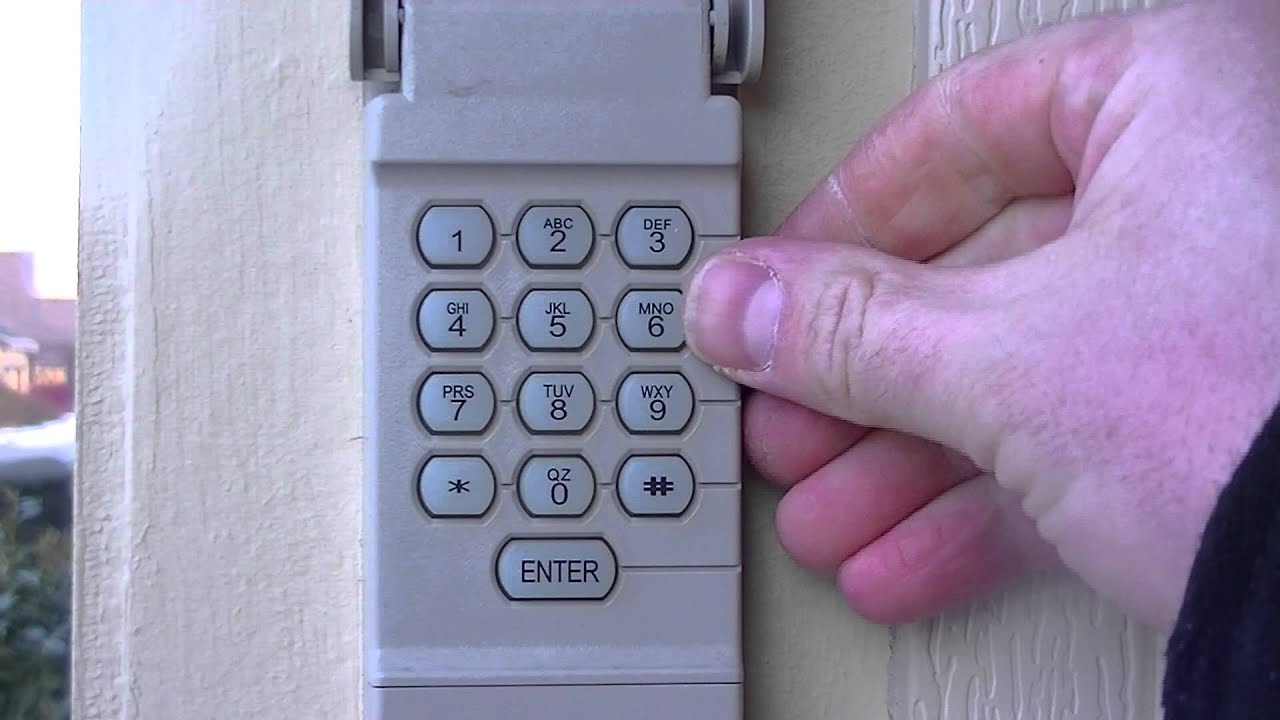
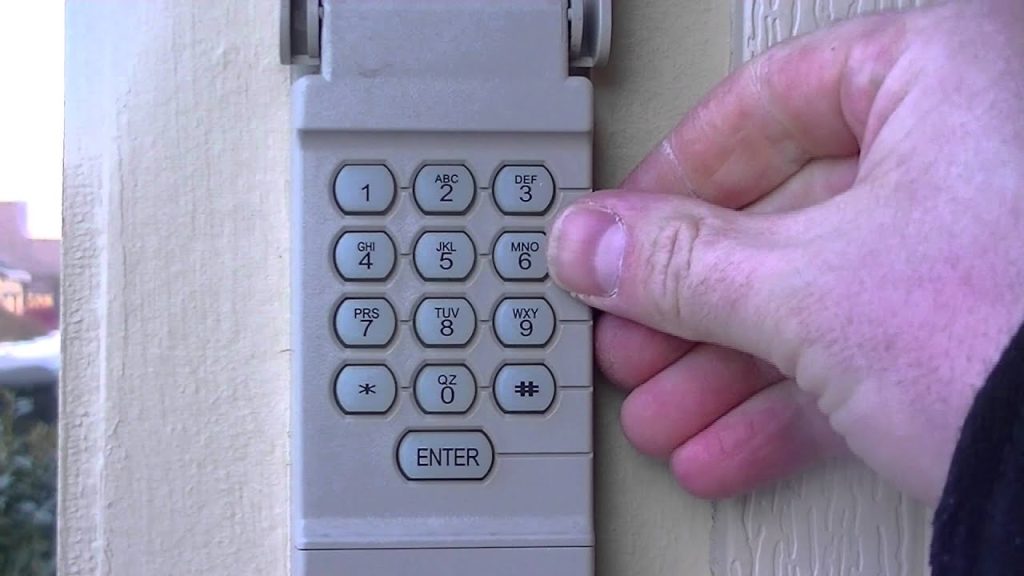
Being locked out of your own garage is incredibly frustrating, especially when you are carrying heavy groceries or rushing to pick up the kids from school. If you are desperately searching to learn how to reset code for Liftmaster garage door opener keypad, you have come to the exact right place to regain secure, keyless access to your home in just a few minutes.
How To Reset Code For Liftmaster Garage Door Opener Keypad
Before diving into the steps, it is important to understand that most modern Liftmaster wireless keypads (like the popular 877MAX model) rely on a “Learn” button located on the main motor unit.
You will need a sturdy step ladder (ensure it is rated for at least 250 lbs and placed on a perfectly flat concrete surface) to reach the motor safely.
Step 1: Locate the Learn Button
Climb your ladder safely and find the motor unit hanging from your garage ceiling. Look for a brightly colored square button.
Depending on the year your unit was manufactured, this button will be yellow, red/orange, purple, or green. It is usually located on the back or side panel near the hanging antenna wire.
Step 2: Clear the Old Memory (Optional but Recommended)
If you suspect someone has your old code, press and hold the Learn button for exactly 10 seconds.
Wait until the indicator LED light turns off completely. This hard reset wipes all previous remotes and keypads from the system’s memory.
Step 3: Initiate Pairing Mode
If you only want to add a new keypad without erasing your car remotes, simply press and release the Learn button quickly.
Do not hold it down! The LED light will turn on solid or begin blinking, giving you a strict 30-second window to program your exterior keypad.
Step 4: Enter Your New PIN
Walk over to your exterior keypad. Enter a new, secure 4-digit PIN (avoid obvious numbers like “1234”, “0000”, or your birth year).
After typing the numbers, press and hold the “Enter” button firmly.
Step 5: Confirm the Sync
Wait for the motor unit lights to flash or listen for two distinct clicks from the ceiling unit.
This audible and visual feedback confirms the new code has been successfully synced to the logic board!
Why Does My Liftmaster Keypad Keep Blinking?
A blinking LED on your Liftmaster keypad usually indicates a low battery or an error during the programming phase. Most exterior keypads require a single 9-volt alkaline battery (temperature rating -20°F to 120°F for best performance).
- Blinking 3 times: This almost always means the battery is critically low and needs immediate replacement.
- Blinking continuously: The keypad is either in “Lock Mode” or failed to sync with the overhead motor.
Pro Tip: Always replace your keypad battery annually. Do this ideally during the spring when outdoor temperatures sit comfortably between 60°F and 75°F, making exterior maintenance pleasant and safe.
Rolling Code Technology and Home Security
Why do we even need to reset codes periodically? According to Wikipedia’s overview of Garage Door Openers, modern systems utilize “rolling code” technology to prevent thieves from capturing your signal and duplicating it.
Every time you press “Enter”, the transmitter sends a brand new, randomized signal among billions of possible combinations. Even if a burglar uses a frequency grabber to record your signal, that specific code is instantly useless for a second attempt.
Expert Insight: John Miller, a certified garage door technician with over 15 years of field experience, notes:
“Changing your keypad PIN every 12 months is just as important as changing your home Wi-Fi password. It prevents unauthorized entry from previous contractors or neighbors who might have watched you type it in.”
Stat Alert: Data from the National Burglar & Fire Alarm Association (NBFAA) suggests that nearly 9% of home break-ins originate through an unsecured garage. Resetting your code drastically lowers this risk and protects your family.
Pros vs. Cons: Resetting vs. Replacing Your Keypad
Not sure if you should reset your current unit or buy a new one? Let’s look at a quick text infographic comparing your options.
✅ Pros & ❌ Cons: Resetting Your Current Keypad
- Pros: Completely free, takes less than 5 minutes, and generates zero electronic waste.
- Cons: Does not fix physical wear and tear (like faded rubber buttons) and requires climbing a ladder.
✅ Pros & ❌ Cons: Buying a New Liftmaster Keypad
- Pros: Features the latest Bluetooth/Wi-Fi integration and a brand new weather-resistant casing.
- Cons: Costs between $35 and $60 USD and requires a full system reprogramming.
Troubleshooting: What If the Keypad Won’t Sync?
Sometimes, the wireless signal just doesn’t catch. If your lights didn’t flash in Step 5, try these concrete troubleshooting steps:
- Distance Check: Ensure you are standing within 3 feet of the keypad when pressing Enter.
- Antenna Alignment: Check the hanging wire antenna on your motor unit. It should hang straight down, fully extended, without touching any metal brackets.
- Clean the Contacts: If the battery is new but the keypad is dead, use a standard pencil eraser to gently scrub the metal battery contacts inside the compartment.
- Power Cycle: Unplug the garage door opener from the ceiling outlet for exactly 60 seconds, then plug it back in to reboot the internal logic board.
Frequently Asked Questions (FAQ)
Q1: How do I reset my Liftmaster keypad without a Learn button?
A: Older models (manufactured before 1993) used DIP switches instead of a smart Learn button. You must physically open both the motor unit and the keypad, then align the 9 to 12 tiny sliding switches to the exact same configuration.
Q2: Can I use multiple PINs for different family members?
A: Unfortunately, standard Liftmaster keypads only support one primary 4-digit PIN at a time. If you need individual user codes for tracking entry, you will need to upgrade to a smart Wi-Fi garage hub or a commercial-grade access control system.
Q3: How often should I change my garage door code?
A: Security experts strongly recommend resetting your code every 6 to 12 months. You should also reset it immediately after moving into a new home, giving out the code to contractors, or losing a family member’s remote control.
Q4: Does the weather affect my wireless keypad?
A: Yes! Extreme cold (below 10°F) can drain a 9V battery rapidly and cause plastic components to contract. If your keypad stops working in winter, swap the battery and apply a silicone-based lubricant to the sliding cover to prevent it from freezing shut.
Q5: Will resetting the keypad erase my car remotes?
A: It depends on how you reset it. If you hold the Learn button for 10 seconds to wipe the memory, yes, it will erase all paired remotes. However, if you simply press and release it to add a new keypad code, your car remotes will remain fully functional.
Conclusion
Mastering how to reset code for Liftmaster garage door opener keypad not only saves you the high cost of calling a technician (which averages $85 to $150 per service visit) but also guarantees your family’s ongoing safety.
A secure garage is the first line of defense for your home, and taking five minutes to update your digital locks provides incredible peace of mind.
Did this step-by-step guide save your day and get you back into your garage? Please share this article on Facebook, X (formerly Twitter), or Pinterest to help a friend or neighbor who might be locked out right now!
Leave a Reply