Introduction
Is there anything more frustrating than standing in the rain, pressing your car’s garage button repeatedly, only to watch your garage door stay shut? You are not alone. Many homeowners struggle with syncing their vehicle’s built-in system or a new remote with their existing garage hardware. If you are wondering how to program Linear garage door opener to car, you have come to the right place. This guide will walk you through the process clearly and safely, ensuring you can pull into your garage with ease.
Understanding Your Linear Garage Door System
Before diving into the programming steps, it is crucial to identify what type of system you have. Linear is a major manufacturer of access control systems, but they often rebrand their technology under other names, such as Moore-O-Matic, Northeastern, or Pittsburgh.
Most modern Linear openers use rolling code technology for security. This means the code changes every time you press the button, preventing hackers from intercepting the signal. Because of this security feature, the programming process requires specific synchronization between your car (or remote) and the motor unit.
Identifying the Motor Unit Color
One of the easiest ways to identify a Linear-based system is by looking at the color of the motor housing or the learn button:
- Purple Learn Button: Typically indicates a Linear/Moore-O-Matic system using 390 MHz frequency.
- Green/Red Learn Button: May indicate older models or different frequencies (315 MHz).
Knowing your specific model helps ensure you follow the correct protocol. If you are unsure, check the manual that came with your opener or look for a label on the back of the motor unit.
Method 1: Programming via In-Car Systems (HomeLink, Car2U, etc.)
Most modern vehicles in the US come equipped with an integrated transmitter system, commonly known as HomeLink, Car2U, or Genie Intellicode. The process is generally similar across brands like Ford, Toyota, Honda, and Chevrolet.
Step 1: Clear Previous Codes
If your car’s garage button has been used before, you must clear the memory first.
- Turn on your car’s ignition (do not start the engine if not necessary, just accessory mode).
- Press and hold the two outer buttons on your HomeLink panel simultaneously.
- Hold them for about 20 seconds until the indicator light begins to flash rapidly.
- Release the buttons. The memory is now cleared.
Step 2: Initiate Learning Mode in the Car
- Position your car outside the garage, facing the door. Keep the garage door closed.
- Hold the desired HomeLink button you wish to program.
- While holding the button, bring your original Linear handheld remote close to the HomeLink buttons (about 1–3 inches away).
- Press and hold the button on your handheld remote.
- Keep both buttons held down. Watch the HomeLink indicator light. It will slowly flash and then change to a rapid flash.
- Once it flashes rapidly, release both buttons.
Step 3: Sync with the Garage Motor Unit
This is the critical step for Linear openers.
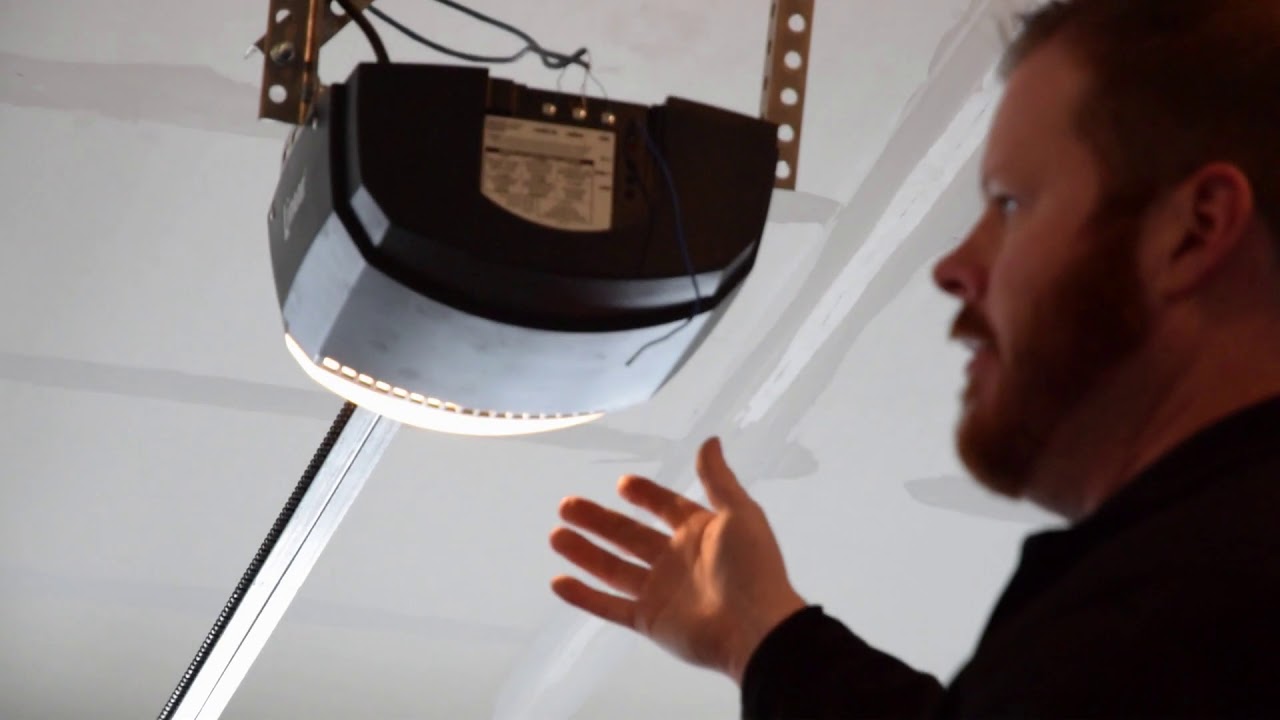
- Locate the “Learn” or “Smart” button on your Linear garage door motor unit. It is usually located on the back or side of the hanging motor box.
- Press and release the Learn button. The LED light on the motor unit should turn on or blink.
- You have approximately 30 seconds to complete the next step.
- Return to your car and press the programmed HomeLink button three times, holding it for 2 seconds each time.
- Test the door. If it operates, you are done. If not, repeat the process, ensuring you are within range.
Pro Tip: For some Linear models, you may need to press the Learn button twice quickly instead of once. Consult your specific motor manual if the single press does not work.
Method 2: Programming a Universal Handheld Remote
If you do not have an in-car system, or if you prefer a dedicated remote, you can program a universal Linear-compatible remote.
- Access the Motor Unit: Use a sturdy ladder to reach the garage door opener motor.
- Locate the Learn Button: Find the small button labeled “Learn,” “Program,” or “Smart.” It is often colored purple, green, or red.
- Activate Programming Mode: Press and release the Learn button. The indicator light will illuminate or blink.
- Program the Remote: Within 30 seconds, press and hold the button on your new remote that you want to use. Hold it until the motor unit’s light blinks or you hear a click.
- Test: Press the remote button again to see if the door activates.
Troubleshooting Common Issues
Even with careful following of instructions, things can go wrong. Here are common issues and solutions.
| Issue | Possible Cause | Solution |
|---|---|---|
| Door doesn’t respond | Wrong frequency | Ensure your remote/car matches the opener’s frequency (390 MHz vs 315 MHz). |
| Light blinks but no action | Interference | Check for LED bulbs in the garage causing signal noise. Try changing to incandescent bulbs temporarily. |
| Code won’t save | Memory full | Clear all codes from the motor unit by holding the Learn button for 10 seconds, then reprogram. |
| Range is poor | Weak battery | Replace the battery in your handheld remote. For cars, ensure the car battery is strong. |
Security Considerations
When learning how to program Linear garage door opener to car, security should be a priority. Rolling code technology is designed to prevent “code grabbing,” where thieves record your signal and replay it later.
However, always ensure that:
- You do not leave your car running with the garage door open.
- You update your codes if you lose a remote.
- You consider adding a keypad entry for backup access.
For more detailed technical specifications on radio frequency standards, you can refer to Wikipedia’s page on Garage Door Openers, which provides historical context and technical evolution of these systems.
FAQ Section
Q1: Can I program any car to a Linear garage door opener?
A: Most cars manufactured after 1998 have some form of integrated transmitter (like HomeLink). However, older vehicles may require an aftermarket universal remote clipped to your visor. Check your vehicle’s owner manual to confirm compatibility.
Q2: Why does my Linear garage door opener have a purple learn button?
A: A purple learn button typically indicates that the opener operates on the 390 MHz frequency and uses Linear’s proprietary rolling code technology. This is common in Moore-O-Matic and Northeastern branded units.
Q3: What if I don’t have the original remote?
A: You can still program a new remote or car system directly from the motor unit. You will need to press the Learn button on the motor and then activate the new device within the 30-second window. If you have no remotes at all, you may need to buy a compatible universal remote specifically listed for Linear 390 MHz systems.
Q4: How do I reset my Linear garage door opener completely?
A: To factory reset, locate the Learn button on the motor unit. Press and hold it for approximately 10–15 seconds until the indicator light turns off. This erases all paired remotes and keypads. You will need to reprogram all devices afterward.
Q5: Is it safe to program the garage door opener myself?
A: Yes, it is generally safe. However, always exercise caution when using ladders to reach the motor unit. Ensure the area is dry and stable. If you are uncomfortable working at heights, consider hiring a professional technician.
Conclusion
Learning how to program Linear garage door opener to car does not have to be a headache. By identifying your system type, clearing old codes, and following the synchronization steps carefully, you can regain seamless access to your home. Whether you are using a sophisticated in-car HomeLink system or a simple handheld remote, the key is patience and precision.
Now that your garage door is synced, enjoy the convenience of driving straight into your garage without fumbling for keys. If this guide helped you, please share it with friends or family who might be struggling with their own garage door setups. Stay secure and drive safe!
Leave a Reply