Introduction
There are few things more frustrating than standing in your driveway, pressing a button repeatedly, and watching your garage door refuse to budge because you have mismatched brands. If you are searching for how to program Genie remote to Craftsman garage door opener, you are likely dealing with this exact compatibility headache or replacing a lost original remote. The good news is that cross-brand programming is often possible, but it requires specific steps and an understanding of frequency technology to avoid wasting time on incompatible hardware. This guide will walk you through the process safely and effectively, ensuring you get back into your garage without unnecessary stress.
Can You Actually Program a Genie Remote to a Craftsman Opener?
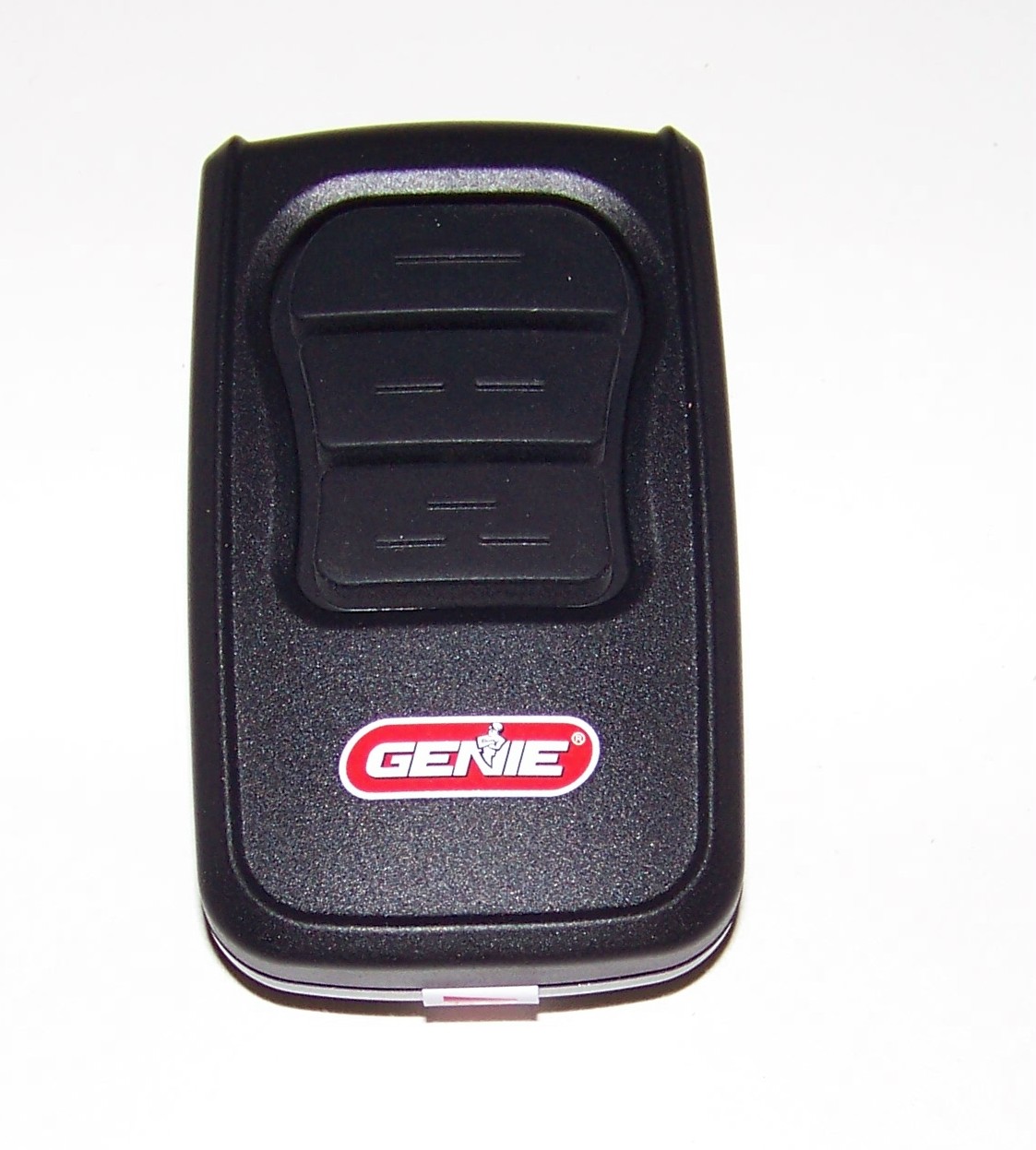
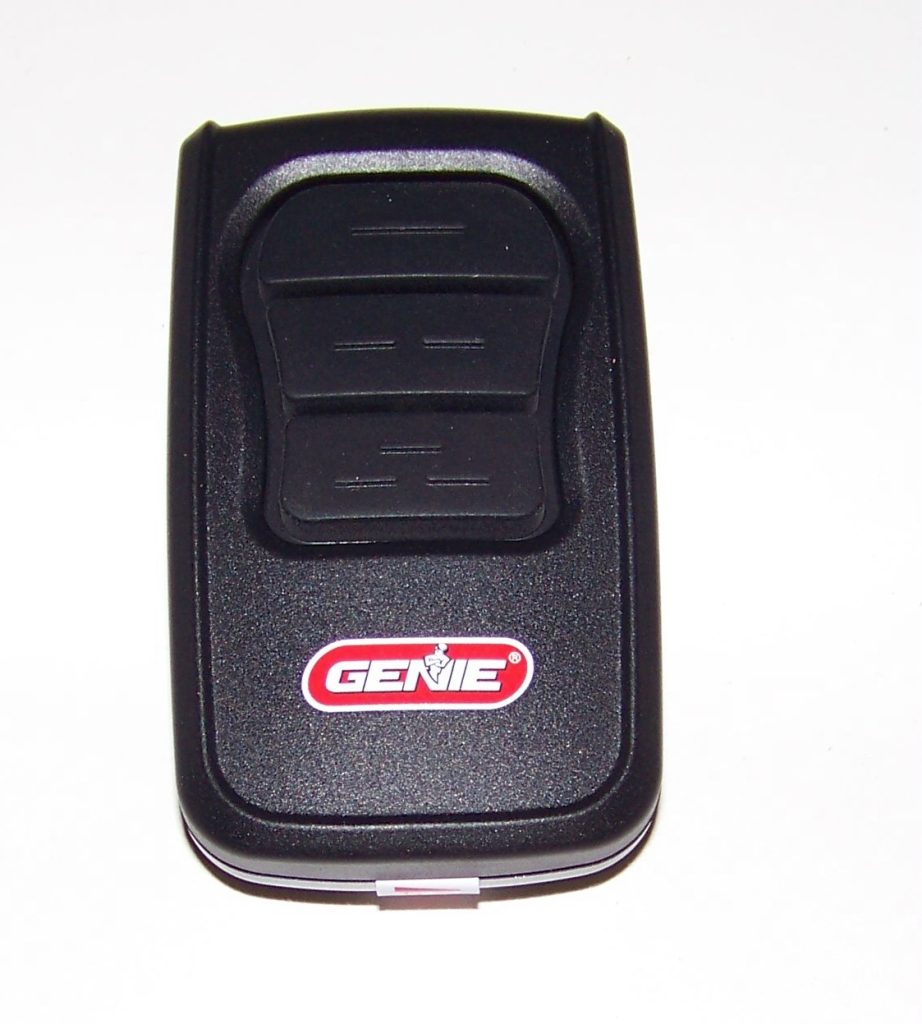
Before attempting any programming, it is vital to understand that Genie and Craftsman (often manufactured by Chamberlain Group) use different proprietary technologies. However, many modern universal Genie remotes are designed specifically to bridge this gap.
According to industry standards documented on Wikipedia, garage door openers have evolved from simple dip-switch systems to rolling code security technology. This evolution means compatibility depends entirely on the era of your equipment.
Compatibility Checklist
- Genie Universal Remotes: Models like the G3T-R or GIT-1 are typically compatible with Craftsman/LiftMaster/Chamberlain units manufactured after 1993.
- Craftsman Opener Age: Check the “Learn Button” color on your motor unit. Yellow, Purple, Red, and Orange buttons generally indicate compatibility with universal Genie remotes. Green buttons (pre-1993) may require older dip-switch adapters.
- Frequency Match: Ensure the Genie remote supports 315 MHz or 390 MHz dual-frequency, as Craftsman units vary between these bands depending on the manufacturing year.
Expert Note: Never assume compatibility based solely on brand names. Always verify the model number of your Craftsman opener against the compatibility chart printed on the back of the Genie remote packaging or the manufacturer’s official PDF.
Step-by-Step: How To Program Genie Remote To Craftsman Garage Door Opener
If you have confirmed compatibility, follow this precise tutorial. Most universal Genie remotes use a “set-and-test” method rather than direct learn-button pairing when connecting to competitor brands.
Phase 1: Preparation
- Locate the Learn Button on your Craftsman motor unit (usually on the back or side panel near the antenna wire).
- Clear the area around the opener to ensure safe ladder access.
- Have fresh batteries installed in your Genie remote. Weak batteries are the #1 cause of programming failure.
- Identify the Program/Set button on your Genie remote (often hidden under the battery cover or on the back).
Phase 2: Programming Sequence
Note: These steps apply to most Genie Universal Series remotes. Consult your specific manual if steps differ.
- Press and hold the Program/Set button on the Genie remote until the LED indicator lights up (usually blue or red). Release the button.
- Select the Craftsman Code: Press the button on the remote you wish to program. The LED should flash. Refer to the code list included with your remote; for example, Code #4 might correspond to “Craftsman/LiftMaster Yellow Learn Button.”
- Confirm Selection: Press the same remote button again to lock in the selection. The LED should become solid or change color.
- Activate the Opener: Go to your Craftsman motor unit and press the Learn Button once. The indicator light on the opener will illuminate or begin blinking.
- Sync the Remote: Within 30 seconds, return to your Genie remote and press the programmed button slowly three times. This transmits the signal pattern the opener needs to recognize.
- Test Immediately: Press the remote button once. The door should activate. If it does not, repeat steps 4–5, ensuring timing is precise.
Phase 3: Safety Sensor Verification
After successful programming, test the safety reversal system. Place a 2×4 board flat on the floor under the door. Close the door using your newly programmed Genie remote. The door must reverse upon contacting the wood. If it does not, reprogram immediately and check sensor alignment—this is non-negotiable for household safety.
Troubleshooting Common Programming Failures
Even with perfect instructions, issues arise. Here is a data-driven breakdown of why programming fails and how to fix it:
| Symptom | Likely Cause | Solution |
|---|---|---|
| LED flashes but door doesn’t move | Wrong compatibility code selected | Reset remote and try next Craftsman code in sequence |
| Opener light blinks but no response | Signal interference or range issue | Replace batteries; remove nearby LED bulbs which can block RF signals |
| Remote works intermittently | Rolling code desynchronization | Hold Learn Button on opener for 10 seconds to clear memory, then reprogram |
| No LED activity on remote | Dead battery or internal damage | Test with multimeter; replace CR2032 battery with known-good unit |
| Programs but stops working after 24hrs | Capacitor failure in opener logic board | Professional diagnosis required; board replacement typical fix |
Pro Tip: LED light bulbs in garage fixtures are notorious for emitting radio frequency interference that blocks remote signals. If programming succeeds but range is poor, swap all garage bulbs to incandescent or RF-shielded LED equivalents rated for garage door openers.
Advantages vs. Disadvantages of Cross-Brand Programming
Understanding the trade-offs helps set realistic expectations:
✅ Advantages
- Cost Savings: Universal Genie remotes cost $15–$25 versus $35–$50 for OEM Craftsman replacements.
- Multi-Door Convenience: One Genie universal remote can control both your Craftsman primary door and a Genie secondary door.
- Availability: Genie universals are stocked at virtually every hardware store, while specific Craftsman remotes may require special ordering.
❌ Disadvantages
- Limited Features: HomeLink integration, MyQ smart features, and two-way confirmation may not function with cross-brand setups.
- Shorter Lifespan: Universal remotes sometimes experience faster battery drain due to multi-frequency scanning.
- Complex Setup: Initial programming takes 10–15 minutes versus 30 seconds for same-brand pairing.
- No Warranty Support: Craftsman support will not troubleshoot third-party remote issues.
Frequently Asked Questions (FAQ)
1. Will programming a Genie remote erase my existing Craftsman remotes?
Generally, no. Adding a new remote uses an available memory slot. However, holding the Learn Button for more than 10 seconds will erase all programmed devices. Only press the Learn Button briefly during setup unless you intentionally want to reset the system.
2. My Craftsman opener has a green Learn Button. Will a Genie universal remote work?
Most likely not. Green Learn Buttons indicate pre-1993 fixed-code technology. Modern Genie universals are designed for rolling-code systems (post-1993). You would need a vintage-compatible adapter or an OEM replacement specifically labeled for green-button units.
3. How do I know which compatibility code to use for my Craftsman model?
Check the color of your Learn Button first—this is the primary identifier. Then locate the model number sticker on your opener housing. Cross-reference both with the code chart in your Genie remote manual. If uncertain, start with the most common Craftsman codes (typically codes 3, 4, or 5) and test sequentially.
4. Can I program multiple Genie remotes to the same Craftsman opener?
Yes. Most Craftsman openers support 8–16 remote devices simultaneously. Simply repeat the full programming sequence for each additional Genie remote. Each remote occupies one memory slot regardless of brand.
5. Why does my Genie remote work outside but not inside the garage?
This is almost always RF interference. Metal garage doors, Wi-Fi routers, baby monitors, and especially LED bulbs can create dead zones. Try relocating the opener’s antenna wire (hang it vertically away from metal), switching to shielded LED bulbs, or installing an external antenna extension kit.
6. Is it safe to use a third-party remote with my Craftsman opener?
Absolutely, provided the remote meets current safety standards. All reputable universal remotes comply with UL 325 safety requirements. The critical factor is verifying that your safety sensors remain functional after programming—never bypass or disable them to achieve compatibility.
Conclusion
Learning how to program Genie remote to Craftsman garage door opener empowers you to solve compatibility challenges without expensive service calls or OEM part markups. By verifying compatibility first, following the precise programming sequence, and troubleshooting methodically, you can achieve reliable cross-brand operation in under 20 minutes. Remember that safety sensor testing is mandatory, and don’t hesitate to consult professional technicians if electrical components appear damaged.
Found this guide helpful? Share it on Facebook, Pinterest, or your neighborhood Nextdoor group to help fellow homeowners conquer their garage door frustrations! Tag us with your success stories—we love seeing DIY wins. Safe programming, and may your garage door always open on the first click! 🏠✨
Leave a Reply