Introduction
There is nothing quite as frustrating as pulling into your driveway after a long day, only to realize you cannot get your vehicle’s built-in system to sync with your home. If you are currently searching for how to program garage door opener to 2019 Toyota Highlander, you are likely dealing with this exact inconvenience and want a reliable solution without visiting a dealership. The good news is that the 2019 Highlander comes equipped with the HomeLink Universal Transceiver system, which is designed to be user-friendly and compatible with the vast majority of modern garage door motors.
This comprehensive guide will walk you through every step of the programming process with empathy and precision, ensuring you regain seamless access to your home. Whether you have a standard rolling-code opener or an older fixed-code model, we have tailored these instructions specifically for your vehicle’s overhead console setup. Let’s get your Highlander synced up so you can enjoy the convenience of keyless entry once again.
Understanding Your 2019 Highlander’s HomeLink System
Before diving into the buttons, it is vital to understand what you are actually programming. The 2019 Toyota Highlander utilizes the HomeLink Universal Transceiver, typically located in the overhead console near the rearview mirror or integrated directly into the mirror assembly itself. This system replaces up to three handheld remotes and operates on radio frequencies between 288–394 MHz.
According to technical specifications from Wikipedia, HomeLink systems use a rolling code security protocol for newer openers, which changes the transmission signal every time the button is pressed to prevent unauthorized access. Understanding this distinction is crucial because the programming steps differ slightly depending on whether your garage door opener uses rolling codes (manufactured after 1996) or fixed codes (older models). Identifying your opener type first will save you significant time and prevent unnecessary frustration during the pairing process.
Rolling Code vs. Fixed Code: Quick Comparison
| Feature | Rolling Code Openers | Fixed Code Openers |
|---|---|---|
| Manufacture Date | Post-1996 | Pre-1996 |
| Security Level | High (Signal changes each use) | Low (Static signal) |
| Programming Steps | Requires “Learn” button on motor unit | Direct vehicle-to-remote sync only |
| Indicator Light | Rapid flash then solid | Slow flash then rapid/solid |
| Compatibility | Standard for 2019 Highlander | May require compatibility bridge |
Step-by-Step: How to Program Garage Door Opener to 2019 Toyota Highlander
Follow these precise instructions to ensure a successful sync. Please perform this procedure with your vehicle parked outside the garage to prevent accidental door movement during programming.
Step 1: Clear Previous Settings (Recommended)
If this is a used vehicle or you are reprogramming a button, start fresh to avoid signal conflicts.
- Locate the two outer HomeLink buttons in your overhead console.
- Press and hold both outer buttons simultaneously for approximately 10 seconds.
- Watch the indicator light; it will change from a slow blink to a rapid flash.
- Release the buttons immediately once the light flashes rapidly. Your system is now cleared.
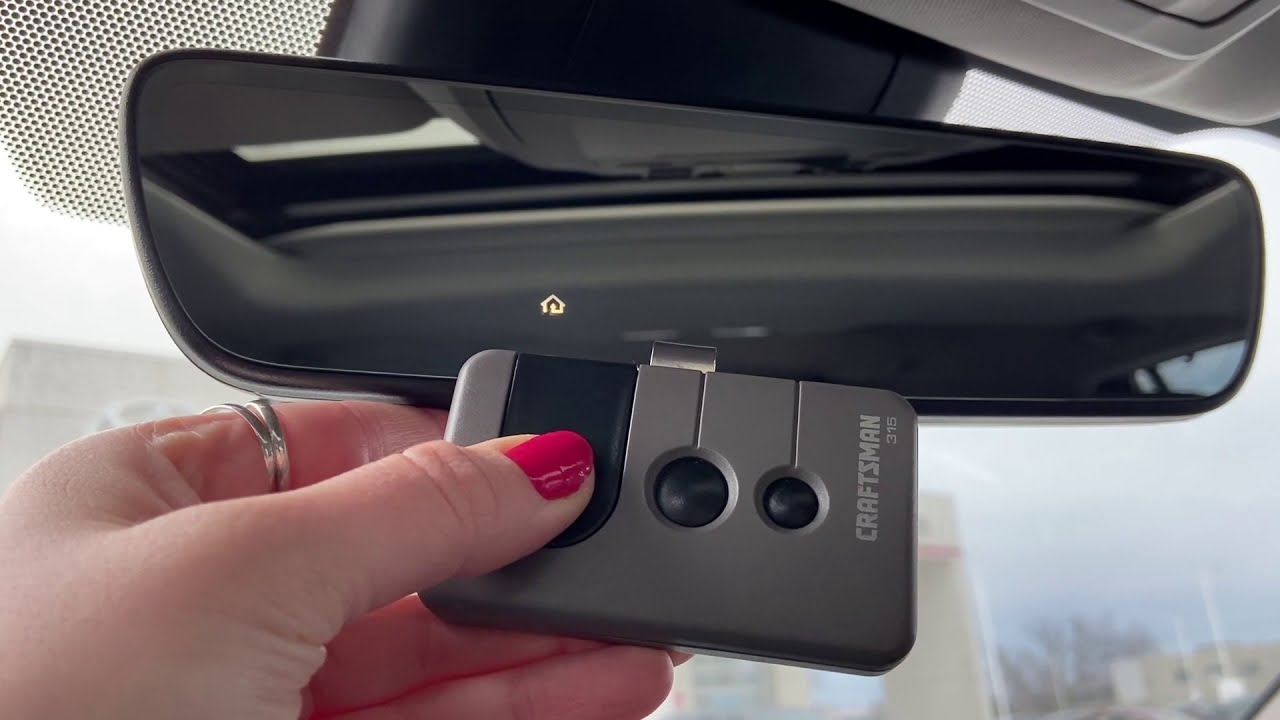
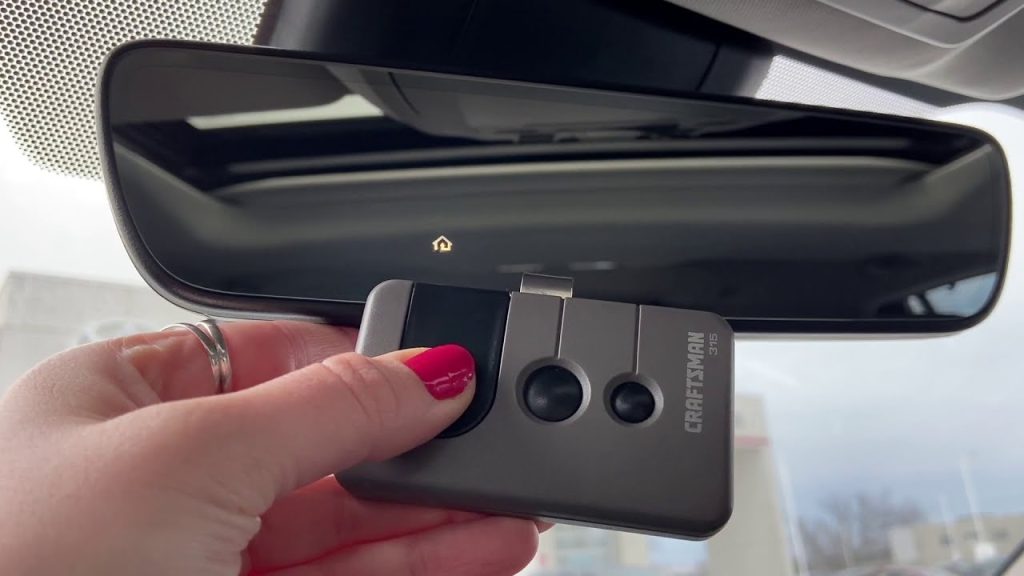
Step 2: Position Your Original Remote
For the initial handshake, you need your existing handheld garage door remote.
- Sit in the driver’s seat with the ignition in the ON position (engine running is optional but recommended for battery preservation).
- Hold your original remote 1–3 inches away from the HomeLink buttons.
- Ensure there are no obstructions between the remote and the overhead console.
Step 3: Sync the Vehicle to the Remote
This is the core step when learning how to program garage door opener to 2019 Toyota Highlander.
- Simultaneously press and hold your chosen HomeLink button AND the button on your handheld remote.
- Keep holding both until the HomeLink indicator light changes from a slow blink to a rapid flash (this may take up to 30 seconds).
- Release both buttons once the light pattern changes.
- Test the programmed button by pressing it briefly. If the garage door moves, you have a fixed-code opener and are finished. If the light turns solid but the door does not move, proceed to Step 4 for rolling-code programming.
Step 4: Complete Rolling Code Programming
Most modern openers require this additional step at the motor unit.
- Locate the “Learn” or “Smart” button on your garage door opener motor (usually on the back or side panel). It is often colored yellow, purple, red, or orange.
- Press and release the Learn button. You typically have 30 seconds to complete the next action before the motor exits learning mode.
- Return to your Highlander and press the programmed HomeLink button firmly for 2 seconds, then release.
- Repeat the press-and-hold cycle up to three times if necessary. Some openers require multiple signals to complete the rolling code handshake.
- Test the system. The door should now respond reliably to your Highlander’s HomeLink button.
Troubleshooting Common Programming Issues
Even with perfect execution, technology can be temperamental. Here are solutions to the most frequent hurdles users face.
- Light Never Flashes Rapidly: Your original remote may have a dead battery, or the frequency is incompatible. Replace the remote battery first, as weak signals are the #1 cause of programming failure.
- Door Opens Partially Then Stops: This usually indicates travel limit issues on the garage door motor itself, not a HomeLink problem. Consult your opener’s manual to adjust the open/close force limits.
- HomeLink Works Intermittently: Electrical interference from LED bulbs in the garage can disrupt RF signals. Try turning off garage lights during programming, or replace LED bulbs with RF-shielded versions rated for garage door openers.
- Older Opener Won’t Sync: If your opener predates 1996 and lacks a Learn button, you may need a HomeLink Compatibility Bridge. This small device acts as a translator between modern vehicles and legacy fixed-code systems.
Expert Tips for Optimal Performance
To maximize reliability and longevity of your programmed system, consider these professional recommendations:
- Always Program Outside: Safety first. Never program while inside the garage where the door could unexpectedly close on your vehicle or person.
- Use Fresh Batteries: Always install new batteries in your handheld remote before starting the programming process. A weak signal causes incomplete handshakes that fail days later.
- Document Your Setup: Write down which HomeLink button corresponds to which device (e.g., “Left = Garage, Center = Gate, Right = Lights”). This prevents confusion years later.
- Reprogram After Power Outages: Severe storms or electrical surges can sometimes reset garage door opener memory. Keep these instructions bookmarked for quick recovery.
- Check Firmware Updates: Some newer smart openers receive firmware updates that improve HomeLink compatibility. Check your opener manufacturer’s website annually.
Frequently Asked Questions (FAQ)
Can I program my 2019 Highlander HomeLink without an original remote?
Generally, no. The HomeLink system requires the original remote’s signal to clone the frequency and code. However, if your garage door opener has a “Learn” button and supports direct vehicle pairing (some Chamberlain/LiftMaster models do), you may bypass the remote. Check your opener’s manual for “direct HomeLink programming” instructions.
Why does my HomeLink work sometimes but not others?
Intermittent operation is typically caused by RF interference from LED lighting, weak vehicle battery voltage, or a failing garage door opener logic board. Start by replacing LED bulbs with shielded versions and testing your vehicle’s battery health. If problems persist, the opener’s receiver may need professional servicing.
Is HomeLink compatible with all garage door brands?
HomeLink is compatible with over 95% of garage door openers sold in North America, including LiftMaster, Chamberlain, Genie, Craftsman, and Overhead Door. For European or Asian-market openers operating on different frequencies, compatibility varies. Always verify your opener’s frequency range matches HomeLink’s 288–394 MHz specification.
Do I need to reprogram HomeLink after changing my car battery?
In most cases, no. HomeLink memory is stored in non-volatile memory that survives battery disconnection. However, if your vehicle experienced a complete electrical system reset or module replacement, reprogramming may be necessary. Test your buttons after any major electrical service.
Can I program multiple garage doors to one Highlander?
Yes! Your 2019 Highlander’s HomeLink system supports up to three separate devices. Each of the three buttons can be independently programmed to control different garage doors, gates, lighting systems, or even smart home devices equipped with RF receivers. Simply repeat the programming steps for each button.
What if my garage door opener doesn’t have a Learn button?
Openers without a Learn button are typically pre-1996 fixed-code models. Follow Steps 1–3 above; if the indicator light turns solid and the door operates, you are done. If it does not work, purchase a HomeLink Compatibility Bridge from an automotive parts retailer or the HomeLink website to enable communication with legacy systems.
Conclusion
Mastering how to program garage door opener to 2019 Toyota Highlander transforms daily convenience and eliminates the clutter of extra remotes. By following this structured approach—identifying your opener type, executing precise button sequences, and troubleshooting methodically—you can achieve reliable synchronization in under 15 minutes. Remember that patience and fresh batteries are your best allies in this process.
Your Highlander’s HomeLink system is a powerful feature that deserves proper setup. Now that you have regained seamless garage access, why not share this knowledge? Tag a fellow Toyota owner on social media who might be struggling with their HomeLink setup, or share this guide in your local community Facebook group. Helping others navigate this common challenge strengthens our community of informed drivers. Safe travels, and enjoy the smooth arrival home!
Leave a Reply