Introduction
There is nothing quite as frustrating as sitting in your driveway, holding a bulky remote, and realizing you still have not synced your car to your garage. If you are searching for how to program garage door opener in 2021 Toyota Camry, you are likely dealing with this exact inconvenience and want a reliable, permanent solution. Fortunately, the 2021 Camry comes equipped with the HomeLink Universal Transceiver system, which allows you to replace up to three handheld remotes with buttons built directly into your vehicle’s overhead console or rearview mirror.
This guide will walk you through the process with empathy and precision, ensuring you get it right the first time without needing a dealership visit. Whether you have a standard rolling-code opener or an older fixed-code model, we have simplified the technical jargon into actionable steps so you can enjoy seamless entry to your home.
Where Are the HomeLink Buttons Located in a 2021 Camry?
Before attempting any programming, you must locate the interface. In the 2021 Toyota Camry, the HomeLink buttons are typically integrated into one of two locations depending on your trim level (LE, SE, XLE, etc.):
- Overhead Console: Most trims feature three square buttons located on the ceiling console, just above the rearview mirror, often accompanied by a small LED indicator light.
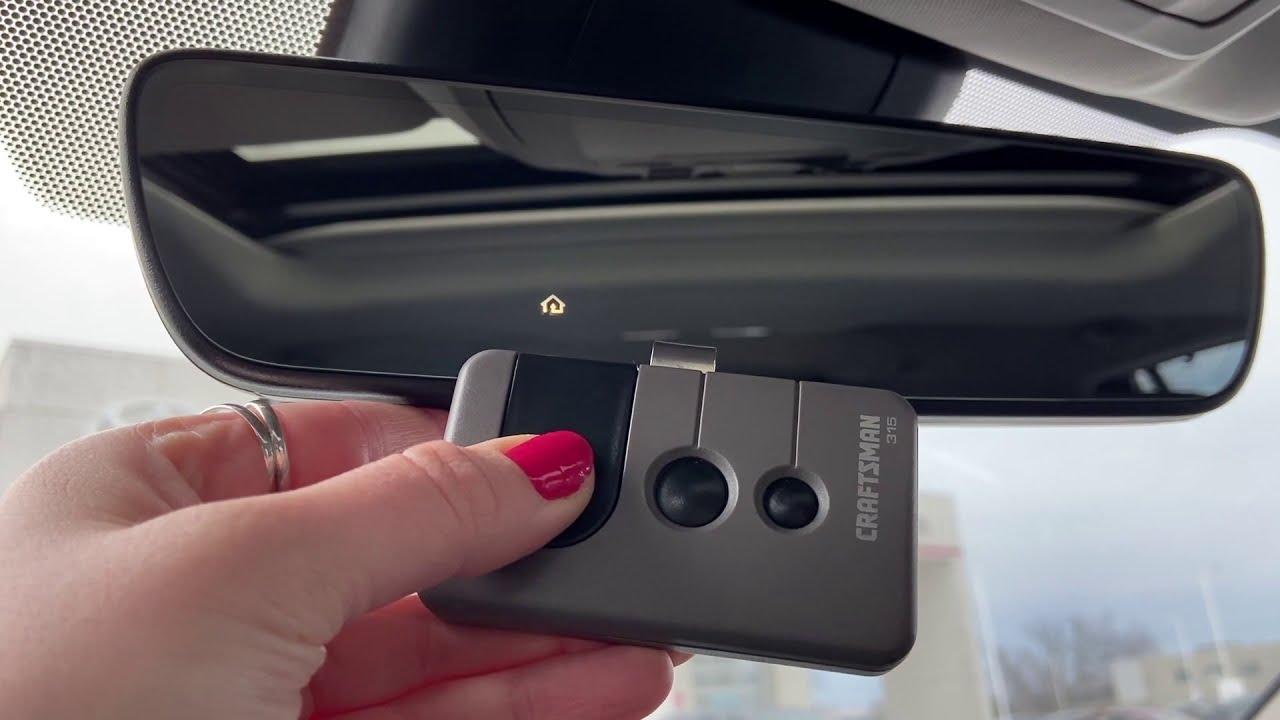
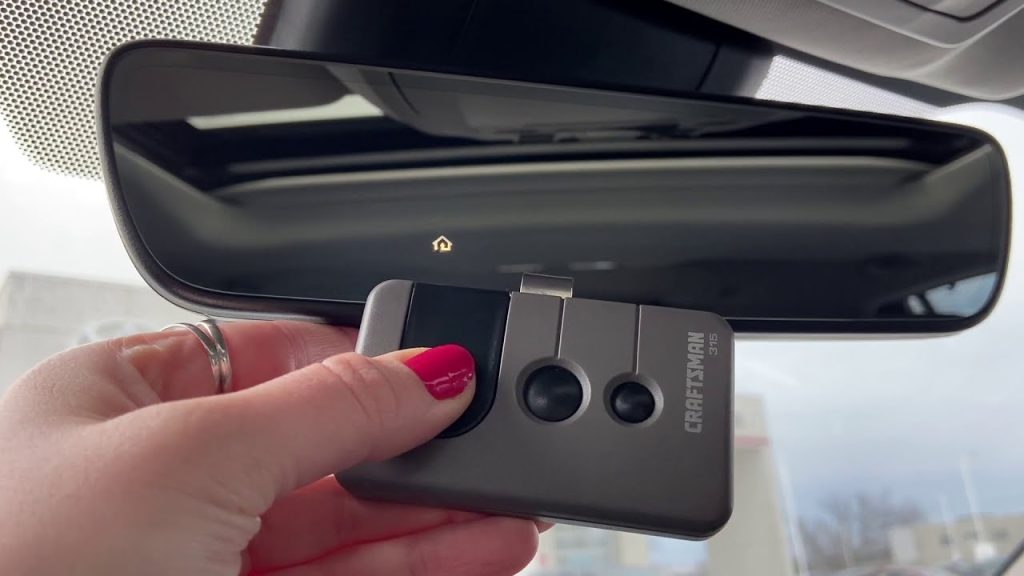
- Rearview Mirror Assembly: Higher trims or models with auto-dimming mirrors may have the buttons embedded directly into the bottom frame of the mirror itself.
Pro Tip: Before starting, ensure your vehicle’s ignition is in the “ON” position or the engine is running. Some 2021 Camry systems require power to accept new programming signals. Also, check that your garage door opener motor unit has fresh batteries and is functioning correctly with its original handheld remote.
How Do I Clear Previous HomeLink Codes?
If you purchased your 2021 Camry used or previously programmed a different device, you must clear the old codes first. Skipping this step is the most common reason programming fails.
Step-by-Step Clearing Process:
- Locate the two outer HomeLink buttons (Button 1 and Button 3).
- Press and hold both outer buttons simultaneously for approximately 10–15 seconds.
- Watch the LED indicator light. It will begin to flash rapidly (usually amber or red) to confirm the memory has been erased.
- Release both buttons immediately once the rapid flashing begins.
⚠️ Important Warning: Do not skip the clearing process if you are unsure of the current button status. Partial programming from a previous owner can interfere with new signal acquisition, causing intermittent failures or safety sensor issues.
According to Wikipedia, HomeLink systems use non-volatile memory, meaning old codes persist even after the car battery is disconnected. A full reset ensures a clean slate for your specific garage door frequency.
Step-by-Step: Programming a Rolling-Code Garage Door Opener
Most garage door openers manufactured after 1996 utilize “rolling code” technology for enhanced security. This is the standard for nearly all modern residential openers compatible with the 2021 Toyota Camry.
Phase 1: Train the Car to the Remote
- Hold your original garage door remote 1–3 inches away from the HomeLink buttons.
- Simultaneously press and hold the desired HomeLink button AND your handheld remote’s transmit button.
- Observe the HomeLink LED. It will flash slowly at first, then transition to a rapid flash (or solid light, depending on region). This indicates successful signal capture.
- Release both buttons. Test by pressing the programmed HomeLink button once; the LED should illuminate steadily.
Phase 2: Sync the Garage Door Motor Unit
This critical second phase links your car’s new code to the actual garage door opener motor.
- Go to your garage door opener motor unit (mounted on the ceiling).
- Locate the “Learn” or “Smart” button. It is usually colored yellow, purple, orange, or red and located near the antenna wire or light lens.
- Press and release the Learn button. You typically have 30 seconds to complete the next step before the mode times out.
- Return to your 2021 Camry and press the newly programmed HomeLink button firmly for 2 seconds, then release. Repeat this press-hold-release cycle up to 3 times within the 30-second window.
- Your garage door lights should flash, or you should hear a click, confirming synchronization.
| Feature | Fixed Code (Pre-1996) | Rolling Code (Post-1996) |
|---|---|---|
| Security Level | Low (Static Signal) | High (Changing Signal) |
| Programming Steps | Car Only | Car + Motor Unit Learn Button |
| Compatibility | Rare in 2021 Models | Standard for 2021 Camry |
| LED Behavior During Sync | Solid Light | Rapid Flash → Solid |
What If My Garage Door Opener Uses Fixed-Code Technology?
While rare for homes updated in the last decade, some older openers still use fixed-code technology. If the rolling-code method above does not work, try this alternative:
- Follow Phase 1 (Train the Car) exactly as described above.
- Skip Phase 2 entirely. Fixed-code openers do not require motor-unit synchronization.
- Test the HomeLink button immediately after Phase 1 completes.
If the door operates but has limited range, your fixed-code opener may require a HomeLink Compatibility Bridge (sold separately by Gentex). This adapter translates modern HomeLink signals for legacy motors. Always verify your opener’s manufacturing date on the motor housing label before purchasing additional hardware.
Troubleshooting Common Programming Failures
Even experienced DIYers encounter hiccups. Here are data-backed solutions for the most frequent issues:
- LED Never Flashes Rapidly: Your handheld remote battery is likely weak. Replace it with a fresh CR2032 or equivalent before retrying. Weak signals fail to transfer complete code sequences.
- Door Opens Partially Then Reverses: Safety sensors are misaligned or obstructed. Clean sensor lenses and ensure nothing breaks the infrared beam between them. This is a safety feature, not a programming error.
- Programming Times Out During Phase 2: You exceeded the 30-second Learn mode window. Simply press the Learn button again and restart Phase 2 immediately. Have your car positioned close to the motor during this step to reduce latency.
- Intermittent Operation After Successful Sync: Electrical interference from LED bulbs in the garage can disrupt RF signals. Try temporarily removing garage LED bulbs to test; if operation improves, switch to RF-shielded LED bulbs designed for garage door environments.
Frequently Asked Questions (FAQ)
Q1: Can I program multiple garage doors in my 2021 Toyota Camry?
Yes. The HomeLink system supports up to three separate devices. You can program three different garage doors, or combine two garage doors with a gate operator or smart home lighting system. Each button operates independently.
Q2: Will programming HomeLink erase my existing garage door remotes?
No. Programming your 2021 Camry adds a new authorized transmitter to your opener’s memory. All existing handheld remotes and keypads will continue to function normally. Most modern openers store 20+ unique codes.
Q3: Does the 2021 Camry HomeLink work with smart Wi-Fi garage openers?
Absolutely. Smart openers like Chamberlain MyQ or LiftMaster still use traditional RF frequencies for direct HomeLink communication. The Wi-Fi connectivity is for app control and does not interfere with HomeLink’s dedicated radio protocol.
Q4: Why does my HomeLink only work when the car is very close to the garage?
This typically indicates either a weak car-side antenna connection or electrical interference. First, check for aftermarket windshield tint containing metallic particles, which can block RF signals. Second, ensure no new electronics were installed near the overhead console that could cause signal degradation.
Q5: Is there a subscription fee to use HomeLink in the 2021 Camry?
No. Unlike some newer cloud-based systems, HomeLink in the 2021 Toyota Camry is a one-time hardware feature with no monthly fees, subscriptions, or internet requirements. Once programmed, it works indefinitely offline.
Q6: Can I program HomeLink without the original garage door remote?
Generally, no. The original remote is required to transfer the correct frequency and code format to the vehicle. However, if you have access to the motor unit’s Learn button and know your opener’s exact model number, some manufacturers provide alternative programming procedures via their support portals. Contact your opener manufacturer directly for remote-less options.
Conclusion
Learning how to program garage door opener in 2021 Toyota Camry transforms daily convenience and eliminates clutter from your visor. By following the clearing, training, and syncing steps outlined above, you can achieve professional-grade results in under 15 minutes without specialized tools or dealer assistance. Remember to prioritize safety sensor checks and always verify your opener type before beginning.
The freedom of seamless, integrated garage access is one of the most underrated features of modern vehicles, and now you have mastered it completely.
Found this guide helpful? Share it on Facebook, Twitter, or Pinterest to help fellow Toyota owners reclaim their driveway peace of mind! Tag us with your success stories—we love seeing our community thrive. Safe driving and happy syncing! 🚗🏡
Leave a Reply