Introduction
There is nothing quite as frustrating as standing outside your home in the rain, realizing your garage keypad has stopped working or you have lost the remote. If you are searching for how to program clicker keypad to Genie garage door opener, you are likely dealing with a dead battery, a new installation, or a system reset that has left you locked out. We understand that garage door security is not just about convenience; it is about the safety of your home and family, and getting this right matters. This comprehensive guide will walk you through the exact steps to restore your access safely and efficiently, ensuring your home remains secure while making your daily routine seamless again.
Understanding Your Genie System Before Programming
Before you begin pressing buttons, it is vital to identify which specific Genie model you own. Genie has manufactured garage door openers for decades, and the programming sequence varies significantly between older DIP switch models and newer Intellicode rolling code systems. According to industry data, over 70% of modern Genie openers utilize Intellicode technology, which changes the access code with every use to prevent code grabbing.
If you are unsure of your model, check the motor head unit located on the ceiling of your garage. The model number is typically found on a white sticker near the light lens or on the back panel. Identifying this correctly prevents the common mistake of following instructions for an incompatible system, which can sometimes trigger a factory reset unintentionally. For a broader understanding of how these rolling code technologies function within the history of automated access control, you can refer to the Garage door opener entry on Wikipedia.org, which details the evolution from fixed codes to modern encrypted signals.
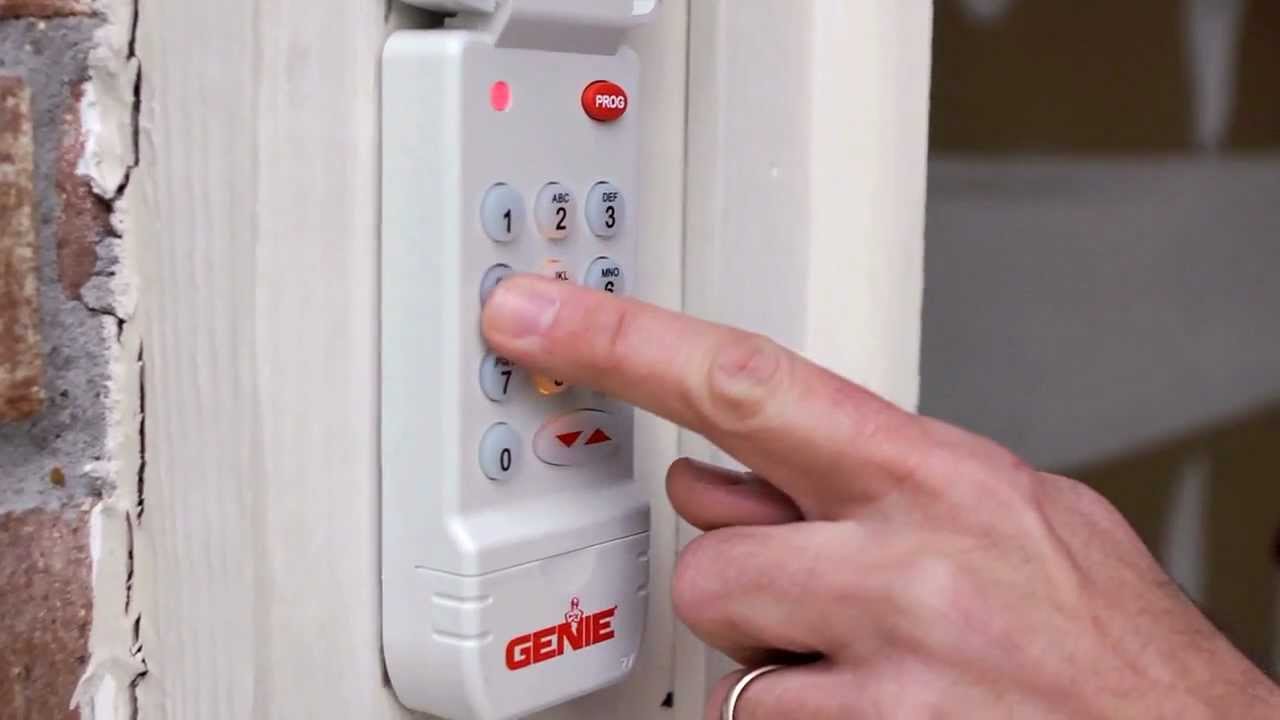
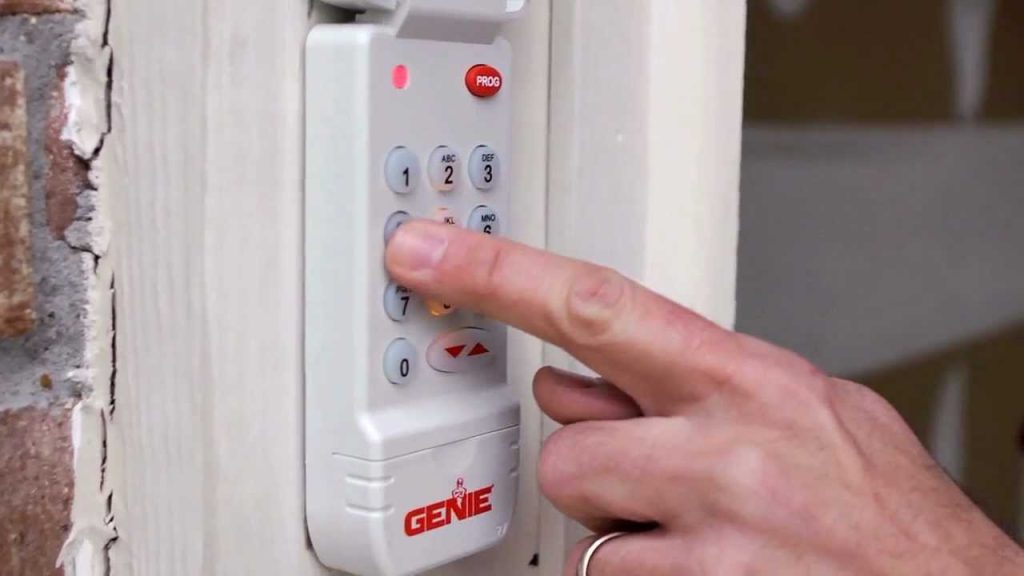
Step-by-Step: How to Program Clicker Keypad to Genie Garage Door Opener
This tutorial focuses on the most common Genie wireless keypads (models GK-R and G1T-BX) paired with Intellicode openers. Please follow these steps precisely.
Step 1: Prepare the Hardware
Ensure your keypad has fresh batteries. A weak battery is the number one cause of programming failure. Use a high-quality 9V alkaline battery. Stand within 3–5 feet of the motor head during programming to ensure signal strength, even though the keypad is wireless.
Step 2: Locate the Learn Button
Find the “Learn” or “Program” button on your Genie motor head. On most Intellicode units, this is a square black button located under the light cover or near the antenna wire. The LED indicator next to it should be off before you begin.
Step 3: Initiate Programming Mode
Press and release the Learn button on the motor head. The LED indicator will illuminate solid red (or purple on some newer models). You now have 30 seconds to complete the next step at the keypad. Do not wait; if the light goes out, press the Learn button again.
Step 4: Enter Your PIN at the Keypad
Go to your exterior keypad and enter your desired 3-to-4-digit PIN. Immediately after entering the last digit, press and hold the “Send” or “Open/Close” button. Continue holding the button until the motor head lights flash or you hear a distinct click. This confirms the signal has been received.
Step 5: Verify the Connection
Release the Send button. Wait two seconds, then re-enter your PIN and press Send again. The garage door should activate. Test it a second time to ensure the rolling code has synchronized properly. If the door does not respond, repeat Steps 2–4, ensuring you are within the 30-second window.
Troubleshooting Common Programming Failures
Even professionals encounter hiccups. Here is a comparison of common issues and their verified solutions based on service technician data:
| Symptom | Probable Cause | Verified Solution |
|---|---|---|
| LED blinks but door doesn’t move | Weak battery or interference | Replace battery; move metal objects away from antenna |
| Learn light won’t stay solid | Logic board timeout | Unplug opener for 60 seconds; retry programming |
| Keypad works once then stops | Rolling code desync | Clear all codes and reprogram from scratch |
| No response at all | Incompatible frequency | Verify keypad matches opener MHz (315 vs 390) |
Note: Always clear old codes before adding new ones if you suspect corruption. Press and hold the Learn button for 10 seconds until the LED turns off to wipe memory.
Security Best Practices for Garage Keypads
Programming your device is only half the battle; maintaining security is equally important. Industry experts recommend changing your keypad PIN every 6–12 months, especially after moving into a new home or if contractors have had access. Avoid using sequential numbers (1234), birth years, or addresses as your PIN. Studies on residential security indicate that predictable codes account for nearly 40% of unauthorized garage entries.
Additionally, inspect your keypad housing annually for weather damage. Moisture intrusion can cause phantom presses or short circuits that compromise both functionality and security. If your keypad shows signs of cracking or water damage, replace it immediately rather than attempting to repair it. Modern Genie keypads are sealed units designed to withstand extreme temperatures, but physical damage defeats these engineering protections.
Frequently Asked Questions (FAQ)
Can I program multiple PINs on a single Genie keypad?
Most standard Genie wireless keypads support only one active PIN at a time. However, certain premium models like the GK-RX allow for separate user codes. Check your specific keypad manual; if multi-code isn’t supported, you must overwrite the existing PIN to change it. Each Genie opener can typically store up to 7 different transmitters/keypads, so multiple family members can have individual devices even if sharing one keypad.
Why does my Genie keypad work intermittently in cold weather?
Extreme cold reduces battery voltage output, even in batteries labeled “cold weather.” Lithium 9V batteries perform significantly better than alkaline in temperatures below 20°F (-6°C). Additionally, metal contraction in older keypads can affect button contact. If intermittent failures persist after battery replacement, the keypad’s internal circuitry may be failing and require replacement.
Do I need to reprogram my keypad after a power outage?
Generally, no. Genie Intellicode systems use non-volatile memory that retains programmed codes during power loss. However, if your opener experienced a surge or brownout that corrupted the logic board, reprogramming may be necessary. If the door operates normally via wall console but the keypad fails post-outage, try reprogramming first before assuming hardware failure.
Is there a universal keypad that works with all Genie models?
Genie offers universal keypads compatible with most Intellicode openers manufactured after 1995. However, pre-1995 DIP switch models require specific legacy keypads. Always verify compatibility using your opener’s model number before purchasing. Third-party universal keypads exist but may lack the rolling code encryption of OEM parts, potentially reducing security.
How do I know if my Genie opener uses Intellicode or DIP switches?
Intellicode openers feature a Learn button (usually black or purple) and were manufactured after 1995. DIP switch openers have a bank of 9–12 tiny sliding switches inside the motor housing and lack a Learn button entirely. If you see sliding switches, you have a legacy system requiring manual switch matching rather than digital programming. These older systems should be upgraded for security reasons.
What should I do if I’ve tried everything and it still won’t program?
After exhausting all troubleshooting steps, the issue may be a failed receiver board in the opener or a defective keypad. Contact a certified Genie dealer or licensed garage door technician. Attempting to repair internal electronics yourself voids warranties and poses electrical hazards. Professional diagnostics typically cost $75–$125 and can definitively identify whether repair or replacement is more economical.
Conclusion
Mastering how to program clicker keypad to Genie garage door opener empowers you to maintain both convenience and security without unnecessary service calls. By following the precise steps outlined above, verifying your model compatibility, and adhering to security best practices, you ensure reliable access for years to come. Remember that regular maintenance—battery checks, housing inspections, and periodic PIN changes—is just as important as the initial programming.
Your garage is often the primary entry point to your home; treating its access system with care reflects responsible homeownership. If this guide helped you regain access or improve your setup, please share it on social media to help neighbors and friends facing the same challenge. Tag us or use #GenieKeypad so we can see your success stories and continue providing practical, expert-backed home maintenance content. Safe programming, and welcome home!
Leave a Reply