Introduction
Losing or breaking your original garage door remote can be incredibly frustrating, especially when you just want to get your car parked safely. If you are searching for how to program BMW X3 garage door opener without remote, you will be relieved to know that your vehicle’s built-in HomeLink system is designed specifically for this scenario. This guide provides a safe, step-by-step method to sync your car directly to your garage motor, restoring your convenience without needing to purchase a replacement handheld transmitter immediately.
Understanding How HomeLink Works Without an Original Remote
Before diving into the buttons, it is crucial to understand why this works. The BMW X3 is equipped with an Integrated Universal Remote (IUR), commonly branded as HomeLink. Unlike a standard remote that sends a fixed code, HomeLink acts as a transceiver that can learn signals or generate new rolling codes.
When you program without an original remote, you are essentially bypassing the “cloning” phase and moving directly to the “direct-to-motor” synchronization phase. According to technical documentation referenced on Wikipedia, modern HomeLink systems (version 4.0 and above) support direct communication with garage door openers that utilize Security+ 2.0 or similar rolling-code technology. This means the car and the garage motor shake hands digitally, eliminating the need for an intermediary handheld device.
Key Requirements Before You Start
- Vehicle Year: Most BMW X3 models from 2011 onwards have the necessary firmware.
- Garage Opener Age: Openers manufactured after 1996 generally support this feature.
- Access: You must have physical access to the garage door motor unit (ceiling mount).
- Safety: Ensure the garage door area is clear of people and pets during programming.
Step-by-Step: How to Program BMW X3 Garage Door Opener Without Remote
Follow these precise instructions. Rushing this process is the most common cause of failure.
Step 1: Clear Previous HomeLink Memory (Recommended)
If you bought the X3 used or previously programmed a different door, start fresh.
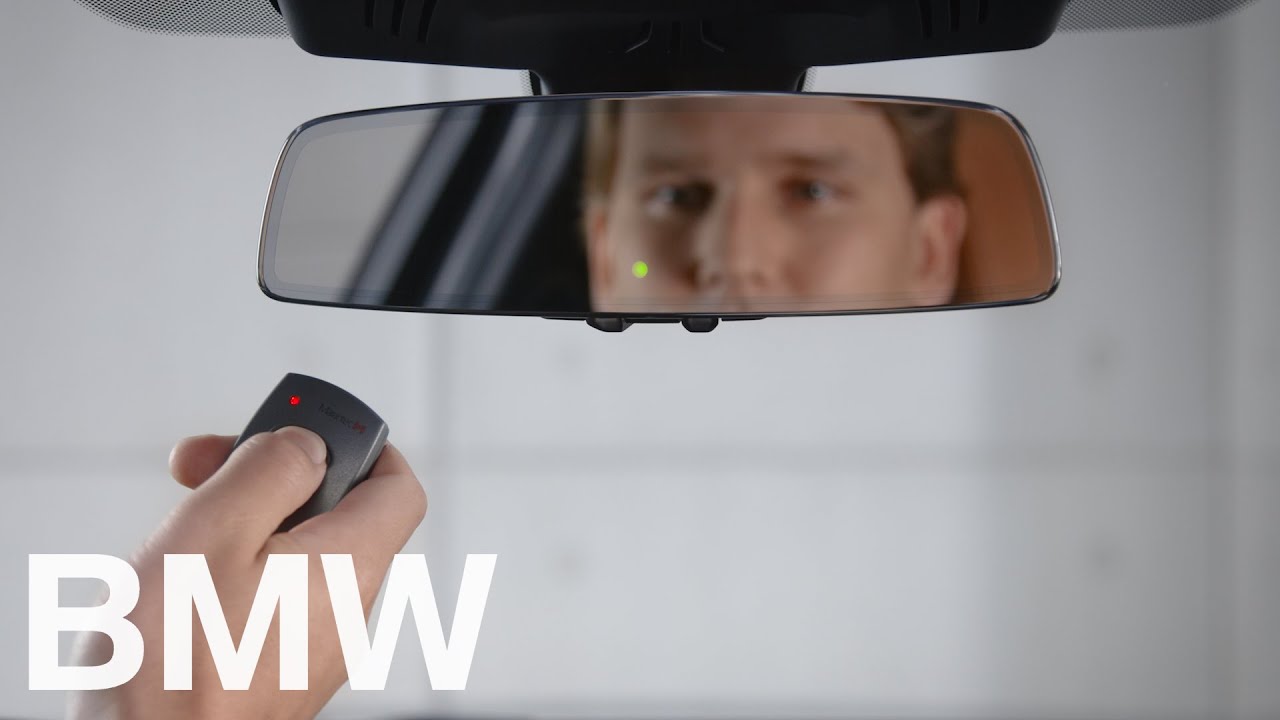
- Locate the three HomeLink buttons on your overhead console or rearview mirror.
- Press and hold the two outer buttons simultaneously.
- Hold for approximately 10–20 seconds until the indicator light flashes rapidly.
- Release both buttons. Your system is now in factory-reset mode.
Step 2: Initiate Direct Programming Mode
Since we do not have a remote to train the button first, we go straight to the motor.
- Turn your BMW X3 ignition to the “ON” position (engine running is preferred to prevent battery drain).
- Choose which of the three HomeLink buttons you wish to assign.
- Press and hold that specific button. The indicator light will begin to flash slowly. Do not release yet.
Step 3: Activate the Garage Door Motor’s Learn Button
This is the critical synchronization window. You have roughly 30 seconds to complete this step.
- While still holding the HomeLink button in your car, exit the vehicle and approach the garage door motor.
- Locate the “Learn” or “Smart” button on the motor unit. It is typically colored yellow, purple, orange, or red and located near the antenna wire or light lens.
- Press and release the Learn button. The LED on the motor will illuminate or begin blinking.
- Immediately return to your BMW X3.
Step 4: Complete the Handshake
- Continue holding the HomeLink button. Watch the indicator light closely.
- The flashing should change from slow to rapid/steady. This indicates successful frequency capture.
- Once the light is solid or flashing rapidly, release the HomeLink button.
- Test the system by pressing the programmed button once. The door should activate.
⚠️ Critical Safety Note: Never stand directly under the garage door while testing. Always maintain visual contact with the door’s path to prevent injury or damage.
Troubleshooting: What If It Doesn’t Work?
Even professionals encounter hiccups. Use this table to diagnose issues quickly.
| Symptom | Probable Cause | Solution |
|---|---|---|
| Light never flashes rapidly | Incompatible frequency or old opener | Check opener manual; may need external repeater kit |
| Light flashes but door doesn’t move | Rolling code sync failed | Repeat Steps 3 & 4 within 30-second window |
| Works once then stops | Battery in car weak or signal interference | Check X3 battery health; remove nearby LED bulbs |
| Motor light blinks but no response | Opener memory full | Clear opener memory via Learn button (hold 10s) |
| Intermittent operation | Antenna obstruction | Reposition motor antenna; avoid metal shelving nearby |
Expert Tip: The “Two-Person” Method
If you struggle with timing between the car and the motor, enlist a helper. One person holds the HomeLink button while the other presses the Learn button on the motor. This eliminates the 5–8 second transit time that often causes the programming window to expire.
When You Absolutely Need a Replacement Remote
While learning how to program BMW X3 garage door opener without remote solves most problems, there are exceptions. If your garage opener uses fixed-code dip switches (pre-1996) or proprietary encryption incompatible with HomeLink, direct programming will fail. In these cases:
- Purchase a universal remote compatible with your opener brand.
- Use that remote to train HomeLink via the traditional “remote-to-car” method.
- Consider upgrading to a smart garage controller (e.g., myQ or Tailwind) which bridges legacy hardware with modern vehicles.
Frequently Asked Questions (FAQ)
1. Can I program my BMW X3 HomeLink if my garage opener has no Learn button?
If your opener lacks a Learn/Smart button, it likely uses DIP switches. HomeLink can still work, but you cannot use the direct method described above. You will need a compatible handheld remote to bridge the signal, or you must upgrade your garage door opener to a modern rolling-code unit.
2. Why does my HomeLink work for a week then stop responding?
This is usually caused by signal interference rather than programming loss. New LED bulbs in the garage fixture, Wi-Fi routers placed near the motor, or even a weakening car battery can disrupt the UHF signal. Try replacing garage LEDs with RF-shielded bulbs and test again.
3. Do I need to reprogram HomeLink after changing my BMW X3 battery?
Generally, no. HomeLink memory is stored in non-volatile memory and survives battery disconnection. However, if the battery was completely dead for an extended period or the module was reset during service, you may need to repeat the programming steps.
4. Is it safe to program HomeLink with the engine running?
Yes, and it is actually recommended. Programming can take several attempts, and keeping the engine running prevents your X3’s 12V battery from draining. Just ensure the vehicle is in Park with the parking brake engaged.
5. Can I program multiple garage doors to one HomeLink button?
No. Each HomeLink button can only store one frequency/code at a time. However, your BMW X3 has three buttons, allowing you to program up to three separate devices (e.g., home garage, office gate, community entrance).
6. Does HomeLink work with all BMW X3 model years?
HomeLink became standard on most X3 trims starting around 2007–2008. However, the direct programming without remote feature requires HomeLink version 4.0+, which is typically found in 2011+ models. Check your owner’s manual or the HomeLink logo on the console to verify your version.
Conclusion
Mastering how to program BMW X3 garage door opener without remote empowers you to maintain seamless access to your home without relying on easily lost handheld devices. By following the direct-to-motor synchronization steps outlined above, you leverage the full capability of your vehicle’s integrated technology. Remember, patience during the 30-second learning window is the single most important factor for success.
Found this guide helpful? Share it with fellow BMW owners on Facebook, Reddit, or your favorite automotive forum! Helping others avoid the frustration of a missing remote is what our community is all about. Safe driving and smooth parking! 🚗🏠
Leave a Reply