Introduction
Is your new Genie Pro Max garage door opener sitting idle because you’re not sure how to get it working? You’re not alone—many homeowners struggle with the initial setup process. Learning how to program a Genie Pro Max garage door opener doesn’t have to be complicated. With the right guidance, you can have your garage door up and running in minutes, giving you peace of mind and convenient access to your home.
Garage door openers are essential security features for modern homes, and the Genie Pro Max series is known for its reliability and advanced features. However, improper programming can lead to frustrating issues like unresponsive remotes or safety concerns. This comprehensive guide will walk you through every step of the programming process, ensuring you get it right the first time.
Understanding Your Genie Pro Max System
Before diving into the programming process, it’s important to understand what makes the Genie Pro Max different from other garage door openers. The Pro Max series features advanced security protocols, including rolling code technology that changes the access code each time you use your remote. This prevents code grabbing and enhances your home’s security.
The system typically includes:
- A main motor unit mounted on your garage ceiling
- One or more handheld remote controls
- A wall-mounted control panel
- Safety sensors near the floor
According to Wikipedia’s article on garage door openers, modern systems like the Genie Pro Max use sophisticated encryption methods to prevent unauthorized access, making proper programming crucial for both functionality and security.
What You’ll Need Before Starting
Gather these items before beginning the programming process:
- Your Genie Pro Max remote control (ensure batteries are fresh)
- A stable ladder to reach the motor unit safely
- The owner’s manual (if available)
- Patience and good lighting
Pro Tip: Check your remote’s battery strength before starting. Weak batteries are the most common cause of programming failures.
Step-by-Step Programming Guide
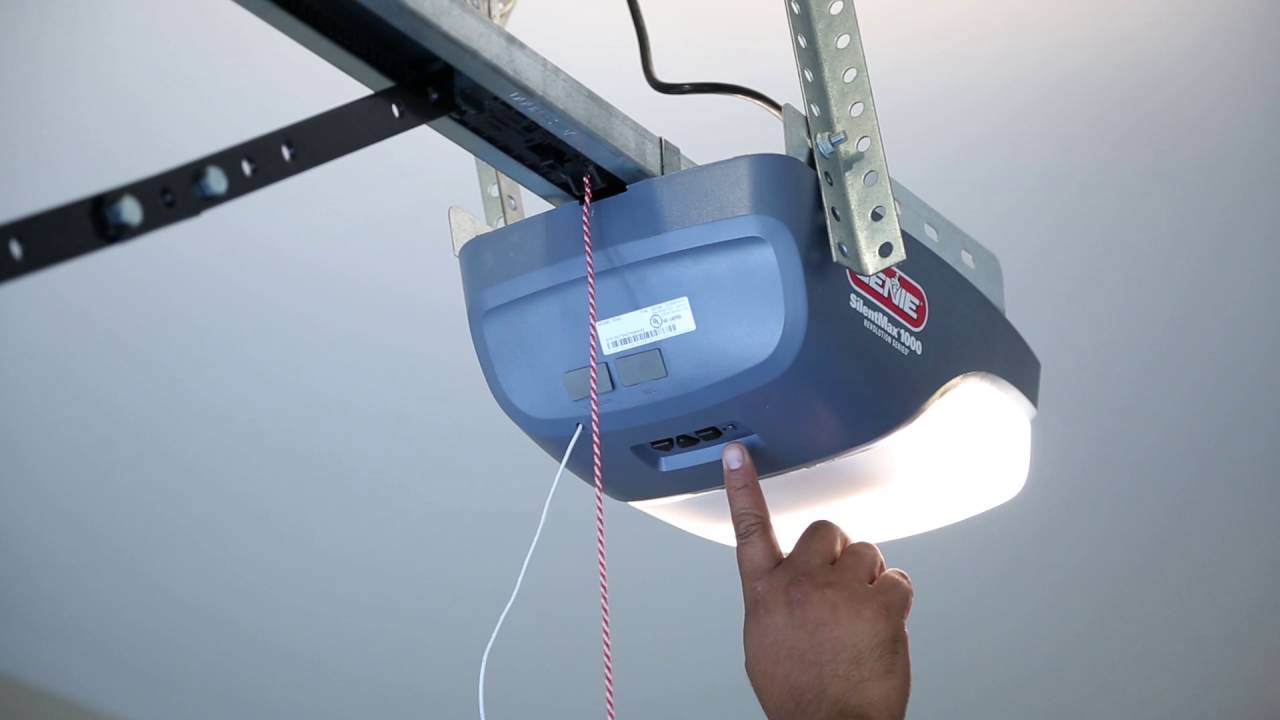
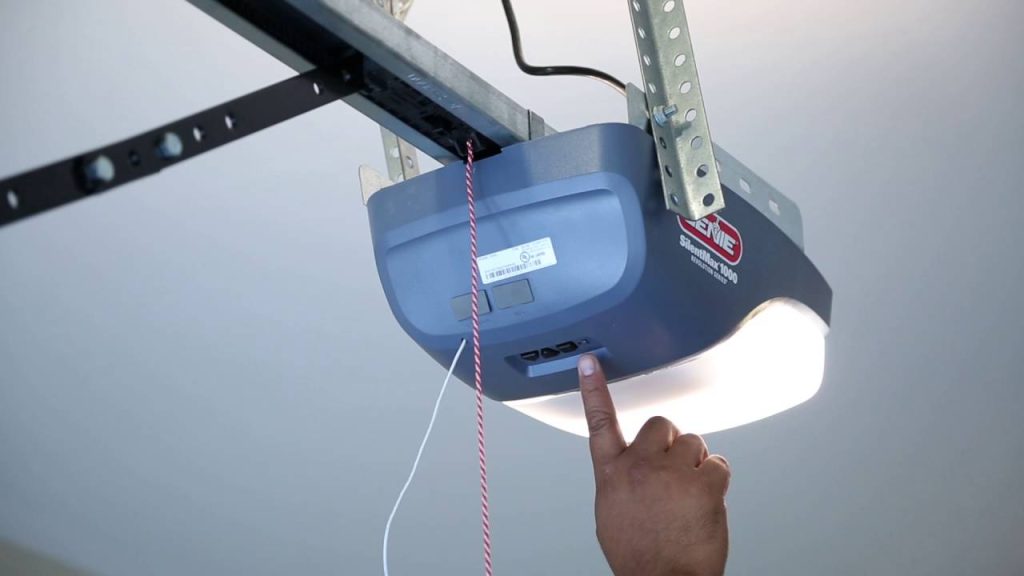
Step 1: Locate the Learn Button
Find the “Learn” or “Program” button on your Genie Pro Max motor unit. This button is typically:
- Located on the back or side of the motor housing
- Colored purple, red, or orange (varies by model)
- Near the antenna wire
Note: The exact location may vary depending on your specific Pro Max model.
Step 2: Clear Existing Codes (If Necessary)
If you’re reprogramming or had previous remotes:
- Press and hold the Learn button for 10 seconds
- Wait for the indicator light to turn off
- Release the button
- All previously programmed remotes will be erased
Warning: This step removes ALL existing remotes. Only do this if you want to start fresh.
Step 3: Program Your Remote Control
Follow these precise steps:
- Press the Learn button once – the indicator light should illuminate
- Within 30 seconds, press and hold the button on your remote that you want to program
- Hold for 3-5 seconds until the motor unit’s lights flash or you hear a click
- Release the remote button
- Test immediately by pressing the same button again
The garage door should respond to your command. If it doesn’t, repeat the process, ensuring you complete each step within the time limits.
Step 4: Program Additional Remotes
Repeat Step 3 for each additional remote control. The Genie Pro Max can typically store up to 7 different remote codes.
Step 5: Test All Functions
Verify that:
- The door opens and closes smoothly
- The safety sensors work properly
- All programmed remotes function correctly
- The wall control panel operates as expected
Common Programming Issues and Solutions
| Problem | Possible Cause | Solution |
|---|---|---|
| Remote won’t program | Weak batteries | Replace with fresh alkaline batteries |
| Light doesn’t flash | Wrong button pressed | Ensure you’re using the correct Learn button |
| Door doesn’t respond | Timing issue | Repeat process, ensuring 30-second window |
| Intermittent operation | Signal interference | Move away from other electronic devices |
Troubleshooting Tips
If the remote still doesn’t work after programming:
- Check the distance – Stand within 20 feet of the motor unit when testing
- Verify battery orientation – Ensure batteries are inserted correctly
- Look for interference – LED bulbs and Wi-Fi routers can sometimes interfere with signals
- Reset and retry – Clear all codes and start the programming process again
Programming Keyless Entry Pads
Many Genie Pro Max systems include wireless keyless entry pads. Here’s how to program them:
- Enter your desired 4-digit PIN on the keypad
- Press and hold the Enter/Program button on the motor unit
- Within 30 seconds, enter the same PIN on the keypad
- Press Enter again to confirm
- Test by entering your PIN and pressing Enter
Security Recommendation: Choose a PIN that isn’t easily guessable (avoid birthdays or sequential numbers like 1234).
Advanced Features and Smart Home Integration
Modern Genie Pro Max models offer smart home compatibility. To connect with apps like Aladdin Connect:
- Download the Genie Aladdin Connect app
- Create an account and follow the in-app instructions
- Ensure your garage has reliable Wi-Fi coverage
- Follow the pairing process outlined in the app
This allows you to:
- Open/close your garage door remotely
- Receive notifications when the door is operated
- Grant temporary access to visitors
- Monitor usage history
Maintenance Tips for Long-Term Performance
To ensure your programmed Genie Pro Max continues working reliably:
- Replace remote batteries annually
- Keep the motor unit clean and dust-free
- Test safety sensors monthly
- Lubricate moving parts every 6 months
- Update firmware if applicable (for smart models)
Regular maintenance prevents most programming-related issues and extends the life of your garage door opener.
FAQ Section
Q: How long does it take to program a Genie Pro Max garage door opener?
A: The basic programming process takes approximately 5-10 minutes per remote. If you’re programming multiple remotes or a keypad, allow 15-20 minutes total. The actual button-pressing steps only take seconds, but testing and troubleshooting may add time.
Q: Can I program a universal remote to work with my Genie Pro Max?
A: Yes, many universal remotes are compatible with Genie Pro Max systems. Look for remotes specifically labeled as compatible with Genie’s rolling code technology. Follow the universal remote’s programming instructions, which typically involve entering a specific code sequence.
Q: What should I do if I lose my remote after programming?
A: For security reasons, you should clear all codes and reprogram your remaining remotes. This prevents anyone who finds your lost remote from accessing your garage. Then program any new remotes you purchase.
Q: Why does my Genie Pro Max remote work intermittently?
A: Intermittent operation usually indicates:
- Weak batteries (most common cause)
- Signal interference from LED lights or other electronics
- Distance issues (try getting closer to the motor unit)
- Damaged remote (check for physical damage)
Start by replacing the batteries, as this solves most intermittent issues.
Q: Is it safe to program the garage door opener myself?
A: Yes, programming your Genie Pro Max is completely safe when you follow the manufacturer’s instructions. The process involves simple button presses and doesn’t require any electrical work. However, always use a stable ladder and exercise caution when accessing the motor unit.
Q: How many remotes can I program to one Genie Pro Max unit?
A: Most Genie Pro Max models can store up to 7 remote control codes. Some newer models with smart capabilities may support additional devices through their app integration. Check your specific model’s manual for exact capacity.
Conclusion
Learning how to program a Genie Pro Max garage door opener is straightforward when you follow the proper steps. By understanding your system, gathering the right tools, and following our detailed guide, you can have your garage door operational in minutes. Remember to test thoroughly, maintain your system regularly, and don’t hesitate to clear and reprogram if issues arise.
Your garage door opener is a critical security feature for your home, so taking the time to program it correctly pays dividends in convenience and peace of mind. Whether you’re setting up a new system or replacing lost remotes, this guide has you covered.
Did you find this guide helpful? Share it with friends and family who might be struggling with their garage door opener setup. Bookmark this page for future reference, and feel free to leave comments if you have additional questions or success stories to share!
Stay safe, stay secure, and enjoy the convenience of your properly programmed Genie Pro Max garage door opener!
Leave a Reply