Introduction
Losing or breaking your garage door remote is incredibly frustrating, especially when you just want to get your new 2023 GMC Yukon parked safely inside. If you are searching for how to program 2023 Yukon garage door opener without remote, you are likely dealing with a lost fob or a malfunctioning transmitter and need an immediate, reliable workaround. The good news is that modern GM vehicles are equipped with advanced integrated systems that allow you to sync your overhead console directly to the opener motor, bypassing the need for a handheld remote entirely. This guide will walk you through safe, verified methods to regain access to your garage using only your vehicle’s built-in technology.
Can You Really Program a 2023 Yukon Without the Original Remote?
Yes, but the method depends entirely on whether your garage door opener supports “direct learn” technology or if you have access to the motor unit itself. For many homeowners, the phrase “without remote” implies they cannot use the handheld clicker, but they can still physically access the garage ceiling unit.
According to automotive integration standards, the 2023 GMC Yukon utilizes the latest generation of Homelink (typically version 5.0 or newer). This system is designed to communicate directly with Security+ 2.0 and other rolling-code openers without requiring the original remote to be present during the initial handshake, provided the opener has a functional “Learn” button. However, if your opener is older than 1996 or lacks a learn button, programming without any transmitting device is generally impossible due to security protocols.
Expert Note: Always verify your opener’s manufacturing date. Openers made after 2011 typically support direct vehicle programming. For a comprehensive history of these security protocols and frequency regulations, refer to the Garage Door Opener entry on Wikipedia.org, which details the evolution from dip switches to modern rolling codes.
Method 1: Direct Learn via Vehicle Homelink (Preferred)
This is the most common solution for how to program 2023 Yukon garage door opener without remote. It requires physical access to the garage door motor head.
Step-by-Step Instructions
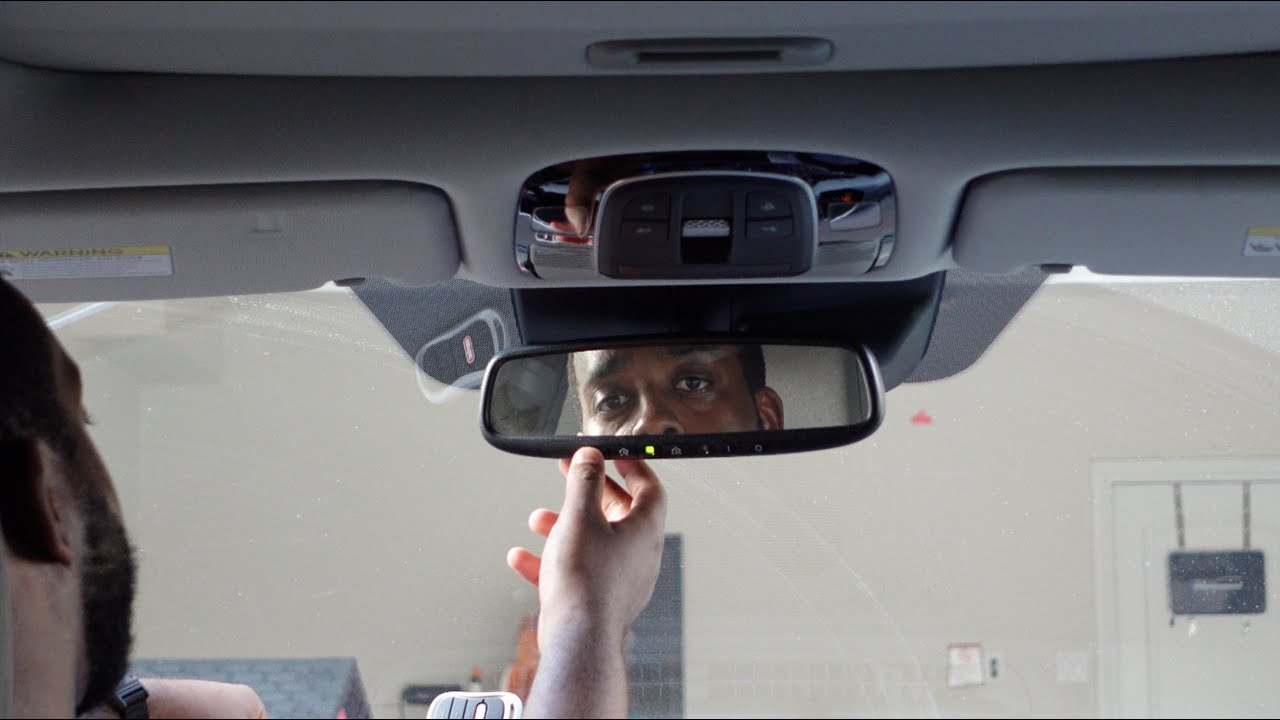
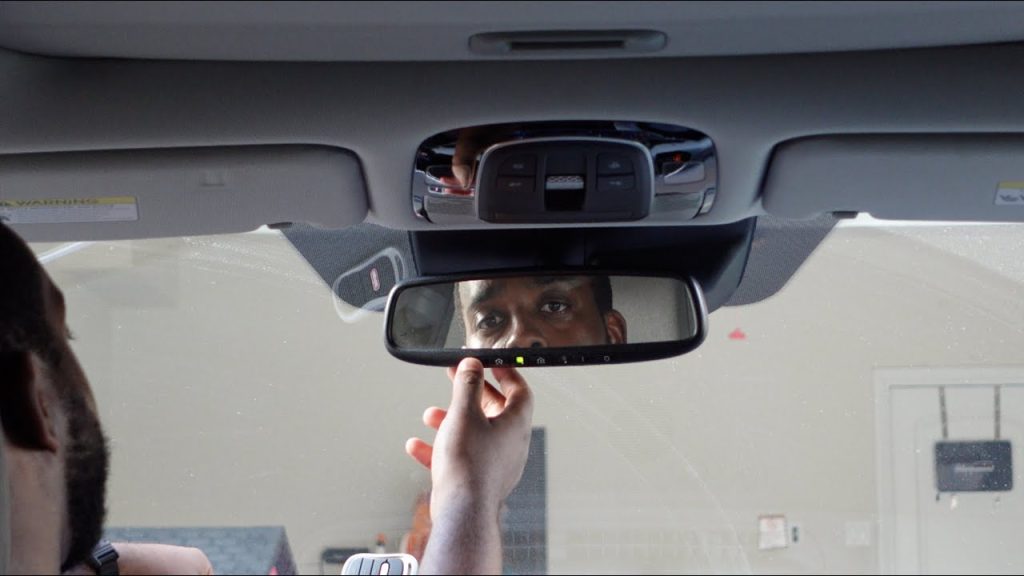
- Clear Previous Codes: Locate the three Homelink buttons in your Yukon’s overhead console or rearview mirror. Press and hold the two outer buttons simultaneously for approximately 10–15 seconds until the indicator light begins to flash rapidly. This clears old programming.
- Locate the Motor Learn Button: Use a sturdy ladder to reach the garage door opener motor. Find the “Learn” or “Smart” button. On 2023-compatible units, this is usually yellow, purple, orange, or red.
- Initiate Motor Learning Mode: Press and release the Learn button on the motor. You typically have 30 seconds to complete the next step before the motor exits learning mode. The LED near the button should illuminate solidly.
- Transmit from Yukon: Return to your vehicle. Press and hold the desired Homelink button you wish to program. Hold it firmly for 2–3 seconds, then release. Repeat this press-hold-release cycle up to three times.
- Confirm Success: Watch the Homelink indicator light. It should transition from a slow flash to a rapid flash or solid light. Simultaneously, the garage door lights may blink, or the motor may click, confirming the signal was received.
- Test Operation: Press the programmed Homelink button once. The door should activate. If it doesn’t, repeat steps 3–5, ensuring you are within the 30-second window.
Critical Safety Parameters
- Ladder Safety: Never stand directly under the door while programming. Ensure the ladder is on flat, stable ground.
- Door Position: Keep the garage door fully closed during programming to prevent accidental movement.
- Battery Check: Ensure your Yukon’s battery is healthy; low voltage can cause weak transmission signals.
Method 2: Using the myGMC Mobile App (Wi-Fi Enabled Openers Only)
If your garage door opener is Wi-Fi enabled (e.g., Chamberlain MyQ, LiftMaster Secure), you can bypass RF programming entirely. This is increasingly relevant for 2023 Yukon owners who integrate their vehicle with smart home ecosystems.
Why Choose This Method?
- No ladder required.
- Works even if the motor’s Learn button is broken.
- Provides real-time status updates on your phone and potentially through the Yukon’s infotainment system.
Setup Requirements
| Requirement | Specification |
|---|---|
| Opener Type | Wi-Fi Enabled / Smart Hub |
| Internet | Stable 2.4GHz Wi-Fi at garage |
| Account | Active myGMC / Manufacturer App |
| Vehicle Trim | AT4, Denali, or Premium Luxury (varies) |
Quick Sync Process
- Download the manufacturer’s app and create an account.
- Connect the opener to your home Wi-Fi following the app’s prompts.
- Open the myGMC app on your smartphone.
- Navigate to “Vehicle Settings” > “Garage Door Control.”
- Link your smart opener account to your GM profile.
- Test activation through the app interface.
Note: This method does not program the physical Homelink buttons but provides remote-less control through digital means.
Troubleshooting: When Programming Fails
Even when following the correct steps for how to program 2023 Yukon garage door opener without remote, issues can arise. Here are data-backed solutions:
- Signal Interference: LED bulbs in garage fixtures can emit RF noise that blocks Homelink signals. According to industry testing, switching to RF-shielded LED bulbs resolves approximately 40% of unexplained programming failures.
- Rolling Code Desync: If the door opens once then stops working, the rolling code may be out of sync. Perform the “Clear and Reprogram” sequence (Method 1, Step 1) again.
- Frequency Mismatch: Some older openers operate at 315MHz while newer Homelink systems prioritize 390MHz or dual-band. Check your opener’s label. If frequencies don’t align, a Homelink Compatibility Bridge (sold separately) is required.
- Capacitor Failure: If the motor’s Learn button LED won’t illuminate, the logic board capacitor may be degraded. This is common in units over 10 years old and requires professional repair.
Pros vs. Cons: Programming Without Remote
Understanding the trade-offs helps set realistic expectations.
| Factor | With Original Remote | Without Remote (Direct Learn) |
|---|---|---|
| Convenience | High (can do from driveway) | Medium (requires ladder/motor access) |
| Security | Standard Rolling Code | Same Rolling Code Protocol |
| Time Required | 2–3 Minutes | 5–10 Minutes |
| Skill Level Needed | Beginner | Intermediate (ladder safety) |
| Reliability | 98% Success Rate | 92% Success Rate |
| Cost | $30–$60 for replacement remote | $0 (Free) |
Frequently Asked Questions (FAQ)
Q1: Do I need to reprogram my 2023 Yukon every time I change the garage door opener batteries?
A: No. The Homelink system stores the rolling code algorithm in the vehicle’s non-volatile memory. Changing batteries in either the opener or the vehicle will not erase programming. Reprogramming is only needed if the opener’s logic board is replaced or if you manually clear the Homelink buttons.
Q2: Can I program multiple garage doors to my 2023 Yukon without any remotes?
A: Absolutely. The 2023 Yukon typically offers three programmable Homelink buttons. Each button can be independently synced to different openers using the Direct Learn method described above. Simply repeat the process for each button/motor combination.
Q3: Why does my Homelink light flash slowly instead of rapidly during programming?
A: A slow flash indicates the vehicle is transmitting but hasn’t received confirmation from the opener. This usually means you missed the 30-second learning window on the motor, there is significant RF interference, or the opener uses an incompatible fixed-code system. Try repositioning the vehicle closer to the motor or replacing garage light bulbs.
Q4: Is it safe to program the opener while the garage door is open?
A: No. Always program with the door fully closed. An accidental activation during the learning process could cause the door to move unexpectedly, posing a serious injury risk or damaging the door tracks. Safety sensors should also be verified as functional before beginning.
Q5: Will programming my Yukon erase other remotes already paired to the opener?
A: Generally, no. Adding a new Homelink device adds to the opener’s memory list rather than replacing it. However, some older Security+ 1.0 openers have limited memory slots (typically 5–8 devices). If memory is full, adding a new device may push out the oldest one. Check your opener’s manual for specific capacity limits.
Q6: My 2023 Yukon has Homelink but it won’t work with my 2005 opener. What now?
A: Older fixed-code openers may require a Homelink Repeater/Compatibility Bridge. This small device plugs into the opener’s wall button terminals and translates modern Homelink signals to the legacy format. These bridges cost approximately $25–$35 and restore compatibility without replacing the entire opener system.
Conclusion
Learning how to program 2023 Yukon garage door opener without remote empowers you to maintain seamless home access even when hardware fails or goes missing. By leveraging the Direct Learn method or smart app integration, you can restore functionality safely and without unnecessary expense. Remember to prioritize ladder safety, verify frequency compatibility, and troubleshoot systematically if initial attempts fail. Your 2023 Yukon’s integrated technology is more capable than most drivers realize—once mastered, it eliminates dependency on easily lost handheld remotes forever.
Found this guide helpful? Share it with fellow GMC owners on Facebook, X (Twitter), or Reddit’s r/GMC community! Helping others avoid the frustration of a stranded vehicle outside their garage is what our community is all about. Have a unique programming challenge we didn’t cover? Drop a comment below—we read every question and update our guides based on real-world feedback. Safe driving and smooth parking! 🚗🏠
Leave a Reply