Have you ever pulled into your driveway, pressed the button in your car, and watched your garage door stay stubbornly closed? It is a frustrating experience that many new vehicle owners face when trying to integrate their car with their home automation. If you are struggling to sync your systems, learning how to program 2020 Ford Escape garage door opener features is the key to restoring that seamless convenience.
The 2020 Ford Escape comes equipped with the HomeLink system, a versatile universal transmitter that can control up to three different devices, such as garage doors, gate operators, or even home lighting. However, the programming process can vary depending on whether your garage door opener uses a fixed code or a rolling code security system. This guide will walk you through every step, ensuring you can master your vehicle’s connectivity with confidence and ease.
Understanding the HomeLink System in Your 2020 Ford Escape
Before diving into the buttons and sequences, it is helpful to understand what you are working with. The HomeLink system in the 2020 Ford Escape is not just a simple remote; it is a sophisticated learning device designed to mimic the signal of your existing handheld garage door remote.
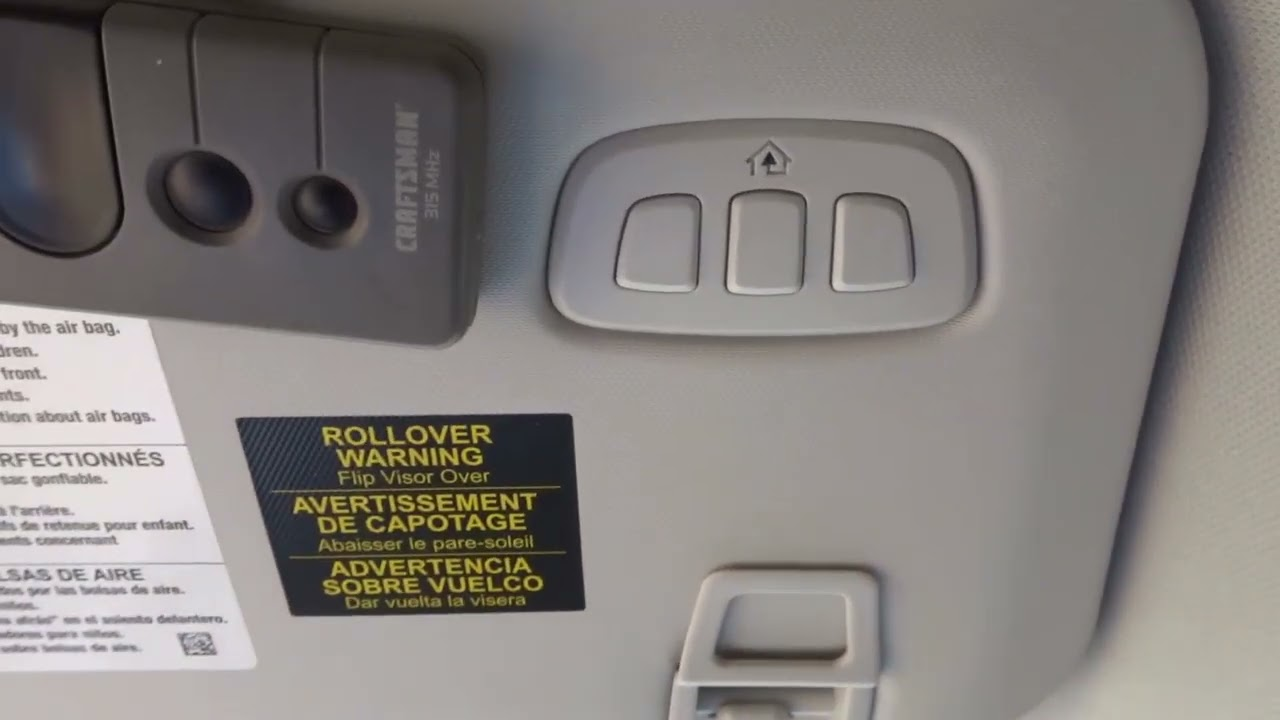
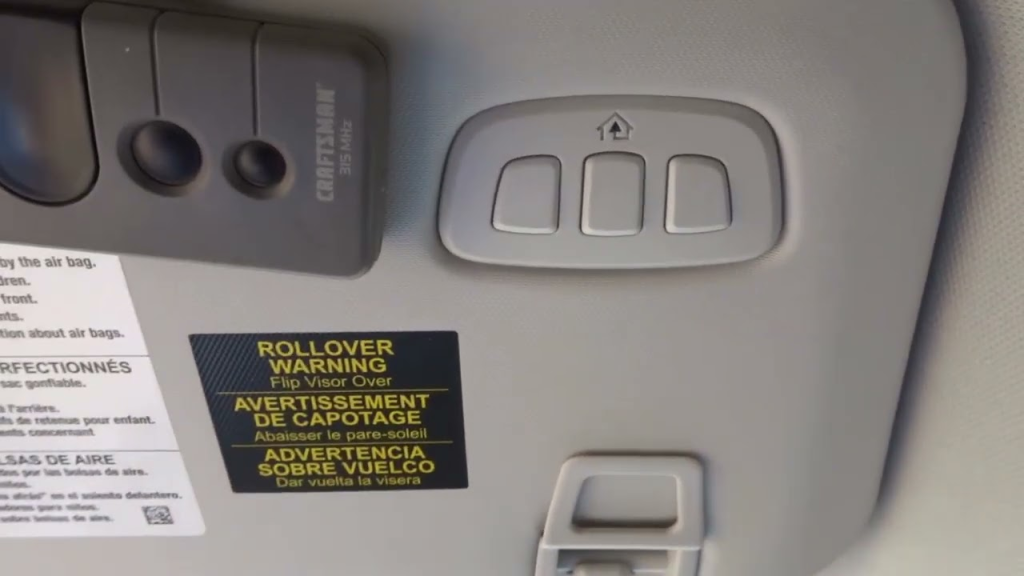
Located typically on the rearview mirror or the overhead console, the HomeLink buttons are backlit for visibility at night. According to HomeLink’s official technical documentation, this technology has become an industry standard because it eliminates the need to carry multiple remotes. By integrating this system into your Ford Escape, you enhance both security and convenience.
It is important to note that the 2020 model year may have slight variations in the infotainment screen prompts compared to older models. Always keep your vehicle’s owner’s manual handy, as it contains specific diagrams for your trim level (S, SE, SEL, or Titanium).
Preparation: What You Need Before Starting
Successful programming relies heavily on preparation. Rushing into the process without the right tools or environment often leads to failure and frustration. Here is a checklist to ensure you are ready:
- Your Original Handheld Remote: You must have the working remote control for your garage door opener. If you have lost it, you cannot program the HomeLink system using the standard method.
- A Stepladder: You will need to access the motor unit of your garage door opener, which is mounted on the ceiling. A sturdy stepladder is essential for safety.
- Clear Garage Space: Ensure there are no people, pets, or objects in the path of the garage door. Safety sensors must be unobstructed.
- Vehicle Positioning: Park your Ford Escape outside the garage, facing the door. Keep the engine running or the ignition in the “On” position to prevent the battery from draining during the process.
Identifying Your Garage Door Opener Type
Not all garage door openers are created equal. The programming method depends on the type of signal your opener uses:
- Fixed Code: Older openers use a static code that never changes. These are easier to program but less secure.
- Rolling Code: Most modern openers (manufactured after 1995) use rolling codes. The code changes every time you press the button, providing enhanced security. The 2020 Ford Escape is optimized for rolling code systems, but the setup requires an extra step involving the “Learn” button on the motor unit.
If you are unsure which type you have, check the brand and model number on your garage door motor. Major brands like Chamberlain, LiftMaster, Genie, and Craftsman mostly use rolling codes.
Step-by-Step Guide: How to Program 2020 Ford Escape Garage Door Opener
Follow these instructions carefully. Patience is vital, as timing plays a crucial role in the synchronization process.
Step 1: Clear Existing HomeLink Memory
If you have previously programmed a button, or if you bought the car used, you should clear the memory first. This ensures a clean slate.
- Press and hold the two outer HomeLink buttons simultaneously.
- Keep holding them for about 20 seconds.
- Watch the indicator light. It will flash slowly at first, then rapidly.
- Once the light flashes rapidly, release the buttons. The memory is now cleared.
Step 2: Initiate the Training Mode
Now, you will teach the Ford Escape to recognize your handheld remote.
- Hold your original handheld remote 1 to 3 inches away from the HomeLink buttons on your rearview mirror.
- Choose the HomeLink button you wish to program (e.g., Button 1).
- Press and hold the chosen HomeLink button and the button on your handheld remote simultaneously.
- Do not release either button yet. Watch the HomeLink indicator light.
- The light will change from a slow blink to a rapid flash. This indicates that the frequency has been learned.
- Once the rapid flashing begins, release both buttons.
Note: For some rolling code openers, the light may continue to flash slowly even after successful frequency training. This is normal.
Step 3: Program the Rolling Code (If Applicable)
If your garage door opener uses a rolling code (which is likely for a 2020 vehicle setup), you must complete the handshake with the motor unit.
- Locate the “Learn” or “Smart” button on your garage door opener motor unit. It is usually colored yellow, purple, or red.
- Climb your stepladder and press the “Learn” button firmly. The indicator light on the motor unit will turn on or blink.
- You have approximately 30 seconds to complete the next step.
- Return to your Ford Escape.
- Press and hold the programmed HomeLink button for two seconds, then release it.
- Repeat this press-and-release cycle three times.
- Observe the garage door. It should move up or down, indicating successful programming.
If the door does not move, repeat Step 3. Ensure you are pressing the “Learn” button on the motor unit before returning to the car.
Troubleshooting Common Programming Issues
Even with careful following of instructions, things can go wrong. Here are common issues and how to fix them.
| Issue | Possible Cause | Solution |
|---|---|---|
| Light does not flash rapidly | Remote battery is weak | Replace the battery in your handheld remote. |
| Door moves slightly then stops | Safety sensors obstructed | Check the eyes near the floor of the garage track. Clean them. |
| Programming fails repeatedly | Interference from LED lights | Turn off nearby LED bulbs during programming; they can cause signal noise. |
| HomeLink button feels unresponsive | Vehicle ignition off | Ensure the car is in “Accessory” or “On” mode. |
Dealing with Compatibility Issues
Some older garage door openers may not be compatible with the newer HomeLink frequencies. If you have an opener manufactured before 1995, you might need a compatibility bridge or repeater kit. These devices act as a translator between your car and the older motor unit. You can purchase these kits from major hardware retailers or online automotive stores.
Additionally, if you live in an area with high radio frequency interference, try programming the system at different times of the day. Early morning or late night often has less signal congestion.
Maximizing Your HomeLink Experience
Once you have successfully learned how to program 2020 Ford Escape garage door opener functions, you can explore additional features. The HomeLink system allows you to program up to three devices. This means you can control your garage door, a second gate, and perhaps your home’s exterior lights all from your dashboard.
To maintain optimal performance:
- Regular Testing: Test the buttons once a month to ensure the connection remains strong.
- Battery Health: Keep your vehicle’s battery healthy. A weak car battery can sometimes affect the power output of the HomeLink transmitter.
- Remote Maintenance: Keep your original handheld remote in good condition. You may need it again if you ever reset the system.
FAQ Section
1. Can I program my 2020 Ford Escape HomeLink without the original remote?
Generally, no. The standard programming method requires the original handheld remote to transmit the signal to the car. However, if you have a keypad entry system installed on your garage, some models allow you to program HomeLink directly using the keypad PIN, though this is less common and more complex.
2. Why does my garage door close immediately after opening via HomeLink?
This is usually a safety sensor issue. The sensors near the bottom of the garage door tracks detect an obstruction or are misaligned. Check that the lenses are clean and that nothing is blocking the beam. If the sensors are aligned correctly, the force settings on the motor unit may need adjustment.
3. How do I know if my garage door opener uses a rolling code?
Look at the motor unit hanging from your garage ceiling. If it has a “Learn” button (usually colored yellow, purple, or red) and was manufactured after 1995, it almost certainly uses a rolling code. Fixed code openers typically have dip switches inside the casing instead of a learn button.
4. Can HomeLink control smart garage door openers like MyQ?
Yes, but the setup differs. For smart openers connected to Wi-Fi (like Chamberlain MyQ or LiftMaster Smart), you often need to use the manufacturer’s app to enable “virtual remote” integration. In some cases, you still program the HomeLink button as a standard remote, but you may need to disable certain smart features temporarily during the initial sync.
5. Is it safe to leave my car running while programming HomeLink?
It is safer to keep the ignition in the “On” or “Accessory” position rather than fully starting the engine, especially if you are inside a closed garage. However, since you should be parking outside the garage during programming, having the engine running is acceptable to ensure consistent electrical power to the HomeLink module. Always ensure proper ventilation if the engine is running.
Conclusion
Mastering how to program 2020 Ford Escape garage door opener settings transforms your daily commute from a chore into a seamless experience. By understanding the difference between fixed and rolling codes, preparing your tools, and following the step-by-step synchronization process, you can enjoy the luxury of hands-free entry.
Remember, patience is key. If the first attempt doesn’t work, double-check your remote’s battery and ensure you are pressing the “Learn” button on the motor unit within the 30-second window. With your HomeLink system fully operational, you can appreciate the modern engineering that keeps your home and vehicle connected.
Did this guide help you get your garage door working? Share this article with fellow Ford owners on social media who might be struggling with their HomeLink setup!
Leave a Reply