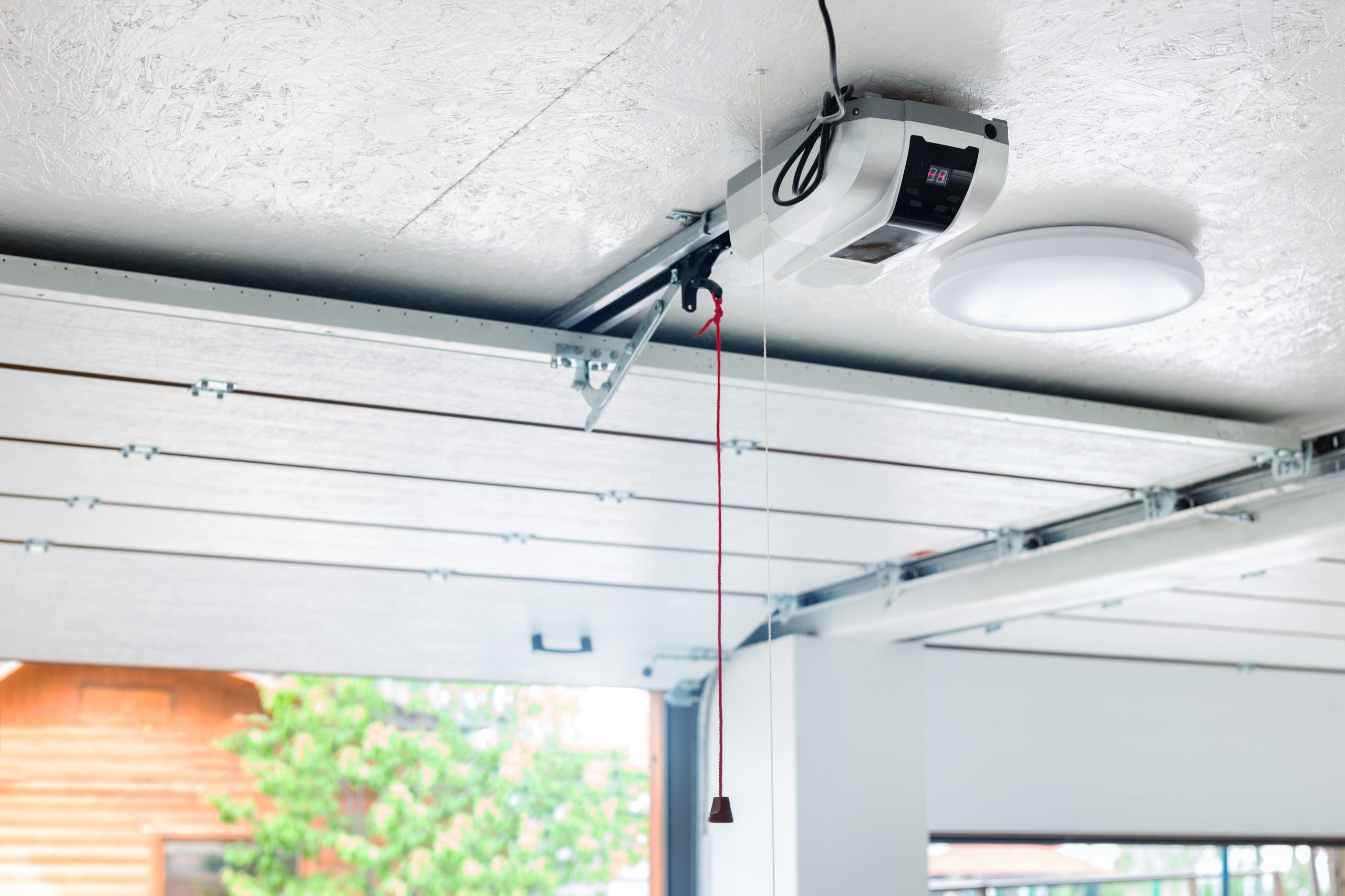
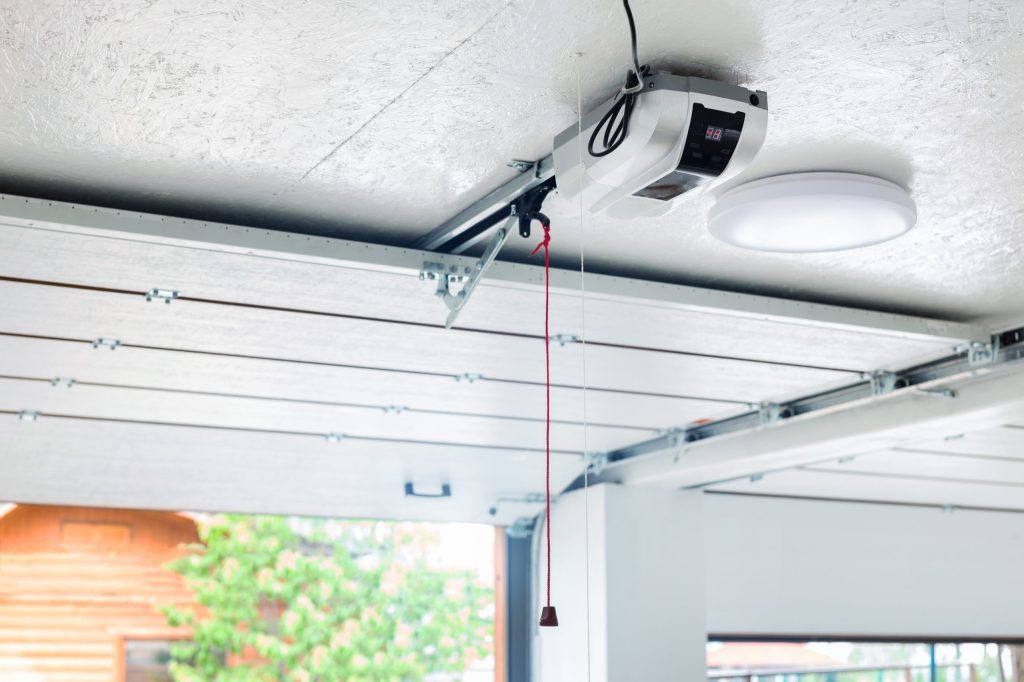
Is your garage refusing to open while the motor unit blinks at you relentlessly? Dealing with a Craftsman garage door opener troubleshooting flashing light 10 times issue can be frustrating, especially when you are in a hurry to leave for work or return home late at night. This specific blinking pattern is not a random glitch; it is a deliberate diagnostic code telling you exactly what is wrong with your system’s safety sensors.
Understanding this signal is the first step toward regaining control of your garage. In this guide, we will break down why this happens, how to fix it yourself without calling a technician, and when you might need professional help. Let’s get your door moving again.
Why Is My Craftsman Garage Door Opener Flashing 10 Times?
When you see the LED light on your Craftsman garage door opener flash ten times, it is communicating a specific failure in the safety reversal system. According to manufacturer guidelines, this error code almost always indicates that the photo-eye sensors are misaligned, blocked, or disconnected.
The safety sensors are designed to prevent the door from closing if an object, person, or pet is in the way. If the beam between the two sensors is interrupted, the opener assumes there is an obstruction and refuses to close the door to prevent injury. The ten flashes are the motor’s way of saying, “I cannot verify that the path is clear.”
This feature is mandated by federal safety standards in the United States. Since 1993, all residential garage door openers must have an external entrapment protection device. You can read more about these safety regulations on Wikipedia’s page regarding Garage Door Openers to understand the legal and safety context behind this technology.
Common Causes for the 10-Flash Error
- Misalignment: The most common cause. Even a slight shift in the sensor bracket can break the beam.
- Obstructions: Dirt, spider webs, leaves, or snow blocking the lens.
- Sunlight Interference: Direct sunlight hitting the receiver sensor can overwhelm the infrared signal.
- Wiring Issues: Frayed wires or loose connections at the back of the motor head or at the sensors themselves.
- Power Surges: A recent storm or power outage may have reset the logic board, requiring a realignment.
Step-by-Step Guide to Fixing the Flashing Light
Fixing this issue does not require advanced technical skills. Most homeowners can resolve it in under 15 minutes with basic tools. Follow these steps carefully to ensure your safety and the proper functioning of your door.
Step 1: Inspect the Sensor Lights
First, locate the two small sensors near the bottom of your garage door tracks, about six inches off the floor. One sensor sends the beam (usually has an amber or yellow light), and the other receives it (usually has a green light).
- Check the Receiving Sensor: Look at the sensor with the green LED. If it is off or flickering, the beam is broken.
- Check the Sending Sensor: Ensure the amber light is solid. If it is off, check the power source.
If the green light is solid, the sensors are aligned, and the issue may lie elsewhere (such as wiring). If the green light is off or blinking, proceed to Step 2.
Step 2: Clean the Sensor Lenses
Dirt and debris are silent killers of garage door efficiency. Use a soft, dry cloth to gently wipe the lenses of both sensors. Avoid using chemical cleaners, which can leave a residue that scatters the infrared beam.
Pro Tip: Check for spider webs. Spiders are attracted to the warmth of the sensor LEDs and often build webs directly across the lens, blocking the signal.
Step 3: Realign the Sensors
If cleaning doesn’t work, the brackets have likely shifted. This can happen due to vibration from the door opening or accidental bumps from cars or bicycles.
- Loosen the wing nuts or bolts on the sensor brackets just enough so they can move.
- Adjust the receiving sensor (green light) until the LED turns solid green.
- Tighten the bolts carefully while holding the sensor in place.
- Test the door. If the light stays solid, you have fixed the alignment.
Step 4: Check for Sunlight Interference
If the problem only occurs at certain times of day, sunlight might be the culprit. Direct sunlight can blind the infrared receiver.
- Solution: Create a shade using a piece of cardboard or purchase a sunshade kit specifically designed for garage door sensors.
- Temporary Fix: Wait until the sun moves and try closing the door again to confirm this is the issue.
Step 5: Inspect the Wiring
If the lights are solid but the door still flashes 10 times, check the wires running from the sensors to the motor head.
- Look for cuts, chew marks (from rodents), or staples that may have pierced the insulation.
- Ensure the wires are securely connected to the back of the motor unit. Refer to your manual for the correct terminal positions (usually labeled “Sensor” or with icons).
Troubleshooting Table: Quick Diagnosis
Use this table to quickly identify your specific situation based on the sensor LED status.
| Sensor Status | Likely Cause | Recommended Action |
|---|---|---|
| Green Light Off | Beam Blocked/Misaligned | Clean lenses and realign brackets. |
| Green Light Flickering | Loose Wire/Weak Signal | Check wire connections and tighten brackets. |
| Both Lights Off | No Power | Check outlet and circuit breaker. |
| Green Light Solid | Wiring/Motor Issue | Inspect wires to motor head; reset opener. |
| Flashing During Day Only | Sunlight Interference | Install sunshades or adjust angle. |
When to Call a Professional
While most 10-flash errors are simple fixes, some situations require expert attention. You should contact a certified garage door technician if:
- The wiring is damaged inside the wall: If you suspect wires are broken behind drywall, do not attempt to fish them out yourself.
- The motor unit is faulty: If sensors are perfect but the error persists, the logic board may need replacement.
- You feel unsafe: Garage doors are heavy and under high tension. If you are unsure about any step, prioritize safety.
According to industry statistics, nearly 80% of garage door service calls are related to sensor alignment or minor electrical issues, which are often DIY-friendly. However, attempting to repair spring tension or major mechanical failures without training can lead to severe injury.
FAQ: Common Questions About Craftsman Error Codes
1. Can I bypass the sensors to close the door?
Yes, but it is not recommended for regular use. You can hold down the wall button to force the door closed, but this disables the safety feature. Only do this in emergencies and ensure no one is in the doorway. Always fix the sensors as soon as possible.
2. Why did my sensors stop working after a power outage?
Power surges can sometimes reset the internal memory of the opener or cause sensors to drift slightly. Try unplugging the opener for 30 seconds and plugging it back in. If the light still flashes 10 times, realign the sensors.
3. Do I need to replace both sensors if one is broken?
It is best to replace them as a pair. Sensors are calibrated to work together, and mixing old and new units can lead to compatibility issues or inconsistent performance.
4. What does it mean if the light flashes 5 times instead of 10?
A 5-flash error typically indicates a different issue, such as a problem with the RPM sensor or the motor itself. Always refer to your specific model’s manual, as error codes can vary between Craftsman series (e.g., 1/2 HP vs. 3/4 HP models).
5. How often should I clean my garage door sensors?
We recommend cleaning the lenses once every three months. Regular maintenance prevents dirt buildup and ensures reliable operation year-round.
6. Will rain or humidity cause the 10-flash error?
High humidity alone usually does not cause this error. However, if water gets into the sensor housing due to poor sealing, it can short the circuit. Ensure your sensors are weather-resistant and properly sealed.
Conclusion
Dealing with a Craftsman garage door opener troubleshooting flashing light 10 times scenario is a common hurdle for many homeowners, but it is rarely a catastrophic failure. In most cases, a simple cleanup or realignment of your safety sensors will resolve the issue immediately. By understanding what the error code means and following the systematic steps outlined above, you can save time and money on unnecessary service calls.
Remember, your garage door sensors are critical safety devices. Never ignore a flashing light or bypass the system permanently. Keep your lenses clean, your brackets tight, and your wiring intact.
Did this guide help you get your garage door working again? Share this article with friends or family who might be struggling with their own garage door quirks. Stay safe, and keep your home secure!
Leave a Reply