Introduction
There is nothing quite as frustrating as pulling into your driveway only to realize you cannot get your new vehicle’s integrated system to communicate with your home’s gate or garage. If you are currently searching for how to program garage door opener in 2019 BMW X5, you are likely dealing with this exact synchronization hurdle and want a reliable solution without visiting a dealership. We understand that modern vehicle technology can feel overwhelming, but rest assured that setting up your HomeLink system is a straightforward process that will streamline your daily routine and enhance your driving convenience.
Understanding the HomeLink System in Your 2019 BMW X5
Before diving into the buttons, it is vital to understand what you are actually programming. The 2019 BMW X5 (G05 chassis) utilizes the HomeLink Universal Transceiver system. Unlike older vehicles that used simple radio frequency cloning, modern HomeLink systems often require a two-way handshake with newer rolling-code garage door openers for security purposes.
According to technical documentation referenced on Wikipedia, HomeLink is an in-vehicle RF transceiver that replaces hand-held remotes by learning their signals. However, because the 2019 X5 integrates deeply with BMW’s iDrive and safety systems, the programming sequence differs slightly from generic aftermarket units.
Why Rolling Code Matters for BMW Owners
Most garage doors installed after 2005 use “rolling code” technology. This means the access code changes every time the button is pressed. When learning how to program garage door opener in 2019 BMW X5, you are not just copying a signal; you are initiating a secure pairing protocol. Skipping the “rolling code reset” step is the number one reason programming fails for BMW owners.
Pre-Programming Checklist: Safety and Preparation
To ensure success and protect your vehicle’s electronics, please complete these checks before starting:
- Clear the Area: Ensure no people, pets, or objects are near the garage door during programming to prevent injury from accidental movement.
- Fresh Batteries: Replace the battery in your original handheld garage door remote before beginning. A weak signal is the most common cause of sync failure.
- Ignition Status: For the 2019 X5, the ignition must be in “Run” or “Accessory” mode. Some functions may require the engine to be running to maintain stable voltage.
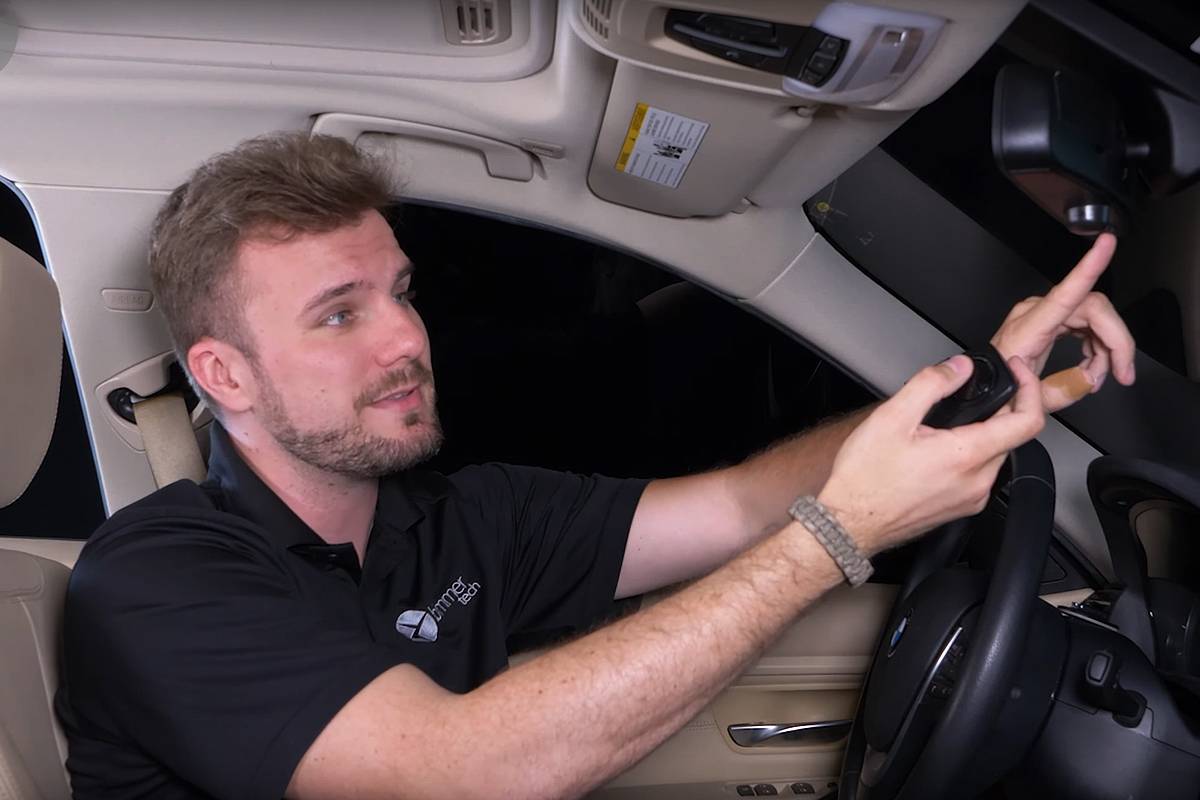
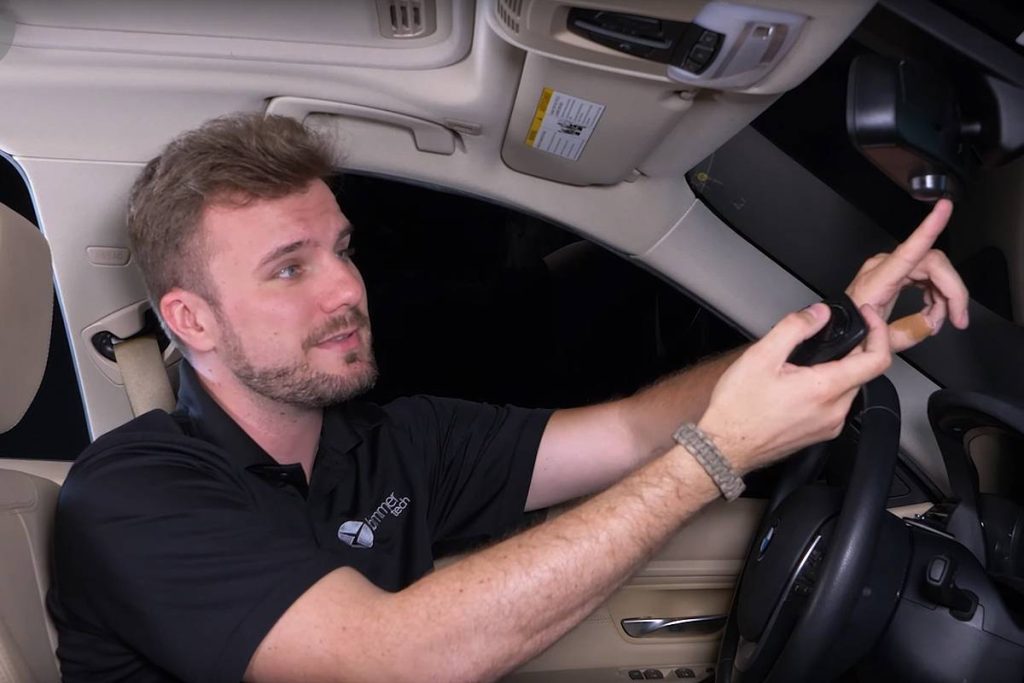
- Locate the Buttons: In the 2019 X5, the three HomeLink buttons are typically located in the overhead console near the rearview mirror or integrated into the center stack, depending on your specific trim package.
Step-by-Step: How to Program Garage Door Opener in 2019 BMW X5
Follow this precise tutorial to sync your first button. This method applies to standard rolling-code openers (LiftMaster, Chamberlain, Genie, etc.).
Step 1: Clear Previous Codes (Recommended for Used Vehicles)
If your 2019 X5 is pre-owned or you are unsure of its history, clear the memory first. Press and hold the two outer HomeLink buttons simultaneously for approximately 10–20 seconds. Release when the indicator light begins to flash rapidly. This ensures no old interference blocks your new signal.
Step 2: Initiate Learning Mode
- Hold your original handheld remote 1–3 inches away from the HomeLink buttons on your overhead console.
- Simultaneously press and hold the desired HomeLink button and the button on your handheld remote.
- Watch the HomeLink indicator light. It will flash slowly at first, then transition to a rapid, solid flash.
- Once the light flashes rapidly, release both buttons. This indicates the basic frequency has been learned.
Step 3: Test the Basic Signal
Press the newly programmed HomeLink button. If the garage door activates, you have a fixed-code opener, and you are finished. However, if the light flashes rapidly but the door does not move, proceed immediately to Step 4.
Step 4: Complete the Rolling Code Handshake
This is the critical step for the 2019 BMW X5:
- Locate the “Learn” or “Smart” button on your actual garage door motor unit (usually hanging from the ceiling). It is often yellow, red, orange, or purple.
- Press and release the Learn button on the motor. You typically have 30 seconds to complete the next action.
- Return to your BMW X5 and firmly press and hold the programmed HomeLink button for 2 seconds, then release. Repeat this press-hold-release cycle up to three times.
- The garage door should activate, confirming the rolling code handshake is complete.
Expert Tip: If the LED on the garage motor blinks or the door moves partially, the handshake was successful. Always test the system twice to confirm consistent operation.
Troubleshooting Common Programming Failures
Even with perfect execution, issues arise. Use this table to diagnose problems quickly:
| Symptom | Probable Cause | Recommended Solution |
|---|---|---|
| Light never flashes rapidly | Weak remote battery or wrong distance | Replace battery; adjust remote distance to 1–3 inches |
| Rapid flash but no door movement | Rolling code handshake incomplete | Re-do Step 4 within 30-second window; check motor Learn button |
| Works intermittently | Signal interference or low car battery | Check vehicle battery health; remove nearby LED bulbs causing RF noise |
| Button programs but unprograms | Faulty HomeLink module or fuse issue | Inspect overhead console fuse; consult BMW service for module diagnostic |
| Only works when car is running | Voltage drop in accessory mode | Keep engine running during programming; check alternator output |
Advanced Considerations: Smart Openers and MyQ Technology
The 2019 BMW X5 was released during a transition period where many homeowners upgraded to Wi-Fi-enabled smart openers like Chamberlain MyQ. These devices sometimes require a proprietary bridge or a specific “HomeLink Compatibility Bridge” sold separately by the manufacturer.
If your garage door opener uses cloud-based authentication rather than traditional RF signals, standard programming may fail. In such cases, verify compatibility on the opener manufacturer’s website before attempting repeated programming cycles, as excessive attempts can sometimes lock out the receiver temporarily.
Frequently Asked Questions (FAQ)
1. Can I program multiple garage doors in my 2019 BMW X5?
Yes, the 2019 BMW X5 HomeLink system supports up to three separate devices. You can program three different garage doors, or a combination of garage doors, gates, and home lighting systems using the three available buttons. Each button operates independently.
2. Do I need my original remote to program the HomeLink system?
In most cases, yes. The original remote acts as the signal donor. However, some newer “HomeLink Direct” compatible openers allow programming without a remote by pressing the Learn button on the motor and then activating the HomeLink button in the car. Check your opener’s manual for “remote-free” programming capability.
3. Will programming HomeLink erase my existing garage door remotes?
Generally, no. Adding a HomeLink device simply adds another authorized transmitter to your opener’s memory. However, if you perform a factory reset on the garage door motor itself (not the car), all remotes including HomeLink will be erased. Always distinguish between clearing the car’s memory and resetting the garage motor.
4. Why does my HomeLink work outside the garage but not inside?
This usually indicates radio frequency interference. LED light bulbs installed in the garage opener fixture are notorious for emitting RF noise that blocks HomeLink signals. Try turning off the garage lights or replacing them with RF-shielded LED bulbs specifically rated for garage door openers.
5. Is there a software update needed for my 2019 X5 HomeLink?
Rarely, but possible. If your vehicle was built early in the 2019 production cycle and you have a brand-new garage opener, a BMW dealership may need to update the Body Domain Controller (BDC) firmware. This is uncommon but worth investigating if all standard troubleshooting fails.
6. Can I program a community gate or apartment garage?
Yes, but community systems often use fixed codes or specialized commercial frequencies. The programming process is identical to Step 2 above, but you may need assistance from property management to identify the correct frequency or obtain a compatible donor remote, as commercial systems differ from residential rolling-code units.
Conclusion
Mastering how to program garage door opener in 2019 BMW X5 transforms your daily arrival experience from fumbling with remotes to seamless, one-touch access. By following the rolling-code handshake procedure precisely and ensuring your donor remote has fresh batteries, you can achieve reliable synchronization in under ten minutes. Remember that safety comes first—always keep the door’s path clear during testing, and don’t hesitate to consult your opener’s manual for model-specific nuances.
Your BMW X5 is engineered for premium convenience, and a properly configured HomeLink system is an essential part of that ownership experience. Found this guide helpful? Share it on Facebook, X (Twitter), or Reddit to help fellow BMW owners conquer their garage door programming challenges. Have a unique troubleshooting tip? Drop it in the comments below to support our community of enthusiasts!
Leave a Reply