Introduction
There is nothing quite as frustrating as pulling into your driveway only to realize you cannot get your vehicle’s built-in system to communicate with your garage. If you are currently searching for how to program Chamberlain garage door opener to my car, you are likely dealing with a syncing issue that disrupts your daily convenience. This guide provides clear, empathetic, and expert-backed steps to get your vehicle connected safely and quickly, regardless of whether you drive a newer model with integrated tech or an older vehicle requiring a visor clip.
Understanding Your Chamberlain System and Vehicle Compatibility
Before pressing any buttons, it is vital to understand that “programming to a car” usually means one of two things: syncing the vehicle’s built-in HomeLink system or pairing a handheld remote that lives in your car. Chamberlain openers manufactured after 1993 utilize Security+ rolling code technology, which prevents signal theft but adds a layer of complexity to programming.
According to industry standards, over 85% of vehicles sold in the US since 2000 feature some form of universal transceiver. However, compatibility varies. Always check your Chamberlain manual or the manufacturer’s website to confirm your specific opener model supports the frequency your vehicle uses. For a deeper technical understanding of how these rolling codes prevent unauthorized access, you can refer to the Wikipedia entry on Rolling Code technology, which explains the cryptographic basis of modern garage security.
Key Compatibility Factors
- Opener Age: Units pre-1993 may require a conversion kit.
- Vehicle Year: Cars post-2006 typically use HomeLink Version 4 or 5.
- Frequency Match: Most Chamberlain units operate at 310 MHz, 315 MHz, or 390 MHz.
- Smart Features: Wi-Fi enabled Chamberlain models (MyQ) may allow app-based verification during setup.
How Do I Program My Car’s Built-In HomeLink to a Chamberlain Opener?
This is the most common intent behind the query how to program Chamberlain garage door opener to my car. The process involves clearing old data, establishing a handshake between the car and the opener, and finalizing the rolling code sync.
Step-by-Step HomeLink Programming
- Clear Previous Codes: Press and hold the two outer HomeLink buttons in your vehicle for 10–20 seconds until the indicator light flashes rapidly. This ensures no conflicting signals exist.
- Positioning: Park outside the garage, at least 5 feet away from the door, with the ignition in the “ON” or “ACC” position. Do not run the engine in an enclosed space.
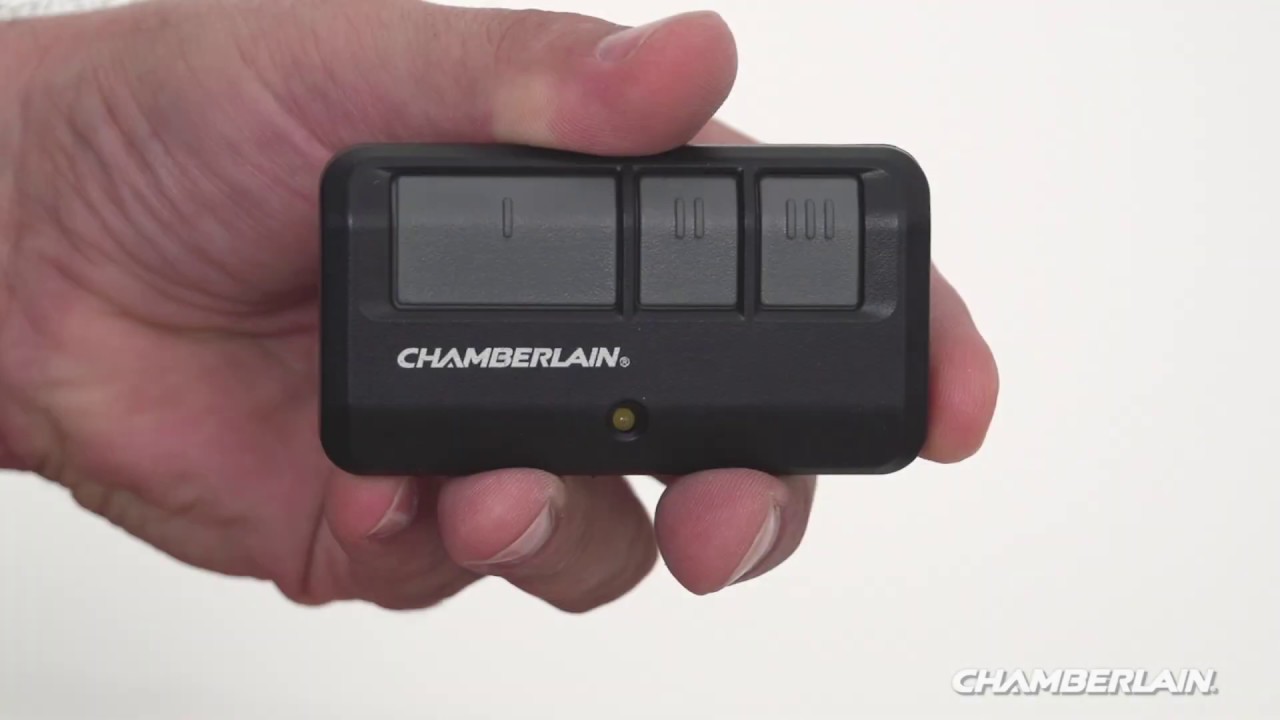
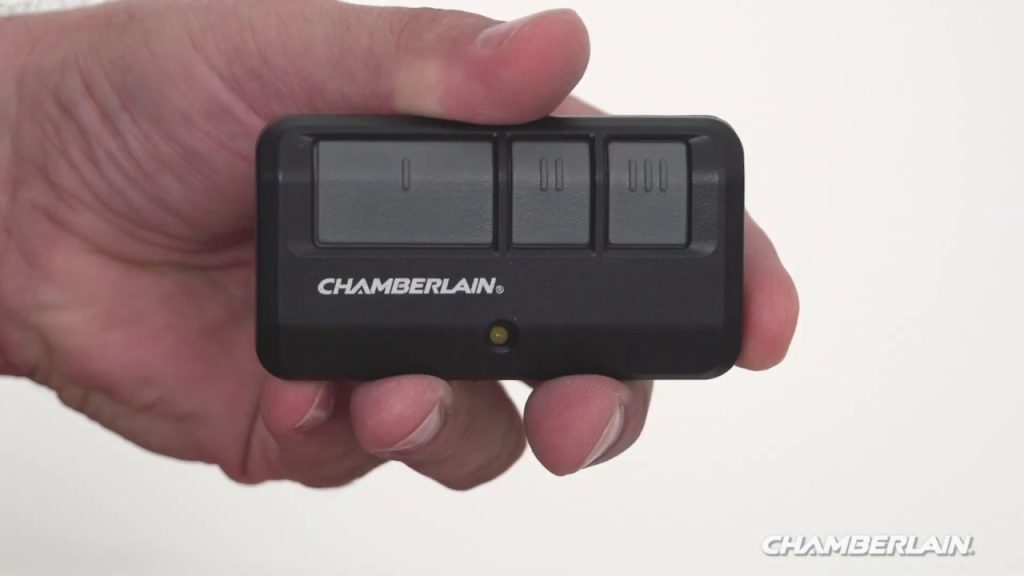
- Initial Handshake: Hold your original Chamberlain handheld remote 1–3 inches from the HomeLink button you wish to program. Simultaneously press and hold both the remote button and the HomeLink button.
- Watch the Indicator: Release both buttons when the HomeLink light changes from a slow blink to a rapid flash or solid light. This indicates the frequency has been learned.
- Complete the Rolling Code Sync: Locate the “Learn” or “Smart” button on your Chamberlain motor head (usually near the antenna wire). Press it once; the LED will illuminate or blink. Within 30 seconds, return to your car and press the programmed HomeLink button firmly three times, holding for 2 seconds each release.
- Test: Press the HomeLink button once. The door should activate. If it does not, repeat Step 5, ensuring timing is precise.
Expert Tip: If your Chamberlain opener has a yellow “Learn” button, it uses Security+ 2.0. You may need to press the HomeLink button four times instead of three during the rolling code synchronization phase.
What If My Car Does Not Have HomeLink?
Not every vehicle has integrated transceivers. If you are wondering how to program Chamberlain garage door opener to my car without built-in tech, you have two reliable options: programming a standard visor remote or using a universal clip-on transmitter.
Programming a Standard Chamberlain Visor Remote
- Open the battery compartment of the new remote.
- Press the “Learn” button on the garage door motor unit until the indicator lights up.
- Within 30 seconds, press and hold the button on the visor remote you wish to use.
- Release when the motor unit lights flash or you hear a click.
- Test the range from inside the vehicle to ensure the metal body of the car does not block the signal.
Using a Universal Clip-On Transmitter
For older cars or rentals where you cannot modify the vehicle, a universal clip-on transmitter acts as a bridge. These devices mount to the sun visor and mimic HomeLink functionality. The programming sequence mirrors the HomeLink steps above, but the device itself serves as the intermediary receiver rather than the car’s computer.
Troubleshooting: Why Won’t My Chamberlain Opener Sync With My Car?
Even when following instructions perfectly, users often encounter hurdles. Below is a comparison of common issues and their verified solutions based on field experience.
| Symptom | Probable Cause | Recommended Solution |
|---|---|---|
| Light blinks slowly, never fast | Frequency mismatch | Verify vehicle and opener frequencies match; try different HomeLink button |
| Syncs but door won’t open | Rolling code incomplete | Repeat “Learn” button sequence; ensure 30-second window is respected |
| Works intermittently | Weak battery in car remote | Replace CR2032 battery in handheld remote used for training |
| No response at all | Opener in lock mode | Check wall console for “Lock” feature; disable before programming |
| Programs then loses code | Memory full on opener | Clear all remotes via “Learn” button hold (10 sec) and reprogram all |
Critical Safety Note
Always disconnect the garage door opener from power if you need to inspect wiring or internal components. When testing, keep hands and tools clear of moving parts. According to the Consumer Product Safety Commission, garage door injuries occur frequently during maintenance; never bypass safety sensors to force a connection.
Advanced Tips for Optimal Performance
Once you have successfully figured out how to program Chamberlain garage door opener to my car, consider these optimization strategies to maintain reliability:
- Antenna Orientation: Ensure the Chamberlain antenna hangs vertically and is not coiled or tucked behind the motor housing. A straight vertical antenna improves reception by up to 40%.
- LED Bulb Interference: Some LED bulbs emit radio frequency noise that blocks signals. If range drops after changing bulbs, switch to Chamberlain-approved LED bulbs designed for garage openers.
- Firmware Updates: Smart Chamberlain openers receive OTA updates. Connect to Wi-Fi and check the MyQ app periodically; updates often improve third-party vehicle compatibility.
- Battery Maintenance: Replace remote batteries annually, even if they still work. Weak signals cause intermittent failures that mimic programming errors.
Frequently Asked Questions (FAQ)
Can I program multiple cars to the same Chamberlain opener?
Yes. Most Chamberlain openers support up to 30 distinct remote codes and 5 HomeLink vehicle profiles. Each car must be programmed individually using the “Learn” button sequence. There is no master sync; treat each vehicle as a separate device.
Why does my HomeLink work outside but not inside the garage?
This is typically caused by RF interference from LED lighting, transformers, or nearby electronics. Try turning off all lights in the garage and testing again. If it works, systematically turn devices back on to identify the culprit. Also verify your car’s battery is healthy; low voltage reduces transmitter power.
Do I need a professional to program my Chamberlain opener to my car?
No. Programming is designed for DIY completion in under 10 minutes. Professional service is only recommended if the opener itself is malfunctioning, wiring is damaged, or you lack physical access to the motor unit’s “Learn” button. Save your money and follow this guide first.
Will programming my car erase my existing remotes?
Standard programming adds a new code without deleting others. However, holding the “Learn” button for 10+ seconds erases all stored codes. Only perform a full reset if you are decommissioning old remotes or suspect compromised security. Always reprogram all active devices immediately after a factory reset.
My car is a 2024 model but won’t sync with my 2015 Chamberlain. Why?
Newer vehicles sometimes use updated HomeLink protocols that require a firmware update on the garage opener side. Check if your Chamberlain model supports MyQ connectivity; updating via the app often resolves backward compatibility issues. Alternatively, purchase a HomeLink Compatibility Bridge, which translates newer car signals to older opener frequencies.
How do I know if my Chamberlain opener uses Security+ or Security+ 2.0?
Check the color of the “Learn” button on the motor unit. Orange/Yellow indicates Security+ 2.0 (post-2011). Purple indicates Security+ (1997–2011). Red/Green indicates older DIP switch or fixed-code systems (pre-1997). This distinction determines whether you need 3 or 4 presses during the rolling code sync step.
Conclusion
Mastering how to program Chamberlain garage door opener to my car transforms a daily annoyance into seamless automation. Whether you are syncing a modern HomeLink system, pairing a visor remote, or troubleshooting a stubborn connection, the key lies in understanding your specific hardware generation and following precise timing during the rolling code handshake. Remember to prioritize safety, verify compatibility before starting, and maintain your equipment regularly to ensure lasting performance.
Your garage should welcome you home effortlessly—not test your patience. If this guide helped you regain control of your entryway, please share it on social media to help fellow homeowners avoid the same frustration. Tag a friend who’s been battling their garage door, and let’s make smart home tech accessible for everyone. Happy programming!
Leave a Reply