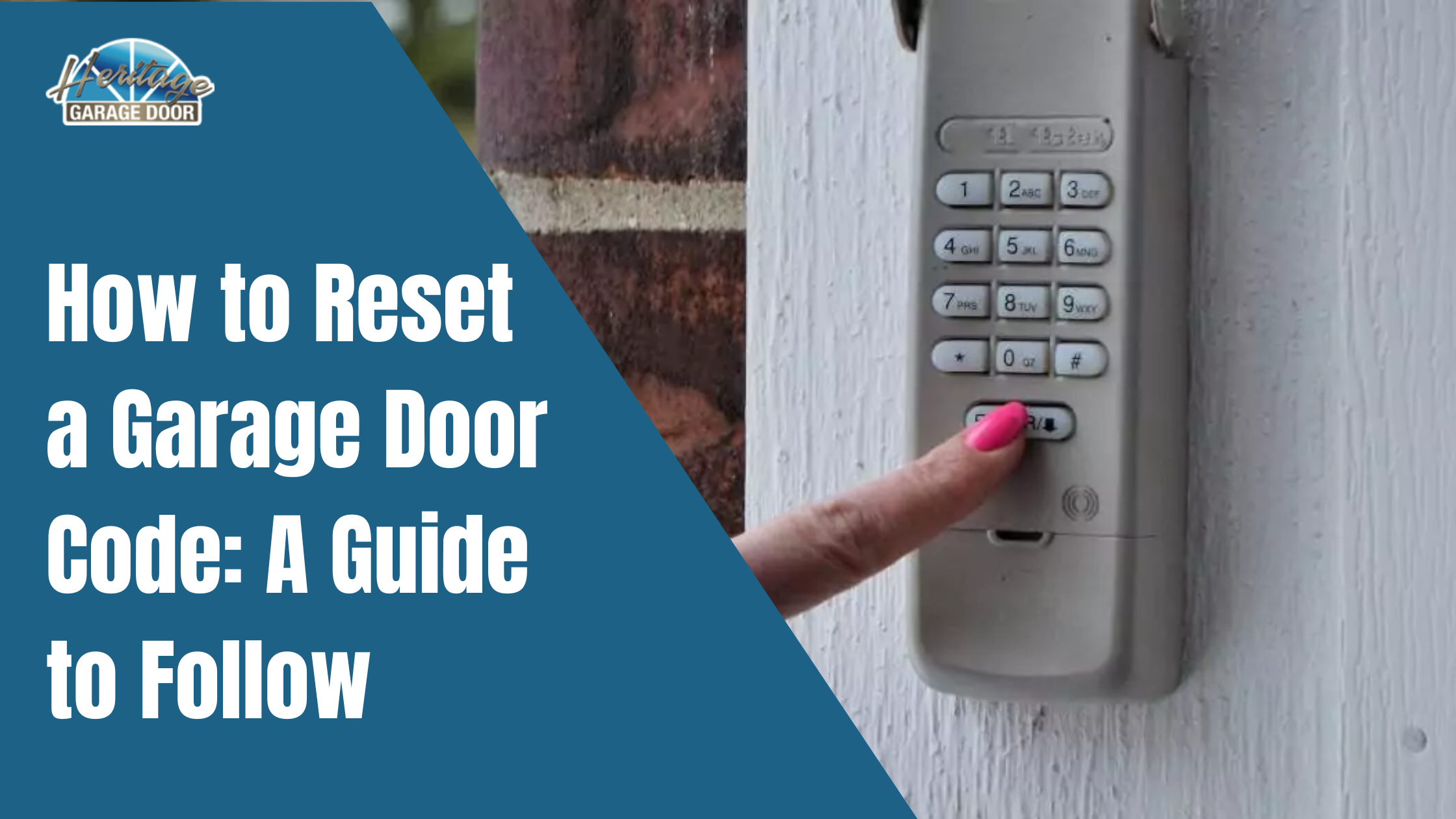
Have you ever worried that your old garage door code might be compromised? Or perhaps you’ve just moved into a new home and want to ensure your privacy from day one? Knowing how to change code on Chamberlain garage door keypad is a simple yet crucial skill that protects your family and belongings. This guide will walk you through the process step-by-step, ensuring you feel confident and secure.
Why Changing Your Garage Door Code Matters
Your garage is often the most vulnerable entry point to your home. According to the FBI’s Uniform Crime Reporting program, property crimes remain a significant concern for homeowners across the US. A default or outdated code can be easily guessed or shared without your knowledge.
Regularly updating your keypad code is a proactive measure. It prevents unauthorized access from former residents, service providers, or even neighbors who might have inadvertently learned your code. Think of it as changing the locks on your front door—but for your garage.
What You Need Before You Start
Before diving into the programming process, gather these essentials:
- Your Chamberlain Garage Door Opener Unit: Located in your garage ceiling.
- The Wireless Keypad: The external device where you enter your code.
- A Stable Ladder: To safely reach the motor unit.
- Fresh Batteries: Ensure your keypad has new batteries to avoid interruptions during programming.
Pro Tip: If your keypad is unresponsive, replace the batteries first. Many programming issues stem from low power rather than system errors.
Step-by-Step: How To Change Code On Chamberlain Garage Door Keypad
Most Chamberlain models follow a similar programming logic. While specific buttons may vary slightly by model year, the core process remains consistent. Here is the universal method that works for the majority of Chamberlain openers manufactured after 2011.
Step 1: Locate the “Learn” Button
Climb your ladder and locate the motor unit of your garage door opener. Look for the “Learn” button. It is typically found on the back panel of the motor housing.
- Color Coding: The button is usually yellow, purple, orange, or red.
- LED Indicator: Next to the button, there should be a small LED light.
If you cannot find the button, consult your owner’s manual. You can also find detailed diagrams for various models on Chamberlain’s official support page or refer to general opener structures on Wikipedia’s Garage Door Opener entry for visual context.
Step 2: Clear Old Codes (Optional but Recommended)
For maximum security, it is best to clear all previously programmed remotes and keypads before adding a new code. This ensures no old devices can still open your door.
- Press and hold the “Learn” button for approximately 6–10 seconds.
- Release the button when the LED indicator turns off.
- All previous codes are now erased. You will need to reprogram all your remotes and keypads.
Step 3: Initiate Programming Mode
Now, let’s add your new keypad code.
- Press and release the “Learn” button once.
- The LED light will turn on or start blinking. You typically have 30 seconds to complete the next step.
Step 4: Enter Your New PIN
Walk over to your wireless keypad outside the garage.
- Enter your desired 4-digit PIN. Choose a number that is easy for you to remember but hard for others to guess (avoid 1234 or 1111).
- Immediately press and hold the “Enter” or “Send” button on the keypad.
- Keep holding until you see the lights on the motor unit blink or hear a click. This confirms the code has been accepted.
Step 5: Test Your New Code
Safety first—always test your new setup before relying on it.
- Close your garage door completely.
- Enter your new 4-digit PIN on the keypad.
- Press “Enter.”
- The door should activate and open. If it doesn’t, repeat Steps 3 and 4, ensuring you work within the 30-second window.
Troubleshooting Common Issues
Even with careful following, things can go wrong. Here are solutions to common problems:
| Issue | Possible Cause | Solution |
|---|---|---|
| Keypad not responding | Dead batteries | Replace with fresh alkaline batteries. |
| LED doesn’t light up | Power outage or loose wire | Check the opener’s power source and outlet. |
| Code not accepted | Missed the 30-second window | Press the “Learn” button again and retry quickly. |
| Door reverses immediately | Sensor misalignment | Check the safety eyes at the bottom of the door tracks. |
Advanced Tips for Enhanced Security
Changing your code is just the first step. Consider these additional measures to fortify your garage security:
- Use a Unique PIN: Avoid using birth years, addresses, or sequential numbers.
- Disable Wireless Features When Away: If you’re going on vacation, consider unplugging the opener or using a manual lock.
- Regular Maintenance: Lubricate moving parts and check springs annually to prevent mechanical failures that could leave your garage stuck open.
FAQ: Frequently Asked Questions
Q1: How often should I change my Chamberlain garage door code?
A: It is recommended to change your code at least once a year, or immediately if you suspect someone else knows it. Also, change it if you lose a remote or move into a new home.
Q2: Can I have multiple codes for one keypad?
A: Most standard Chamberlain keypads allow only one 4-digit PIN. However, you can program multiple remotes and keypads to the same opener. Some advanced smart models may offer multi-user access via apps.
Q3: What if I forgot my current code?
A: If you don’t know the current code, you must clear the memory (Step 2 above) and reprogram all devices. There is no way to retrieve a forgotten code from the unit itself.
Q4: Does changing the code affect my remote controls?
A: If you only add a new keypad code without clearing the memory, your remotes will continue to work. However, if you hold the “Learn” button to clear all codes, you must reprogram all remotes as well.
Q5: My keypad is old. Will this method still work?
A: This guide covers most models from 2011 onwards. For older models (pre-2011), the process may involve dip switches or different button sequences. Check your specific model’s manual for legacy instructions.
Conclusion
Learning how to change code on Chamberlain garage door keypad is a straightforward process that significantly enhances your home’s security. By following these five simple steps, you can ensure that only authorized individuals have access to your garage.
Don’t wait for a security breach to take action. Take five minutes today to update your code and enjoy peace of mind. If you found this guide helpful, please share it with your friends and family on social media to help them secure their homes too!
Leave a Reply