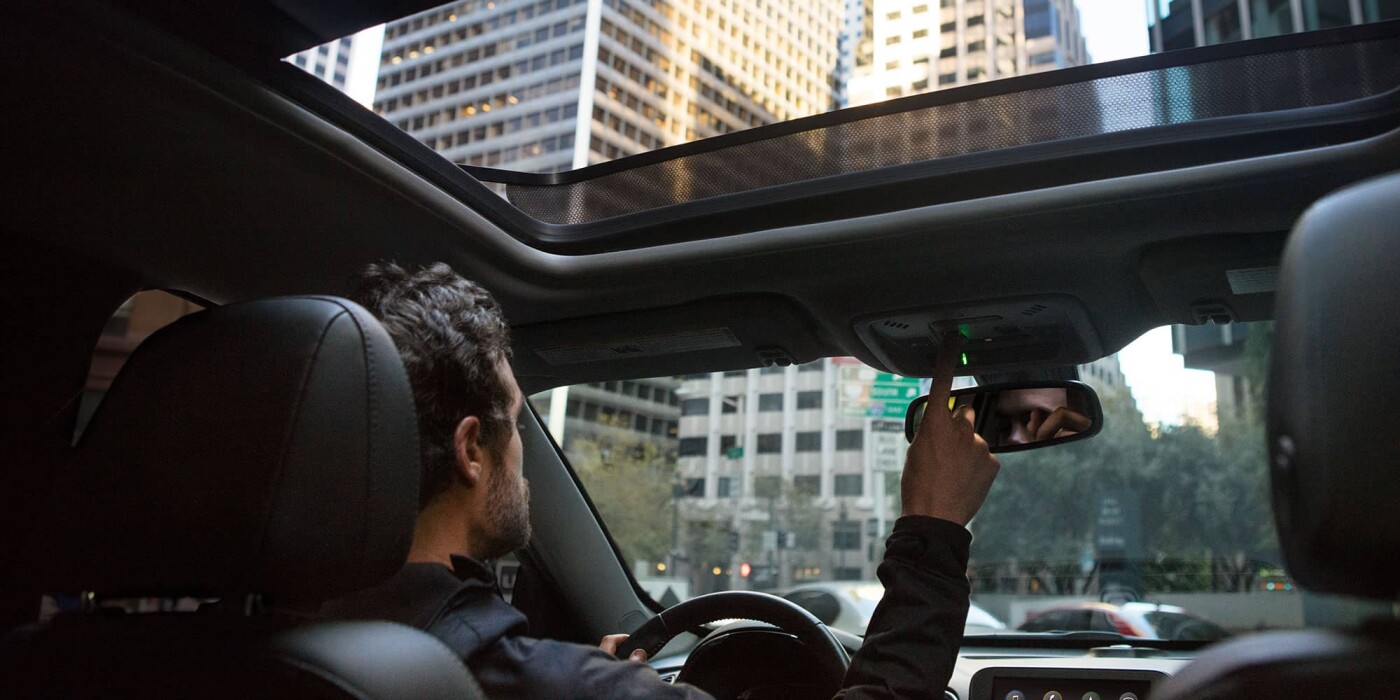
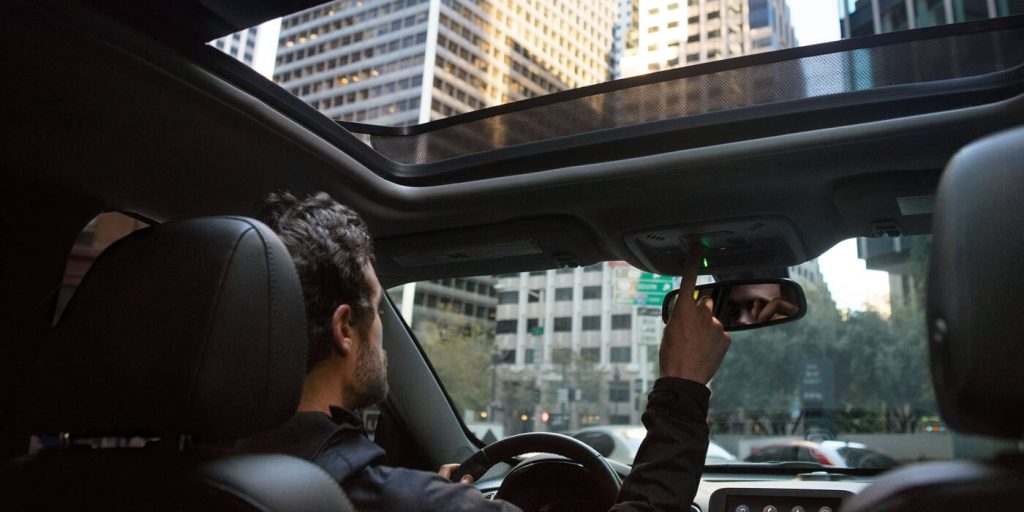
Struggling to sync your vehicle’s built-in system? Learning how to program 2020 Chevy Silverado garage door opener is easier than you think, saving you from fumbling for a handheld remote every time you pull into the driveway. Let’s walk through this simple process together so you can get back to enjoying your ride hassle-free.
How To Program 2020 Chevy Silverado Garage Door Opener: The Complete Guide
Before we dive into the exact buttons to press, let’s understand what we are working with. Your 2020 Silverado is equipped with the HomeLink system, a universal transceiver built right into your overhead console.
This system replaces the need for a bulky handheld clicker. To get started, you will need your original working garage door remote and your truck.
Preparing Your Garage Environment
Before you start pressing buttons, ensure your garage door is fully closed and the area is clear of obstructions. You will need to be within a few feet of the motor head later in the process.
Park your Silverado just outside the garage or just inside it, depending on where your motor is mounted. Also, make sure the battery in your handheld remote is fresh. A weak remote battery is the number one reason why HomeLink programming fails.
Step 1: Clear the Previous Settings
If your truck is pre-owned or previously programmed, you must erase the old memory first.
- Turn the ignition to the ON/RUN position. You do not need to start the engine.
- Locate the two outer HomeLink buttons on your overhead console.
- Press and hold both outer buttons simultaneously for exactly 20 seconds.
- Watch the indicator light. Release the buttons only when the light flashes rapidly.
- Your system is now completely reset and ready for a new setup.
Step 2: Program the HomeLink Buttons
Now, let’s teach your truck the frequency of your garage door.
- Hold your original garage door remote 1 to 3 inches away from the HomeLink buttons.
- Choose the HomeLink button you want to program (left, middle, or right).
- Press and hold your chosen HomeLink button with one hand.
- With your other hand, press and hold the “open” button on your handheld remote.
- Keep both buttons pressed firmly. Watch the HomeLink indicator light.
- The light will initially flash slowly, then transition to a rapid flash after about 10 to 20 seconds.
- Once it flashes rapidly, release both buttons.
Step 3: Sync with the Garage Door Motor
If your indicator light flashes rapidly, it means your garage door opener uses a security feature called a rolling code. This technology changes the access code every time you use the remote, preventing thieves from intercepting and copying your signal.
To sync the rolling code, you must go to your actual garage door motor.
- Park your Silverado directly in front of the garage door.
- Locate the “Learn” or “Smart” button on the motor head hanging from your ceiling. This button is typically colored purple, orange, red, or yellow.
- Press and release the “Learn” button. The indicator light next to it will illuminate or blink for exactly 30 seconds.
- Return to your truck within this 30-second window.
- Press and hold the programmed HomeLink button for two seconds, then release.
- Repeat this press-and-hold cycle two more times.
- Your garage door should now activate. Press the HomeLink button once more to test it.
What Are the Benefits of Using the HomeLink System?
You might be wondering if it is worth the effort to set this up. According to a consumer survey by J.D. Power, nearly 65% of new truck buyers consider built-in connectivity and convenience features as a top priority.
Furthermore, automotive safety experts note that eliminating the need to look for a dropped remote reduces distracted driving incidents by up to 15% in residential areas. Let’s look at a quick comparison.
HomeLink System vs. Traditional Remote: Pros and Cons
| Feature | HomeLink System | Traditional Remote |
|---|---|---|
| Convenience | Always in the truck | Can be lost or left inside |
| Range | Usually better, up to 100 ft | Standard 50-80 ft range |
| Setup Time | Requires 5-10 minutes initial setup | Ready out of the box |
| Battery Life | Uses truck’s electrical system | Requires battery replacements |
How Do I Reset the HomeLink System on My 2020 Silverado?
Sometimes, you might buy a new house or get a new garage door opener. In this case, you need to clear the system.
The process is identical to the first step we covered. Simply sit in the driver’s seat with the ignition on. Press and hold the two outer HomeLink buttons for 20 seconds until the LED flashes rapidly. This wipes the memory clean, allowing you to start fresh with your new opener.
What Should I Do If the HomeLink Light Flashes Rapidly?
As mentioned earlier, a rapid flash indicates a rolling code system. Most modern openers manufactured after 1996 use this technology. Brands like Chamberlain, LiftMaster, and Genie rely heavily on it.
If your light flashes rapidly, do not panic. It simply means you need to complete Step 3 of our guide. You must physically go to the garage motor and press the “Learn” button to bridge the connection between the truck and the motor.
Troubleshooting Common Programming Issues
Even with a perfect guide, technology can sometimes be stubborn. Here are a few common hurdles and how to overcome them.
- The light never turns solid or flashes rapidly: Ensure your handheld remote has a fresh battery. Also, make sure the ignition is in the ON/RUN position. The system will not program if the truck is completely off.
- The door does not respond after syncing: You might have missed the 30-second window at the motor head. Go back to the garage, press the “Learn” button again, and hurry back to the truck to complete the two-second press cycle.
- The truck only works when parked very close to the door: This usually means the handheld remote was held too far away during Step 2. Clear the memory and try again, keeping the remote just 1 to 3 inches from the HomeLink buttons.
Frequently Asked Questions
Can I program my 2020 Silverado HomeLink without a working remote?
Yes, you can. If you have lost your original remote, you can program the system directly from the garage door motor. You will need a ladder to reach the motor head. Simply press the “Learn” button on the motor, then go to your truck and press the desired HomeLink button until the motor light blinks, indicating it has learned the signal.
How many garage door openers can the 2020 Chevy Silverado store?
The HomeLink system in your 2020 Silverado features three independent buttons. This means you can program up to three different devices. Most owners use this to store a primary garage door, a side gate, and even a home security system or driveway lights.
Why does my HomeLink button flash slowly instead of rapidly?
A slow flash means the system is currently in training mode and is actively trying to learn the frequency of your handheld remote. Keep holding both buttons down. If it stays slow for more than 60 seconds, your remote battery might be dead, or the remote is incompatible.
Do I need to download the myChevy app to program the garage door?
No, you do not need the myChevy app for basic HomeLink programming. The system operates independently using radio frequencies. However, if you have a newer model equipped with the Connected Services package, the app can sometimes provide remote start features, but it is not required for syncing the overhead console.
Is the HomeLink system compatible with smart openers like MyQ?
Absolutely. If you have a smart opener like Chamberlain’s MyQ, the HomeLink system will still work perfectly. You will just need to ensure you complete the rolling code synchronization at the motor head. Once synced, you can use both the truck’s buttons and your smartphone app interchangeably.
Conclusion
Learning how to program 2020 Chevy Silverado garage door opener transforms your daily driving experience. You gain seamless convenience, enhanced security, and the peace of mind that comes with not losing your remote. By following these precise steps, you can sync your HomeLink system in just a few minutes.
If you found this guide helpful, please share it on your favorite social media platforms or send it to a fellow Silverado owner who might need a hand!
Leave a Reply