Have you ever pulled into your driveway, rain pouring down, only to realize you left your garage remote inside the house? It is a frustrating scenario that many drivers face daily. If you are wondering how do I connect my car to my garage door, you are looking for a solution that combines convenience, security, and modern technology. This guide will walk you through every method available, from built-in vehicle systems to smart home upgrades, ensuring you never fumble for a remote again.
Understanding the Technology Behind Car-to-Garage Integration
Before diving into the buttons and codes, it is essential to understand what makes this connection possible. Most modern vehicles come equipped with a universal transmitter system, commonly known by brand names like HomeLink, Car2U, or Genie Intellicode. These systems act as a bridge between your vehicle’s internal electronics and your garage door opener’s receiver.
The primary benefit of integrating your car with your garage door is not just convenience; it is also about security and clutter reduction. By eliminating the need for a separate hanging remote, you reduce the risk of losing it or having it stolen from your vehicle. According to industry standards, universal transmitters use rolling code technology, which changes the access code every time you use it, preventing hackers from intercepting the signal.
For a deeper understanding of radio frequency identification and secure communication protocols used in these devices, you can refer to technical resources on Radio-frequency identification.
Method 1: Programming Built-In Universal Transmitters (HomeLink/Genie)
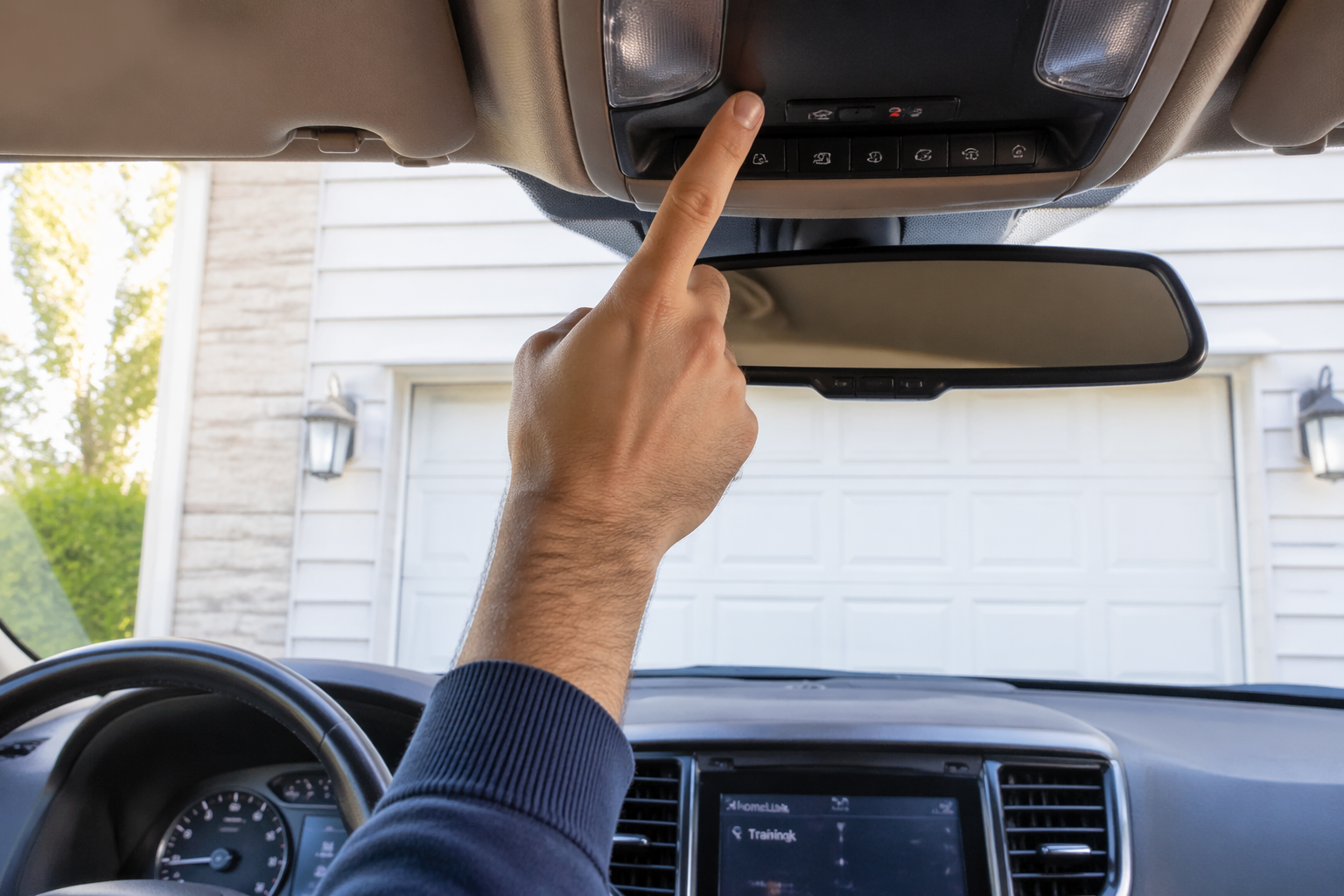
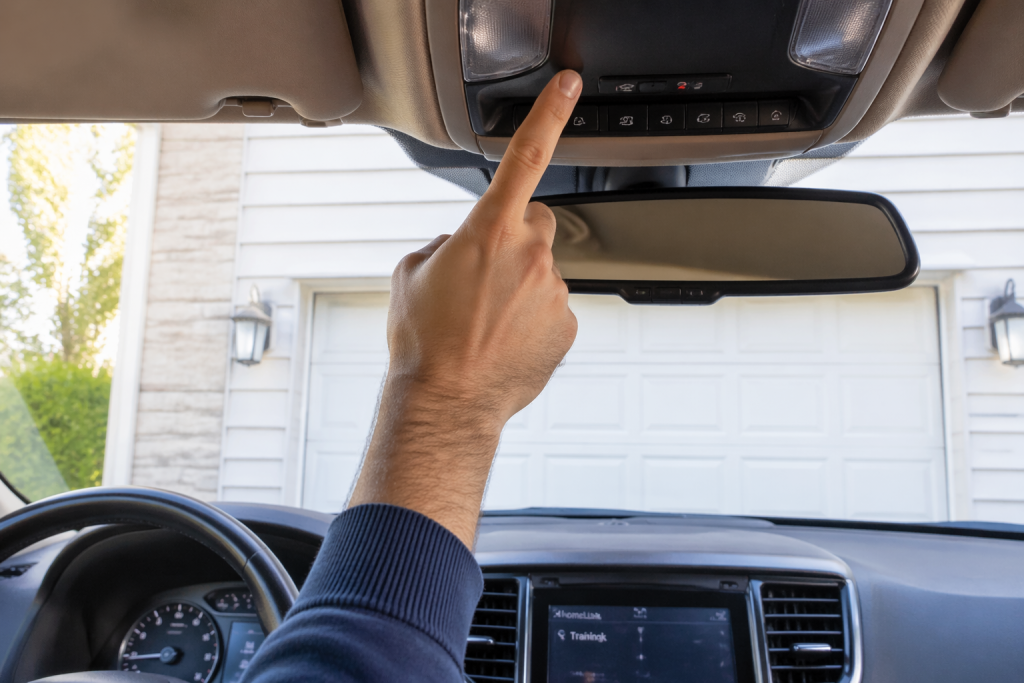
The most common way to connect your car is through the built-in buttons usually located on the rearview mirror or the sun visor. While the exact steps vary by manufacturer, the general process follows a similar pattern. Here is a detailed breakdown.
Step-by-Step Guide for Standard Programming
- Clear Previous Codes: Before starting, ensure the system is ready. Press and hold the two outer buttons on your car’s interface for 10–20 seconds until the indicator light flashes rapidly. This clears any old memory.
- Position Your Vehicle: Park your car outside the garage, ensuring the garage door opener motor unit is within range (usually 1–3 feet). Keep the engine running or the ignition in the “On” position.
- Initiate Learning Mode: Hold the desired button in your car. The light will start slow, then rapid. Release the button when it flashes rapidly.
- Activate the Garage Opener: Within 30 seconds, go to your garage door motor unit and press the “Learn” or “Smart” button. This button is usually colored yellow, purple, or red.
- Sync the Devices: Return to your car and press the programmed button three times, holding it for two seconds each time. Listen for the garage door to move. If it does, the pairing is successful.
Note: If your garage door uses an older fixed-code system, you may need to locate the dip switches inside the motor unit and match them manually, though this is rare in homes built after 2005.
Troubleshooting Common Issues
If the door does not respond, check the following:
- Battery Strength: Ensure your car battery is strong. Weak voltage can prevent the transmitter from sending a clear signal.
- Interference: LED bulbs in your garage opener can sometimes interfere with radio signals. Try switching to incandescent bulbs temporarily during programming.
- Distance: Move your car closer to the garage door. Signal strength diminishes with distance and obstacles like metal siding.
Method 2: Using Smart Garage Hub Systems
If your car does not have a built-in transmitter, or if you want more control (such as opening the door via smartphone), a smart garage hub is the ideal solution. Devices like the MyQ Smart Garage Hub or Tailwind allow you to connect your existing opener to Wi-Fi.
Why Choose a Smart Hub?
| Feature | Built-In Transmitter | Smart Garage Hub |
|---|---|---|
| Compatibility | Limited to rolling/fixed codes | Works with almost all openers |
| Remote Access | No (must be near the car) | Yes (via Smartphone App) |
| Installation | Easy (programming only) | Moderate (requires Wi-Fi setup) |
| Cost | Free (if equipped) | $30–$100 USD |
To set this up, you install the hub near your garage door opener, connect it to your home Wi-Fi, and download the corresponding app. Once configured, you can use geofencing features. This means your garage door can automatically open when your phone detects you are arriving home, effectively connecting your car’s location to your garage door without any physical buttons.
Method 3: Manual Remote Cloning
For older vehicles or specific garage door brands, you might need to clone an existing remote. This method involves teaching your car’s transmitter to mimic the signal of your handheld remote.
- Hold your handheld remote close to the car’s transmitter button.
- Press and hold both the car button and the remote button simultaneously.
- Wait for the car’s indicator light to change from slow to rapid flashing.
- Test the connection by pressing the car button alone.
This method is particularly useful for Chamberlain and LiftMaster openers that do not have a simple “Learn” button interface compatible with standard HomeLink programming.
Safety and Security Best Practices
Connecting your car to your garage door introduces digital entry points into your home. Therefore, security must be a priority.
- Update Firmware: If using a smart hub, ensure the firmware is always up to date to patch security vulnerabilities.
- Disable When Selling: Always reset your car’s transmitter settings before selling or trading in your vehicle. Failure to do so could give the new owner access to your home.
- Monitor Activity: Use smart hubs that offer activity logs. This allows you to see exactly when the door was opened and closed, providing an extra layer of accountability.
FAQ Section
Q1: Why won’t my HomeLink program to my garage door?
A: The most common reason is interference from LED lights in the garage opener motor. Try replacing them with incandescent bulbs during programming. Also, ensure you are pressing the “Learn” button on the motor unit within the 30-second window after initiating the car’s learning mode.
Q2: Can I connect multiple cars to one garage door?
A: Yes. Most garage door openers can store multiple unique codes. You can program HomeLink in several different vehicles, as well as multiple handheld remotes, without conflict. Each device will have its own unique rolling code.
Q3: Is it safe to leave my garage door connected to my car?
A: Generally, yes. Modern systems use rolling codes, which make it extremely difficult for thieves to intercept and replicate the signal. However, always park in a secure location and consider using a smart hub with two-factor authentication for added peace of mind.
Q4: What if my car doesn’t have HomeLink?
A: You can purchase aftermarket universal transmitters that visor-clip or stick to your dashboard. Alternatively, installing a smart garage hub allows you to use your smartphone as the “key,” bypassing the need for a car-integrated button entirely.
Q5: How do I reset my car’s garage door settings?
A: To clear the memory, press and hold the two outer buttons on your HomeLink panel for about 10–20 seconds. The indicator light will flash rapidly, indicating that all stored codes have been erased. You can then reprogram the buttons as needed.
Conclusion
Learning how do I connect my car to my garage door transforms a daily chore into a seamless experience. Whether you utilize the built-in HomeLink system, invest in a smart hub for remote access, or clone an existing remote, the technology is designed to be user-friendly and secure. By following the steps outlined above, you can enjoy the convenience of hands-free entry while maintaining the security of your home.
Don’t let another rainy day catch you unprepared. Take five minutes today to program your system, and enjoy the freedom of driving straight into your garage with the touch of a button. If you found this guide helpful, please share it with friends and family who might still be fumbling for their remotes!
Leave a Reply