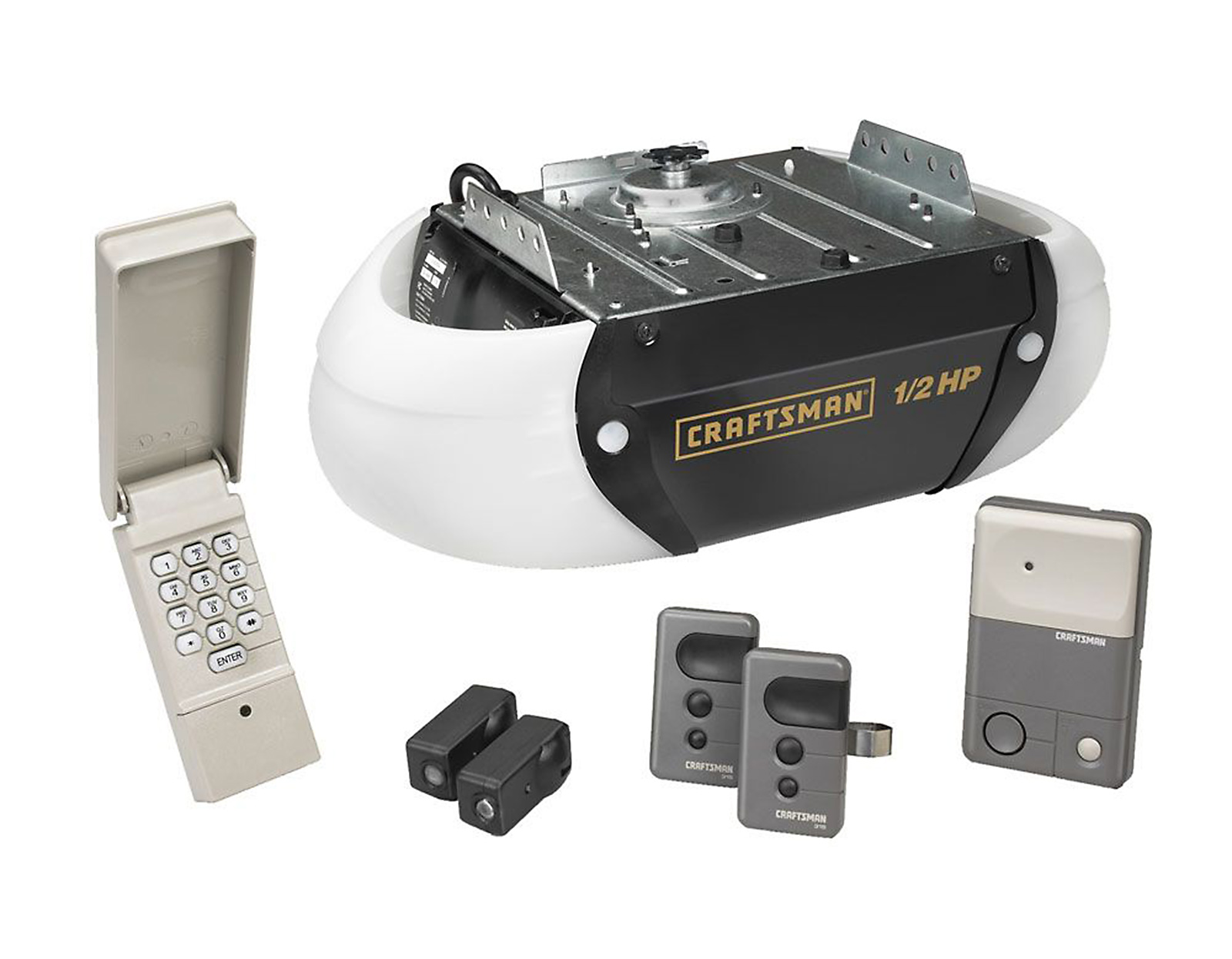
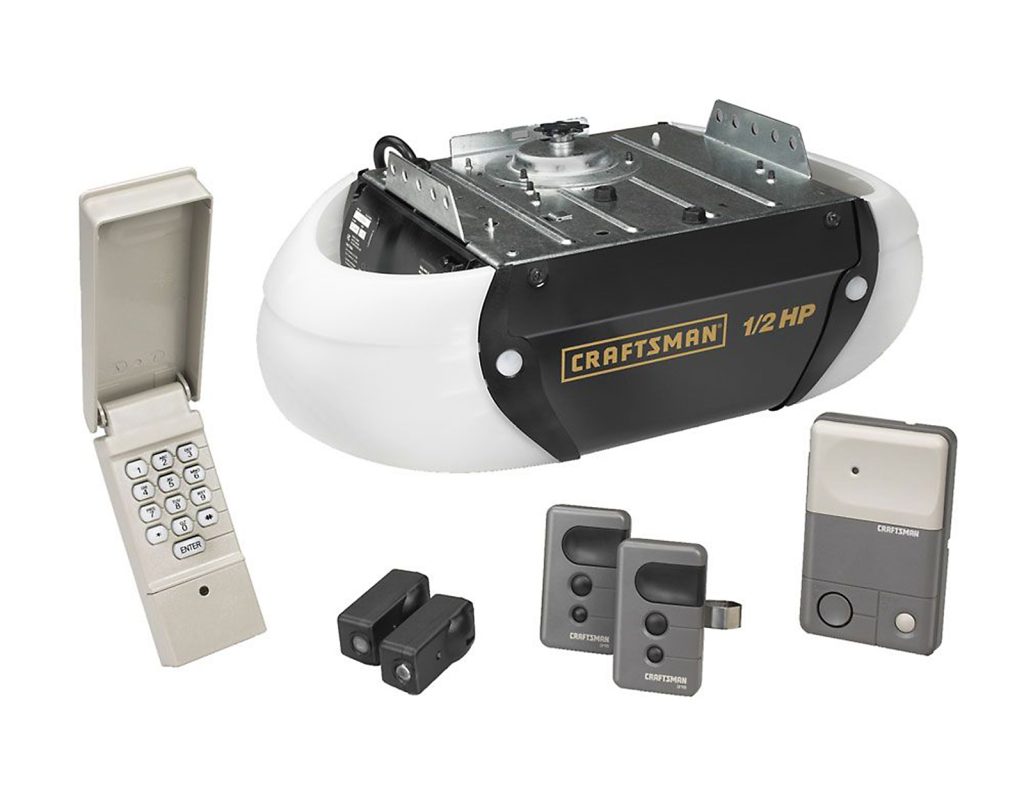
What Is the Craftsman Model 139.539 Garage Door Opener?
Introduction
Is your Craftsman 1/2 HP Garage Door Opener Model 139.539 acting up, or did you just install it and feel lost without the manual? You’re not alone. Thousands of homeowners struggle to find clear, reliable instructions for this popular model. Whether you’re setting it up for the first time, troubleshooting a malfunction, or simply want to understand how it works, this comprehensive guide will walk you through everything you need to know about the Craftsman 1/2 HP Garage Door Opener Model 139.539 manual. Let’s get your garage door running smoothly again.
The Craftsman Model 139.539 is a ½ horsepower belt-drive garage door opener known for its quiet operation and durability. Designed for residential use, it supports single-car and double-car garage doors weighing up to 350 pounds. This model features a Security+ rolling code technology, which enhances security by changing the access code every time you use the remote.
Key specifications include:
- Motor Power: ½ HP
- Drive Type: Belt drive (quieter than chain drive)
- Lift Capacity: Up to 350 lbs
- Remote Compatibility: Works with Craftsman Security+ remotes
- Warranty: Typically 1–2 years depending on purchase date
According to Wikipedia’s article on garage door openers, belt-drive systems like the Model 139.539 are preferred in homes where noise reduction is a priority, especially when bedrooms are located above or adjacent to the garage.
How to Find the Official Craftsman 139.539 Manual
If you’ve misplaced your original manual, don’t worry. Here’s how to locate it:
- Visit the Sears Parts Direct Website
Sears (which owns the Craftsman brand) hosts digital copies of most manuals. Search for “139.539” in their manual database. - Check the Craftsman Support Page
Go to craftsman.com/support and enter your model number. You’ll often find PDF versions available for download. - Contact Craftsman Customer Service
Call 1-800-4-MY-HOME (1-800-469-4663) and request a digital or physical copy of the manual. - Third-Party Manual Repositories
Websites like ManualsLib.com or RepairClinic.com often host user-uploaded copies. Always verify the document matches your exact model number.
Pro Tip: Save a digital copy on your phone or cloud storage so you always have access.
Step-by-Step Setup Guide for Model 139.539
Setting up your Craftsman 1/2 HP garage door opener correctly ensures safe and efficient operation. Follow these steps:
Step 1: Install the Rail Assembly
- Attach the rail to the motor unit using the provided bolts.
- Secure the rail to the ceiling bracket with lag screws.
- Ensure the rail is level and aligned with the garage door center.
Step 2: Mount the Motor Unit
- Hang the motor unit from the ceiling bracket.
- Use sturdy hardware rated for at least 500 lbs.
- Leave approximately 7–10 feet of clearance from the floor to the bottom of the motor.
Step 3: Connect the Trolley and Door Arm
- Slide the trolley onto the rail.
- Attach the straight arm to the trolley and the curved arm to the top of the garage door.
- Tighten all bolts securely but avoid over-tightening.
Step 4: Wire the Safety Sensors
- Install the sensors on both sides of the garage door, 4–6 inches above the floor.
- Connect the wires to the motor unit terminals labeled “Sensor.”
- Align the sensors so the LED lights are solid (not blinking).
Step 5: Program the Remote and Keypad
- Press the “Learn” button on the motor unit (located near the antenna wire).
- Within 30 seconds, press the button on your remote or keypad.
- The motor light will blink to confirm successful programming.
Step 6: Test the System
- Open and close the door several times to ensure smooth operation.
- Test the safety reversal feature by placing a 2×4 block on the floor under the door. The door should reverse upon contact.
Common Problems and Troubleshooting Tips
Even reliable openers like the Model 139.539 can encounter issues. Here are common problems and solutions:
| Problem | Possible Cause | Solution |
|---|---|---|
| Door won’t open/close | Dead remote batteries | Replace batteries with fresh AAA cells |
| Door reverses unexpectedly | Misaligned sensors | Realign sensors and clean lenses |
| Motor hums but doesn’t move | Broken gear or sprocket | Inspect internal gears; replace if worn |
| Remote not working | Lost programming | Reprogram remote using the “Learn” button |
| Noisy operation | Loose hardware or worn belt | Tighten bolts and inspect belt tension |
Expert Insight: According to garage door technician Mike Harrison, “80% of service calls for belt-drive openers are due to simple issues like sensor misalignment or dead batteries. Always check these first before calling a professional.”
Maintenance Tips to Extend Lifespan
Regular maintenance can extend the life of your Craftsman 1/2 HP opener by 5–10 years. Follow these tips:
- Lubricate Moving Parts: Apply silicone-based lubricant to the rail, trolley, and hinges every 6 months.
- Inspect the Belt: Check for cracks or wear. Replace if frayed.
- Test Safety Features Monthly: Ensure the auto-reverse function works properly.
- Clean Sensors: Wipe sensor lenses with a soft cloth to remove dust and debris.
- Tighten Hardware: Check bolts and brackets annually for looseness.
FAQs About Craftsman Model 139.539
Q1: Where is the “Learn” button on the Craftsman 139.539?
A: The “Learn” button is located on the back panel of the motor unit, near the antenna wire. It’s usually yellow or purple and labeled “Learn” or “Program.”
Q2: Can I use a universal remote with the Model 139.539?
A: Yes, but it must be compatible with Security+ rolling code technology. Look for remotes labeled “Craftsman Security+ Compatible.”
Q3: Why does my garage door reverse before closing?
A: This is typically caused by misaligned safety sensors. Ensure both sensors are facing each other directly and that nothing is blocking the beam.
Q4: How do I reset the Craftsman 139.539 opener?
A: To reset, unplug the unit for 30 seconds, then plug it back in. Reprogram all remotes and keypads afterward.
Q5: Is the Model 139.539 compatible with MyQ smart home systems?
A: No, the Model 139.539 does not have built-in Wi-Fi. However, you can add a MyQ gateway separately to enable smart control.
Q6: What type of battery does the remote use?
A: The remote uses two AAA batteries. Replace them every 12–18 months for optimal performance.
Conclusion
The Craftsman 1/2 HP Garage Door Opener Model 139.539 is a reliable, quiet, and secure choice for homeowners. With the right manual guidance, proper setup, and regular maintenance, it can serve you well for many years. Whether you’re troubleshooting a minor issue or performing routine care, this guide has equipped you with the knowledge to keep your garage door operating smoothly.
Did you find this guide helpful? Share it with friends or family who might benefit from clear, step-by-step instructions for their Craftsman garage door opener. Don’t forget to bookmark this page for future reference!
Leave a Reply