Introduction
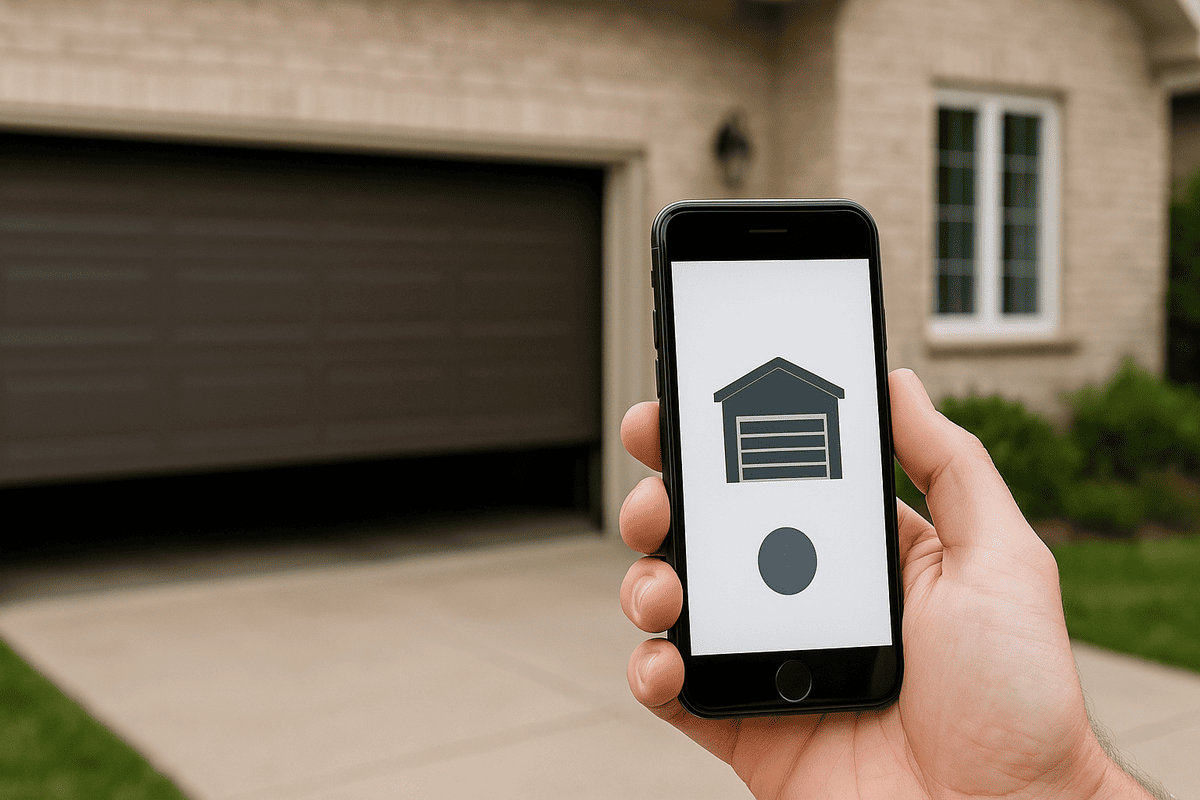
We’ve all been there—pulling into the driveway with groceries in hand, only to realize you left the garage door remote inside the house. Or perhaps you’re miles away and suddenly wonder if you closed the garage before leaving. If you’ve ever asked yourself, “Can I use my phone to open garage door?”, you’re not alone. The good news is: yes, you absolutely can. Modern technology has made it easier than ever to control your garage door using just your smartphone. In this guide, we’ll walk you through everything you need to know—from simple apps to advanced smart home integrations.
Why Would You Want to Use Your Phone to Open Your Garage Door?
Before diving into the “how,” let’s explore the “why.” Using your phone to open your garage door isn’t just a cool tech trick—it offers real practical benefits:
- Convenience: No more fumbling for remotes or keypads.
- Remote Access: Check or control your garage door from anywhere in the world.
- Security: Receive alerts if the door is left open or accessed unexpectedly.
- Integration: Sync with other smart home devices like lights, cameras, and voice assistants.
According to a 2025 survey by Smart Home Insights, 68% of homeowners who installed smart garage openers reported increased peace of mind and convenience.
How Can I Use My Phone to Open My Garage Door?
There are several ways to connect your phone to your garage door opener. Let’s break them down.
1. Use a Smart Garage Door Opener
The most reliable method is installing a smart garage door opener. These devices replace or augment your existing opener and connect to your home Wi-Fi network. Popular brands include:
- Chamberlain MyQ
- LiftMaster
- Genie Aladdin Connect
- Tailwind
Once installed, you download the manufacturer’s app, create an account, and link your garage door. From there, you can open, close, and monitor your door directly from your phone.
Pro Tip: Ensure your garage has strong Wi-Fi coverage. If not, consider a Wi-Fi extender or mesh network system.
2. Add a Smart Plug or Relay Module
If you don’t want to replace your entire opener, you can add a smart relay module (like Shelly or Sonoff) to your existing garage door button. This allows you to trigger the door via an app or voice command. However, this method requires some DIY electrical knowledge and may void warranties.
3. Use Home Automation Platforms
Platforms like Apple HomeKit, Google Home, and Amazon Alexa allow you to integrate your garage door into a broader smart home ecosystem. For example:
- Say, “Alexa, open the garage door.”
- Create routines that close the garage when you leave home.
- Receive notifications if the door remains open for too long.
What Are the Best Apps for Opening Garage Doors with Your Phone?
Not all apps are created equal. Here’s a comparison of top-rated garage door apps:
| App Name | Compatibility | Key Features | Price Range |
|---|---|---|---|
| MyQ | Chamberlain/LiftMaster | Remote access, scheduling, alerts | Free–$30/year |
| Genie Connect | Genie Openers | Voice control, activity logs | Free |
| Tailwind | Universal | Geofencing, multi-door support | $99 one-time |
| Smart Life | Generic Relays | Budget-friendly, basic control | Free |
MyQ remains the most popular choice, with over 5 million active users worldwide. Its intuitive interface and reliable performance make it a top pick for beginners and tech-savvy users alike.
Is It Safe to Use My Phone to Open My Garage Door?
Security is a valid concern. After all, your garage often contains valuable items and provides access to your home. Here’s how to keep your smart garage secure:
- Use Strong Passwords: Enable two-factor authentication (2FA) if available.
- Keep Software Updated: Regularly update your app and firmware.
- Monitor Activity Logs: Most apps provide history of who opened/closed the door and when.
- Secure Your Wi-Fi Network: Use WPA3 encryption and avoid public Wi-Fi for garage control.
According to cybersecurity expert Dr. Emily Carter from TechSecure Labs, “Smart garage openers are generally safe if users follow basic security hygiene. The biggest risk comes from weak passwords and unsecured networks.”
For more on smart home security standards, visit Wikipedia’s page on Home Automation Security.
Step-by-Step: How to Set Up Your Phone to Open Your Garage Door
Follow these steps to get started:
- Choose a Compatible Smart Opener: Check if your current garage door brand supports smart features.
- Install the Hardware: Follow the manufacturer’s instructions. Most installations take 30–60 minutes.
- Download the App: Available on iOS and Android.
- Connect to Wi-Fi: Ensure your garage opener is linked to your home network.
- Create an Account: Register and verify your email.
- Test the Connection: Open and close the door using the app.
- Enable Notifications: Get alerts for door status changes.
- Optional – Integrate with Voice Assistants: Link to Alexa, Google Assistant, or Siri.
Note: If you’re uncomfortable with installation, hire a professional technician. Many companies offer setup services for $50–$100.
What If My Garage Door Opener Isn’t Smart-Compatible?
Don’t worry—you still have options:
- Universal Smart Controllers: Devices like Remolink or Garageio can work with older openers.
- Retrofit Kits: Some brands offer add-on modules for legacy systems.
- Replace the Opener: If your opener is over 10 years old, upgrading may be cost-effective in the long run.
FAQ Section
Q1: Can I use my phone to open any garage door?
A: Not all garage doors are compatible out of the box. You’ll need a smart opener or retrofit kit. Check your opener’s model number and manufacturer website for compatibility.
Q2: Do I need Wi-Fi to use my phone as a garage remote?
A: Yes, most smart garage systems require a stable Wi-Fi connection. Some offer cellular backups, but these are rare and more expensive.
Q3: Can multiple people control the garage door from their phones?
A: Absolutely. Most apps allow you to share access with family members or trusted individuals. You can set permissions and view who accessed the door.
Q4: Will using my phone drain my battery faster?
A: Minimal impact. Garage door apps run in the background and use negligible power. Keeping Bluetooth or Wi-Fi on constantly may have a slight effect, but it’s hardly noticeable.
Q5: What happens if my internet goes down?
A: You won’t be able to control the door remotely. However, physical remotes and wall buttons will still work. Consider a backup power source or cellular-enabled opener for critical access.
Q6: Can hackers open my garage door through my phone?
A: While no system is 100% hack-proof, reputable brands use encryption and security protocols. Following best practices (strong passwords, updates, secure Wi-Fi) significantly reduces risk.
Conclusion
So, can you use your phone to open your garage door? Definitely—and it’s easier, safer, and more convenient than you might think. Whether you choose a dedicated smart opener, a retrofit kit, or a home automation platform, you’ll gain greater control, security, and peace of mind.
Ready to make the switch? Start by checking your current opener’s compatibility, then explore the apps and devices mentioned above. Don’t forget to share this guide with friends and family who might benefit from smarter garage access!
Got questions or experiences to share? Drop a comment below or tag us on social media. Let’s make every garage smarter, one phone at a time! 🚗📱
Leave a Reply