Introduction
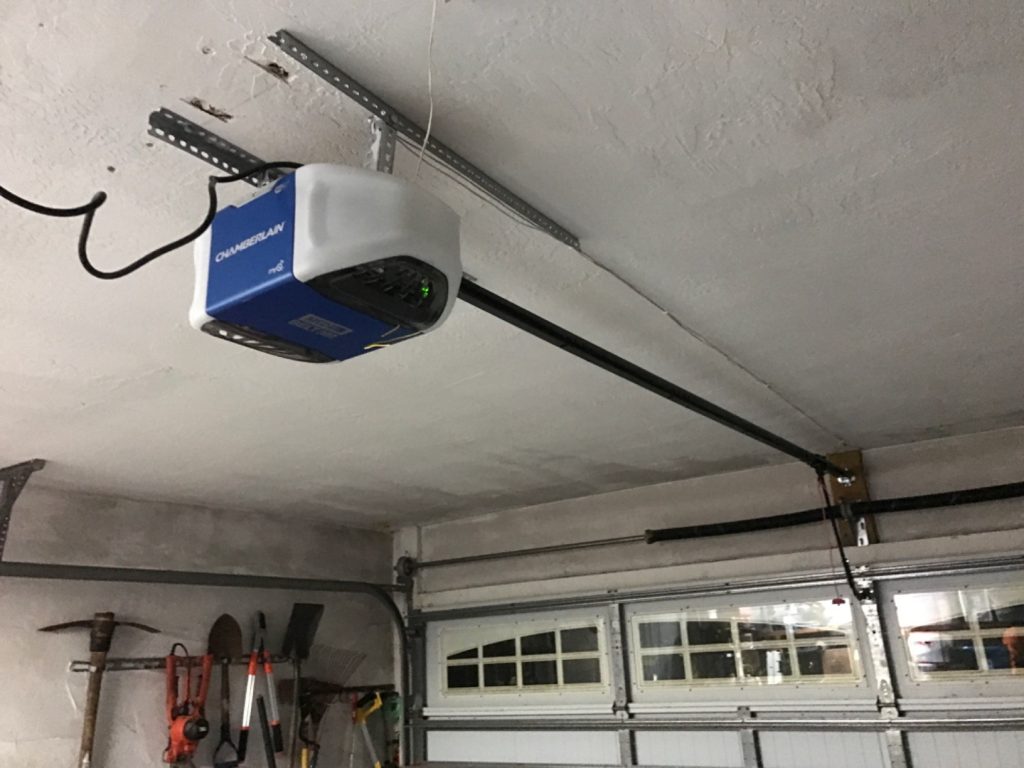
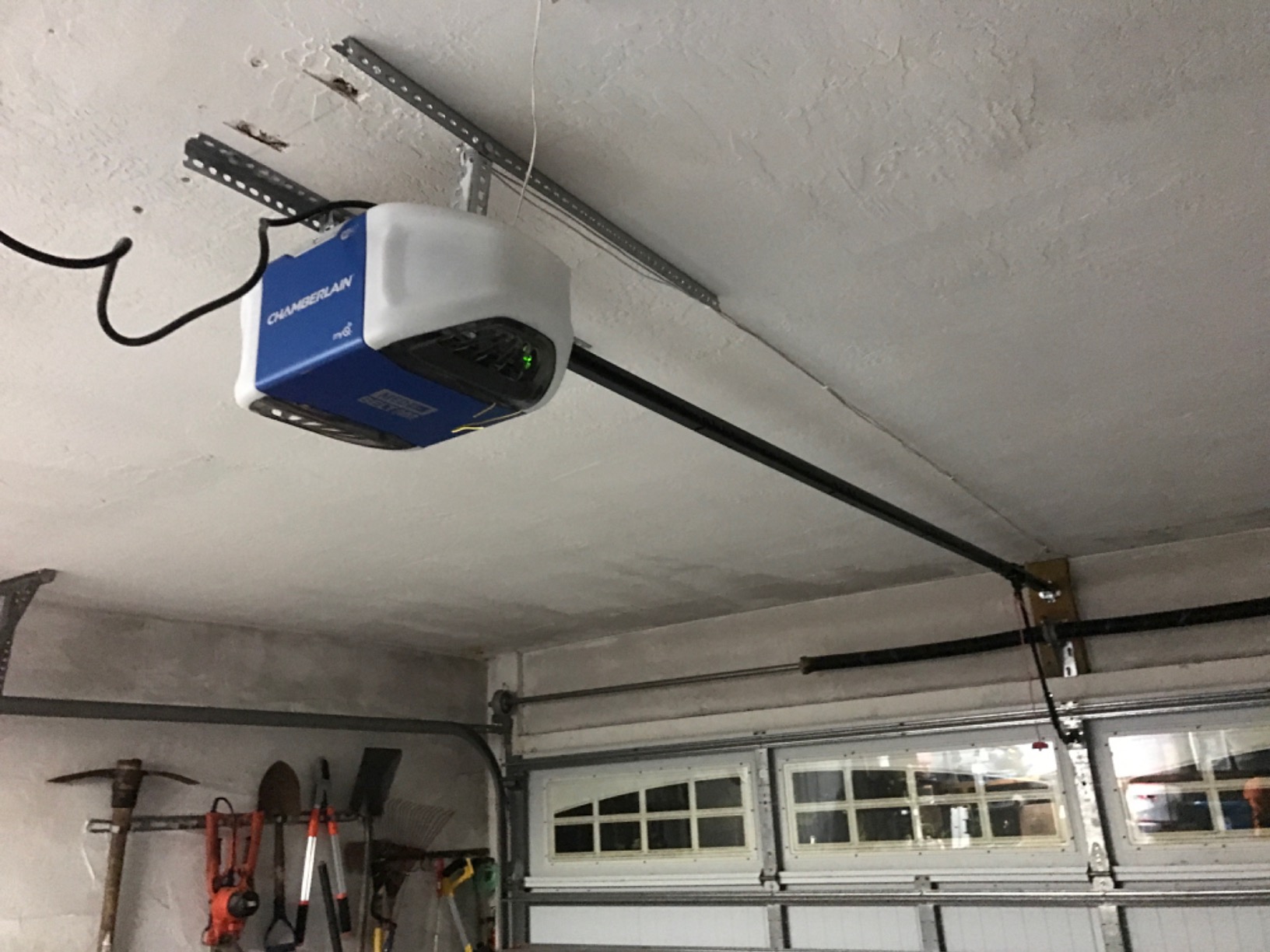
Is your garage door refusing to open during a power outage, or is that annoying chirping sound keeping you up at night? You are not alone; thousands of US homeowners face this issue annually when their backup systems fail. Knowing how to replace battery on Chamberlain garage door opener models can save you from being locked out and restore peace of mind in just minutes. This guide walks you through the process safely and efficiently.
Why Your Chamberlain Opener Needs a Fresh Battery
Modern garage door openers are more than just motors; they are smart home hubs. Most contemporary Chamberlain units, especially those compatible with the MyQ® app, come equipped with a backup battery system. This feature ensures you can still operate your door when the grid goes down.
However, like all rechargeable batteries, these units have a finite lifespan. Typically, a sealed lead-acid battery lasts between 3 to 5 years. Factors such as extreme temperature fluctuations in your garage and frequent power outages can shorten this life. According to industry standards, maintaining this component is crucial for both security and convenience.
Expert Insight: Neglecting battery maintenance can lead to corrosion on the terminals, which may damage the opener’s mainboard. Regular checks extend the life of your entire unit.
Tools and Safety Gear You Will Need
Before diving into the repair, gather the necessary tools. Preparation prevents frustration and ensures safety.
- Replacement Battery: Ensure it matches your model (usually a 12V 7Ah or similar sealed lead-acid battery). Check your owner’s manual for the exact part number.
- Phillips Head Screwdriver: For removing the light lens or battery cover.
- Safety Glasses: To protect eyes from potential acid leaks or dust.
- Work Gloves: Rubber or nitrile gloves protect your hands from battery acid residue.
- Flashlight: Garages often have poor lighting near the ceiling-mounted opener.
Safety First: Always disconnect the opener from the power source before working on internal components. Unplug the unit from the wall outlet to prevent electrical shock.
Step-by-Step: How to Replace Battery on Chamberlain Garage Door Opener
Follow these precise steps to replace the battery without damaging your unit. This process applies to most belt-drive and chain-drive Chamberlain models with backup battery capability.
Step 1: Locate the Battery Compartment
On most Chamberlain openers, the battery compartment is located on the back or side of the motor head. It is often covered by a plastic light lens or a dedicated rectangular cover. Look for a label that says “Backup Battery” or features a battery icon.
Step 2: Remove the Cover
Using your Phillips head screwdriver, gently remove the screws holding the light lens or battery cover in place. Keep these screws in a small bowl so they do not get lost. Carefully pull the cover away from the motor housing.
Step 3: Disconnect the Old Battery
You will see two wires connected to the battery terminals: one red (positive) and one black (negative).
- Disconnect the Black Wire First: This reduces the risk of short-circuiting. Gently pull the connector off the terminal. If it is tight, wiggle it slightly but do not pull on the wire itself.
- Disconnect the Red Wire: Once the negative is safe, remove the positive connector.
Note: Some older models may use spade connectors, while newer ones use plug-and-play harnesses. Handle both with care.
Step 4: Remove the Old Battery
The battery is usually held in place by a plastic bracket or a simple friction fit. Lift the old battery out of the compartment. Inspect the area for any signs of corrosion or white powder. If present, clean it with a mixture of baking soda and water using an old toothbrush. Dry thoroughly before proceeding.
Step 5: Install the New Battery
Place the new battery into the compartment. Ensure the terminals are facing the correct direction (matching the previous setup).
- Connect the Red Wire First: Attach the positive connector to the red terminal. Push firmly until it clicks or sits snugly.
- Connect the Black Wire Second: Attach the negative connector to the black terminal.
Pro Tip: Do not force the connectors. If they do not fit, double-check the polarity. Reversing polarity can damage the opener’s circuit board.
Step 6: Test and Reassemble
Before putting the cover back on, plug the opener back into the wall outlet. The unit should beep or flash lights indicating it is charging. Press the wall button to ensure the door operates normally. If everything works, unplug the unit again, replace the cover, and secure the screws. Finally, plug the unit back in.
Troubleshooting Common Issues
Even after following the steps above, you might encounter issues. Here is a quick comparison table to help you diagnose problems.
| Issue | Possible Cause | Solution |
|---|---|---|
| Opener won’t charge | Loose connection or bad outlet | Check wire connections; test outlet with another device. |
| Door reverses immediately | Sensor misalignment | Clean safety eyes; ensure nothing blocks the beam. |
| Battery drains quickly | Old battery or cold garage | Verify battery age; consider insulation for extreme climates. |
| Chirping sound persists | Battery not seated properly | Remove and reseat the battery connectors firmly. |
For more technical details on garage door mechanisms, you can refer to general engineering principles on Wikipedia.
When to Call a Professional
While replacing a battery is a straightforward DIY task, there are times when professional help is warranted. If you notice burning smells, visible damage to the circuit board, or if the motor makes grinding noises, stop immediately. These symptoms suggest mechanical failure beyond a simple battery swap. Additionally, if your opener is under warranty, check Chamberlain’s terms. Self-repair might void certain coverage aspects, although battery replacement is generally considered routine maintenance.
FAQ Section
Q1: How do I know if my Chamberlain battery is dead?
A: The most common sign is a continuous chirping sound every 30–60 seconds. Additionally, if your door fails to operate during a power outage despite the motor having power previously, the battery is likely depleted. Some smart models will send an alert via the MyQ app.
Q2: Can I use any 12V battery for my Chamberlain opener?
A: No. You must use a sealed lead-acid (SLA) battery specifically designed for backup applications. Car batteries are not suitable due to size and venting requirements. Always check the voltage (usually 12V) and amp-hour (Ah) rating specified in your manual.
Q3: How long does it take to fully charge the new battery?
A: A completely new battery typically takes 24 to 48 hours to reach a full charge. During this time, avoid testing the backup function extensively. The opener will continue to work on mains power while the battery charges.
Q4: Is it safe to dispose of the old battery in the trash?
A: Absolutely not. Lead-acid batteries contain hazardous materials. You must recycle them at designated drop-off locations, such as auto parts stores, hardware centers, or local hazardous waste facilities. Many retailers offer free recycling programs.
Q5: Why does my new battery die so quickly?
A: If a new battery fails within months, check for parasitic draws. Ensure the opener is not constantly trying to close due to misaligned sensors. Also, extreme cold temperatures in uninsulated garages can significantly reduce battery efficiency and lifespan.
Q6: Does replacing the battery reset my MyQ settings?
A: No. Replacing the backup battery does not affect your Wi-Fi connectivity or MyQ app settings. Your schedules and remote access configurations remain intact. However, if you disconnect the main power for an extended period, you may need to reconnect to Wi-Fi.
Conclusion
Learning how to replace battery on Chamberlain garage door opener is a valuable skill that enhances your home’s reliability and security. By following this step-by-step guide, you can avoid costly service calls and ensure your garage remains accessible even during power failures. Remember to always prioritize safety, use the correct replacement parts, and recycle your old batteries responsibly.
Did you find this guide helpful? Share it with your neighbors on Facebook or Twitter to help them stay prepared too! If you have furth
Leave a Reply