Introduction
There is nothing quite as frustrating as standing in your driveway, pressing buttons frantically, only to realize you have forgotten your entry PIN or suspect someone else might know it. If you are searching for how to change keypad code on LiftMaster garage door opener, you are taking a vital step toward securing your home and regaining peace of mind. This guide will walk you through the process with empathy and precision, ensuring you can update your security credentials quickly without needing to call a technician.
Why Updating Your Garage Door Code Matters
Before diving into the technical steps, it is essential to understand why this maintenance task is critical for US homeowners. According to crime statistics, garages are frequently targeted entry points for burglars because they often contain valuable tools and provide direct access to the main house. Relying on an old code that was shared with previous owners, contractors, or neighbors creates a significant vulnerability.
Furthermore, modern smart home security systems integrate heavily with garage access. Keeping your credentials fresh ensures that your physical security matches your digital security standards. Regularly updating your PIN is not just about memory; it is about proactive risk management.
Preparation: Identify Your LiftMaster Model
Not all LiftMaster openers are programmed identically. Before you climb a ladder or start pressing buttons, identify which system you own. This prevents frustration and potential misprogramming.
Check the Learn Button Color
The most reliable way to determine your programming method is by locating the “Learn” button on the motorhead (the main unit mounted on your ceiling). The color indicates the frequency and protocol:
| Learn Button Color | Protocol Type | Typical Manufacturing Years |
|---|---|---|
| Yellow | Security+ 2.0 | 2011 – Present |
| Purple | Security+ | 2006 – 2014 |
| Orange/Red | Security+ | 1997 – 2005 |
| Green | DIP Switch / Older Tech | Pre-1997 |
⚠️ Safety First: Always ensure the garage door area is clear of people, pets, and obstacles before testing or programming. Never bypass safety sensors to speed up the process.
Step-by-Step: How to Change Keypad Code on LiftMaster Garage Door Opener
Below is the universal method for changing the PIN on most modern LiftMaster wireless keypads (models 877MAX, 940EV, and similar). This process changes the user code without needing to reprogram the entire device to the opener.
Step 1: Enter Programming Mode
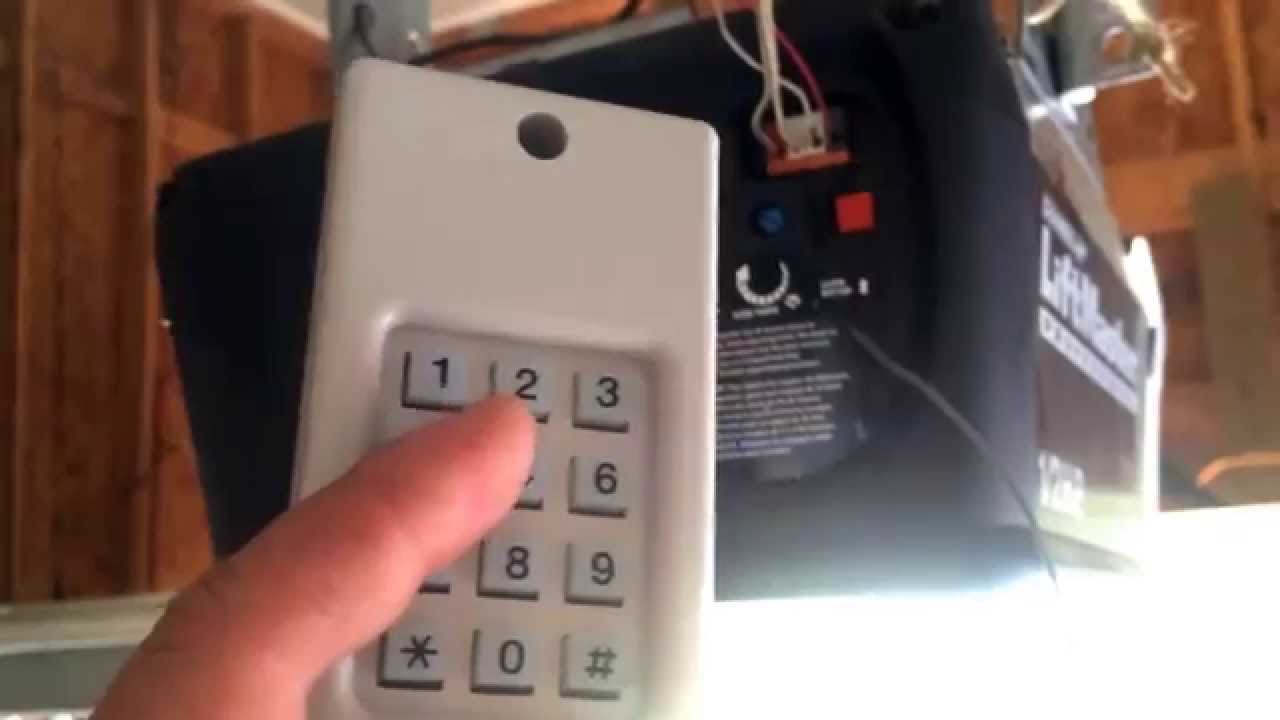
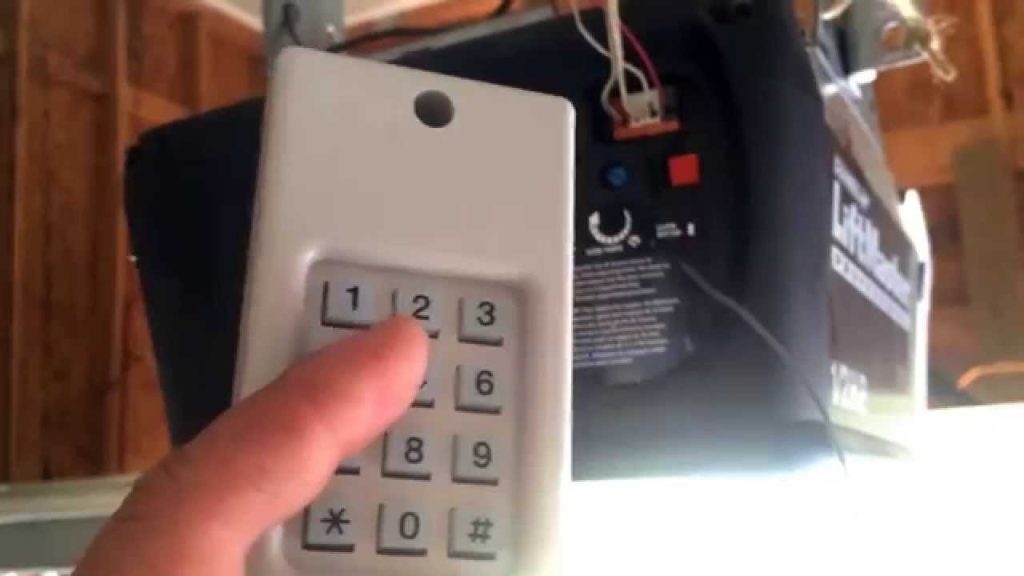
Locate your exterior wireless keypad. Press and release the PROGRAM button. The LED light on the keypad will begin to flash or stay lit, indicating it is ready to accept a new credential. Note that some older models may require you to press a specific sequence like * and # simultaneously instead of a dedicated program button.
Step 2: Input Your New PIN
Using the numeric keys, enter your desired 4-digit PIN. Choose a code that is easy for you to remember but difficult for others to guess. Avoid obvious combinations like 1234, 0000, or your street number. After entering the four digits, press the ENTER button.
Step 3: Confirm the New Code
Wait for the LED to blink or listen for a confirmation beep. On most Security+ 2.0 models, the light will flash twice to confirm successful storage. If the light goes out immediately without flashing, or if you hear a long error tone, the code was not accepted. Simply repeat Steps 1 and 2.
Step 4: Test the Operation
This is the most critical step. Close the garage door completely. Wait at least 30 seconds to ensure the system has fully processed the change. Enter your new 4-digit PIN and press ENTER. The door should activate within 1–2 seconds. If it does not, verify that your batteries are fresh and that you are within range.
What If You Need to Reset the Entire Keypad?
Sometimes, simply changing the PIN isn’t enough. If you have moved into a new home or lost track of how many devices are synced, a full factory reset is recommended.
Full Reset Procedure for Security+ 2.0
- Locate the Learn button on the garage door opener motorhead.
- Press and hold the Learn button for approximately 6–10 seconds until the LED turns off. This erases all remotes and keypads from the system’s memory.
- Return to your exterior keypad. Press and release the PROGRAM button.
- Enter your new 4-digit PIN and press ENTER.
- Immediately press and hold the ENTER button until the opener lights flash or you hear two clicks. This syncs the keypad as a new device.
💡 Expert Tip: After performing a full reset on the motorhead, you will need to reprogram all your car remotes and interior wall consoles. Have them ready before you start the reset process to avoid being locked out.
Troubleshooting Common Programming Issues
Even professionals encounter hiccups. Here are solutions to the most frequent problems users face when learning how to change keypad code on LiftMaster garage door opener:
- Keypad Lights Flash But Door Doesn’t Move: This usually indicates a weak signal or dead batteries. Replace the battery with a fresh 3V CR2032 lithium coin cell. Do not use alkaline batteries unless specified, as voltage differences can cause intermittent failures.
- Code Works Intermittently: Check for interference. LED bulbs in your garage opener can sometimes block RF signals. Ensure you are using LiftMaster-approved LED bulbs or standard incandescent bulbs. Also, inspect the keypad for water damage or corrosion on the contacts.
- Cannot Enter Programming Mode: If the PROGRAM button feels mushy or unresponsive, moisture may have compromised the internal circuit board. Try removing the battery, holding the button for 30 seconds to discharge residual power, and reinserting the battery. If this fails, the keypad likely needs replacement.
- Door Reverses Immediately After Closing: This is rarely a code issue. It typically indicates misaligned safety sensors or an obstruction. Check the photo-eye sensors near the floor; their indicator lights should be solid, not blinking.
Best Practices for Garage Door Code Security
Changing your code is only half the battle. Maintaining security requires ongoing habits:
- Change Codes Annually: Make it a habit to update your PIN every spring or fall during seasonal home maintenance.
- Use Unique PINs: Never use the same code for your garage keypad and your home alarm system.
- Limit Temporary Access: If giving access to contractors, use temporary codes if your model supports them, or change the code immediately after their work is complete.
- Inspect Hardware Quarterly: Look for signs of tampering, loose mounting screws, or weather seal degradation that could expose electronics to moisture.
- Keep Firmware Updated: If you have a MyQ-enabled smart opener, check the app regularly for firmware updates that patch security vulnerabilities.
Frequently Asked Questions (FAQ)
Q1: How often should I change my LiftMaster keypad code?
For optimal security, we recommend changing your code at least once per year. However, you should change it immediately if you lose a remote, end a relationship with someone who knows the code, hire temporary workers, or suspect unauthorized access. Proactive rotation significantly reduces the window of opportunity for intruders.
Q2: Can I change the keypad code without accessing the motorhead?
Yes! For routine PIN changes, you only need to interact with the exterior keypad itself using the PROGRAM button. You only need to access the ceiling-mounted motorhead if you are performing a full system reset, adding a brand-new keypad for the first time, or troubleshooting a synchronization failure.
Q3: What type of battery does a LiftMaster keypad use?
Most modern LiftMaster wireless keypads (including the 877MAX and 940EV) use a single 3V CR2032 lithium coin battery. Some older models may use 9V alkaline batteries. Always check the compartment label or your owner’s manual before purchasing replacements. Using the wrong battery type can damage the keypad or cause unreliable performance.
Q4: Why did my keypad stop working after changing the code?
The most common culprit is accidentally entering too many digits or pressing ENTER prematurely during programming. Another possibility is that the battery died during the process. Try replacing the battery first, then carefully re-enter the new code following the exact timing specified in your manual. If problems persist, perform a full reset and resync.
Q5: Is there a master code override for LiftMaster keypads?
No. LiftMaster keypads do not have a universal master code or backdoor override for security reasons. If you have completely forgotten your current PIN and cannot access the garage, you must perform a full system reset via the Learn button on the motorhead. This is why keeping a spare remote inside your home or vehicle is always wise.
Q6: Can weather affect keypad programming?
Absolutely. Extreme cold can reduce battery output, while excessive heat or humidity can cause internal condensation and contact corrosion. If you are programming during winter, try warming the keypad slightly with your hands first. In humid climates, consider installing a protective silicone cover to shield the keypad from moisture ingress.
Conclusion
Learning how to change keypad code on LiftMaster garage door opener is one of the simplest yet most impactful home security tasks you can perform. By following the steps outlined above, you have taken ownership of your property’s safety and eliminated a common vulnerability. Remember to test your new code thoroughly, maintain fresh batteries, and rotate your PIN regularly to stay ahead of potential threats.
Your garage is more than just parking space—it is an extension of your home and a guardian of your belongings. Treat its security with the same diligence you apply to your front door locks and digital passwords.
Found this guide helpful? Share it with friends, family, or neighbors who might be struggling with their garage door security. A quick share on Facebook, X (Twitter), or Nextdoor could help someone secure their home today. Stay safe, stay secure, and enjoy the peace of mind that comes with knowing exactly who has access to your space!
Leave a Reply