Introduction
There are few things more frustrating than pressing your remote and hearing nothing but silence when you’re rushing to work or returning home late at night. If you are wondering how do you change battery in Chamberlain garage door opener, you are likely dealing with a dead remote or a failing backup system that has disrupted your daily routine. This comprehensive guide will walk you through the exact replacement process for various Chamberlain models, ensuring you regain secure and reliable access to your garage without unnecessary service calls.
Understanding Your Chamberlain Power Source
Before grabbing a screwdriver, it is vital to understand that “changing the battery” can refer to two distinct components in a Chamberlain ecosystem. Identifying which component has failed saves time and prevents accidental damage to sensitive electronics.
Remote Control Batteries vs. Backup Batteries
Most user queries regarding this topic stem from unresponsive remotes or keypads. However, modern Chamberlain openers also feature internal backup batteries that allow operation during power outages.
| Component | Typical Battery Type | Lifespan | Symptoms of Failure |
|---|---|---|---|
| Standard Remote | CR2032 Coin Cell | 2–4 Years | LED dim/no light; requires multiple clicks |
| Visor Clip Remote | CR2016 / CR2032 | 3–5 Years | Intermittent response; range decreases |
| External Keypad | 9V Alkaline | 1–2 Years | Backlight flickers; no entry code acceptance |
| Internal Backup | 12V Sealed Lead Acid | 1–3 Years | Unit beeps continuously; fails during outage |
| MyQ Smart Sensor | CR2450 Coin Cell | 3–5 Years | App shows “offline”; sensor disconnects |
According to industry maintenance standards, coin cell batteries should be replaced proactively every two years to prevent leakage, which can corrode contacts permanently. Always check your specific model’s manual, as Chamberlain produces dozens of variations with unique power requirements. For broader context on electrochemical cells and safety disposal, refer to Wikipedia.org.
How Do You Change Battery In Chamberlain Garage Door Opener Remote?
This is the most common scenario. The process varies slightly by remote style, but the core principles remain consistent.
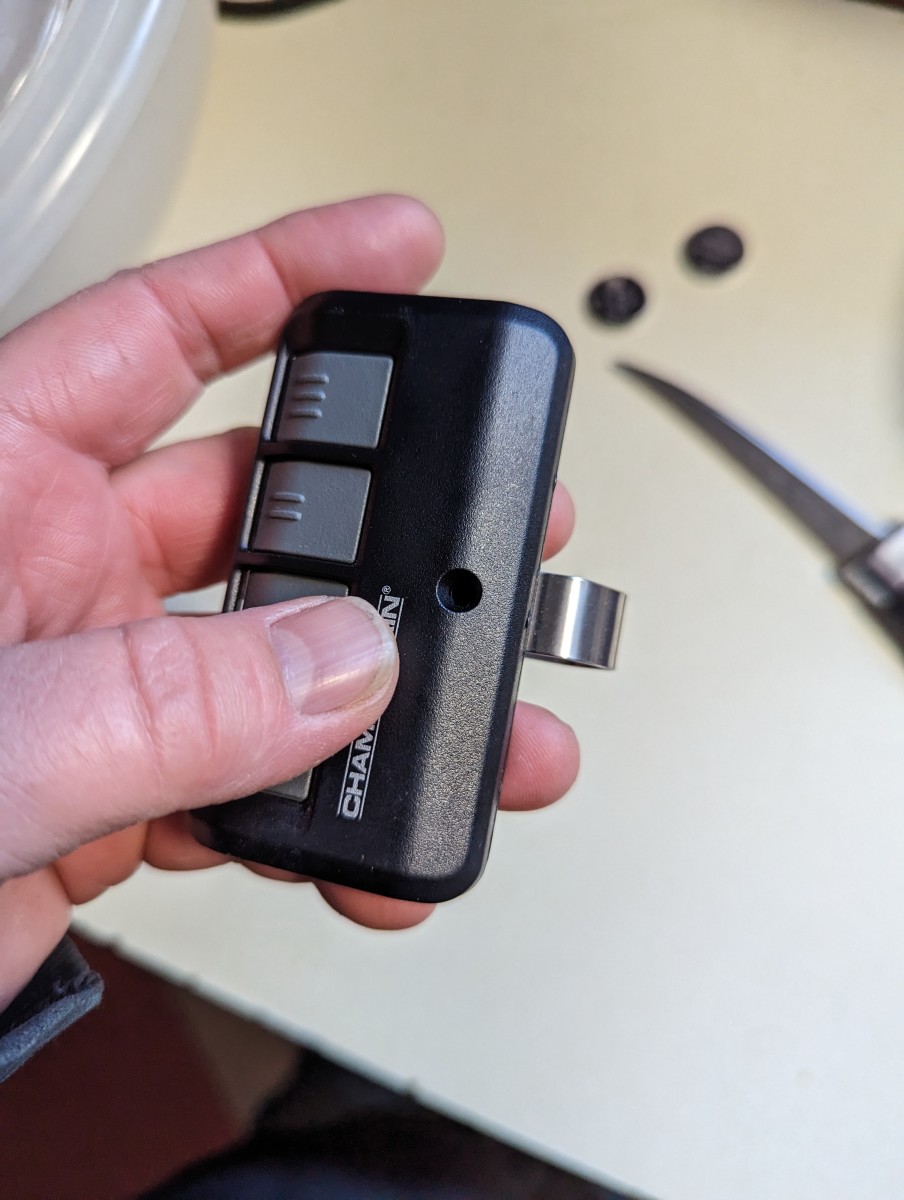
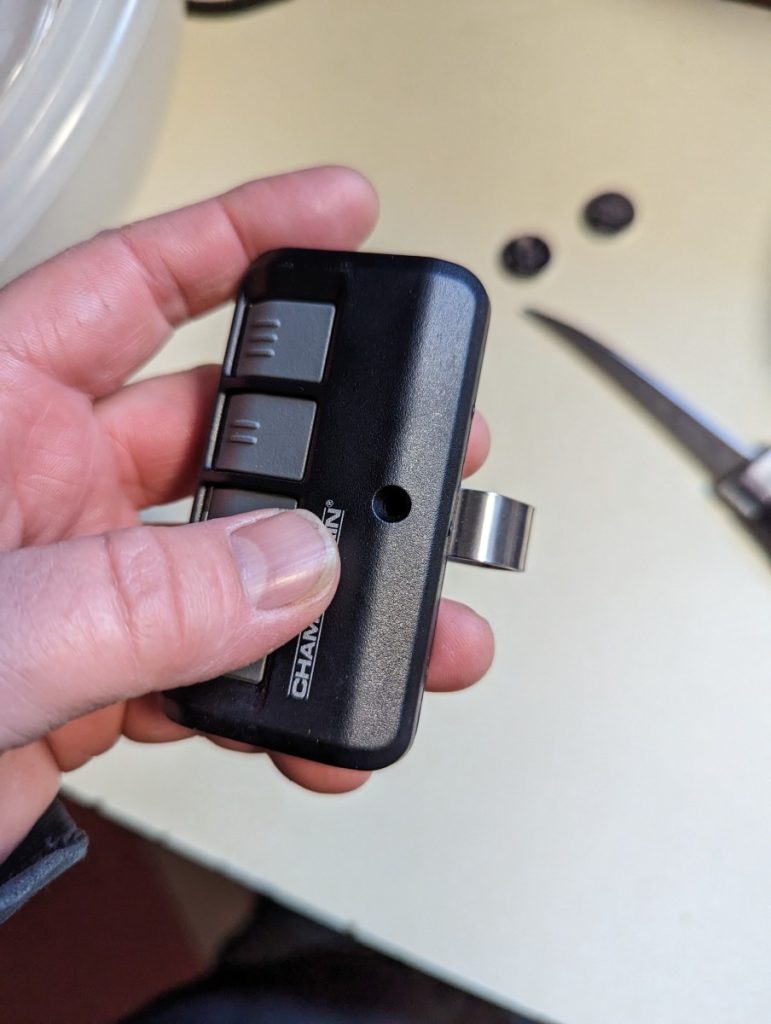
Step-by-Step: Standard Visor Remote (CR2032)
- Locate the Release Tab: Most Chamberlain visor clips have a small notch or tab on the side or bottom. Press this tab firmly while pulling the front cover away from the back housing. Do not use metal tools, as they can short-circuit the board or crack the plastic casing.
- Remove the Old Battery: Note the orientation before removal. The positive (+) side typically faces up toward the button side. Gently lift the battery out using a fingernail or non-conductive plastic spudger.
- Clean the Contacts: Before inserting the new battery, inspect the metal contacts. If you see white powder or green corrosion, clean gently with a cotton swab dipped in isopropyl alcohol. Allow to dry completely for 60 seconds.
- Insert New CR2032: Place the fresh battery with the + symbol facing up. Press down until it seats flush against the contact points. A loose battery is the #1 cause of post-replacement failure.
- Reassemble and Test: Snap the two halves back together until you hear an audible click. Press any button; the LED should illuminate brightly. Test from at least 15 feet away to confirm signal strength.
Step-by-Step: Mini Keychain Remote
Mini remotes often lack visible screws and rely entirely on tension clips.
- Insert a thin plastic pry tool into the seam along the edge.
- Twist gently to separate the halves—never force straight down.
- Replace the CR2016 or CR2032 battery, observing polarity markings etched into the plastic tray.
- Squeeze halves together evenly around all edges to ensure waterproof sealing integrity.
Expert Tip: Always purchase name-brand lithium coin cells. Generic batteries often have inconsistent voltage output that causes Chamberlain rolling-code security systems to reject the signal, even if the LED lights up.
Replacing the Internal Backup Battery (Battery Backup Models)
If your opener beeps repeatedly or displays a flashing yellow/orange LED despite having AC power, the internal sealed lead-acid battery may need replacement. This applies to models like the B750, B970, and RJO70 series.
Safety-First Replacement Protocol
- Disconnect Power: Unplug the opener from the ceiling outlet AND turn off the circuit breaker. Capacitors can retain charge; wait 5 minutes before proceeding.
- Access the Battery Compartment: Remove the light lens cover (usually slides or unscrews). Behind it, locate the black battery pack connected via red/black wires.
- Disconnect Wiring Harness: Pinch the connector clip and pull straight out. Never pull by the wires themselves, as this damages internal solder joints.
- Extract Old Battery: Slide the battery out of its foam cradle. These weigh approximately 1.5 lbs; support them fully to avoid dropping onto the logic board below.
- Install Exact Replacement: Use ONLY the Chamberlain-specified 12V replacement pack (Part #485LM or model-specific equivalent). Third-party alternatives frequently lack proper thermal protection and void warranties.
- Reconnect and Calibrate: Plug harness back in, reassemble lens, restore power. The unit will run an automatic calibration cycle lasting 2–3 minutes. Do not operate the door during this period.
Troubleshooting When New Batteries Don’t Work
You’ve followed every step correctly, yet the opener remains unresponsive. Here are evidence-based diagnostics:
- Reprogram the Remote: Battery changes sometimes reset rolling codes. Hold the “Learn” button on the motor head until the LED blinks, then press your remote button twice within 30 seconds.
- Check Antenna Wire: Ensure the hanging antenna wire isn’t coiled, touching metal, or severed. It must hang vertically for optimal RF reception.
- Test Voltage: Use a multimeter set to DC volts. A healthy CR2032 reads ≥3.0V under load. Anything below 2.8V indicates a defective batch or parasitic drain.
- Inspect Logic Board: Look for bulging capacitors, burn marks, or water damage near the battery compartment. Power surges frequently destroy receiver circuits independently of battery health.
- Verify Lock Mode: Many Chamberlain wall consoles have a “Lock” button that disables all wireless transmitters. Toggle it off and retry.
Frequently Asked Questions (FAQ)
How often should I change the battery in my Chamberlain remote?
Under normal residential use (3–5 activations daily), replace coin cell batteries every 24–36 months. High-frequency commercial use or extreme temperatures (-20°F to 120°F) reduce lifespan to 12–18 months. Proactive replacement prevents being locked out during critical moments.
Can I use rechargeable batteries in my Chamberlain garage door opener remote?
No. Rechargeable coin cells typically output 1.2V nominal versus the required 3.0V. This voltage deficit causes unreliable transmission, shortened range, and potential damage to the remote’s voltage regulation circuitry. Always use primary lithium cells specified in your manual.
Why does my Chamberlain opener beep after changing the backup battery?
A continuous beep indicates the system hasn’t completed its post-replacement calibration cycle. Leave the unit powered on and undisturbed for 3–5 minutes. If beeping persists beyond 10 minutes, verify correct battery part number and wiring harness connection. Persistent beeping may signal logic board failure requiring professional diagnosis.
Does changing the battery erase my programmed remotes and keypads?
Replacing remote or keypad batteries does not erase programming. However, replacing the internal backup battery on certain smart models may require re-syncing MyQ devices. Standard rolling-code remotes retain memory in non-volatile storage unaffected by power loss.
Where can I buy genuine Chamberlain replacement batteries?
Authorized retailers include Home Depot, Lowe’s, Amazon (verify “Ships from/Sold by Amazon”), and Chamberlain’s official parts website. Avoid third-party marketplaces with prices significantly below MSRP, as counterfeit batteries pose fire risks and compatibility issues. Genuine parts carry holographic authenticity labels.
What do I do with old garage door opener batteries?
Never dispose of lithium or lead-acid batteries in household trash. Recycle at designated drop-off locations including Best Buy, Staples, municipal hazardous waste facilities, or Call2Recycle partner sites. Improper disposal violates federal EPA regulations and creates environmental hazards.
Conclusion
Understanding how do you change battery in Chamberlain garage door opener empowers you to maintain uninterrupted home access while avoiding costly service visits. Whether swapping a simple CR2032 in your visor remote or replacing an internal backup unit, following manufacturer-specified procedures ensures safety, preserves warranty coverage, and extends equipment longevity. Remember to always use genuine parts, observe polarity carefully, and test functionality immediately after replacement.
Found this guide helpful? Share it with neighbors, friends, or family members who struggle with their Chamberlain openers! Tag us on social media with your successful battery swap stories—we love celebrating DIY wins that keep communities moving smoothly. Safe lifting and happy opening! 🏠🔋
Leave a Reply