Introduction
Is your garage door opener acting up, or did you just install a new Chamberlain Whisper Drive and feel overwhelmed by the setup process? You’re not alone. Thousands of homeowners search for the Chamberlain Whisper Drive 3/4 HP garage door opener manual every month, seeking clear, reliable instructions to ensure their system runs smoothly and quietly.
Whether you’re a DIY enthusiast or a first-time installer, having access to accurate information is crucial. This guide breaks down everything you need to know about your Chamberlain Whisper Drive 3/4 HP model, from installation basics to advanced troubleshooting, ensuring you get the most out of your investment.
Understanding the Chamberlain Whisper Drive 3/4 HP Model
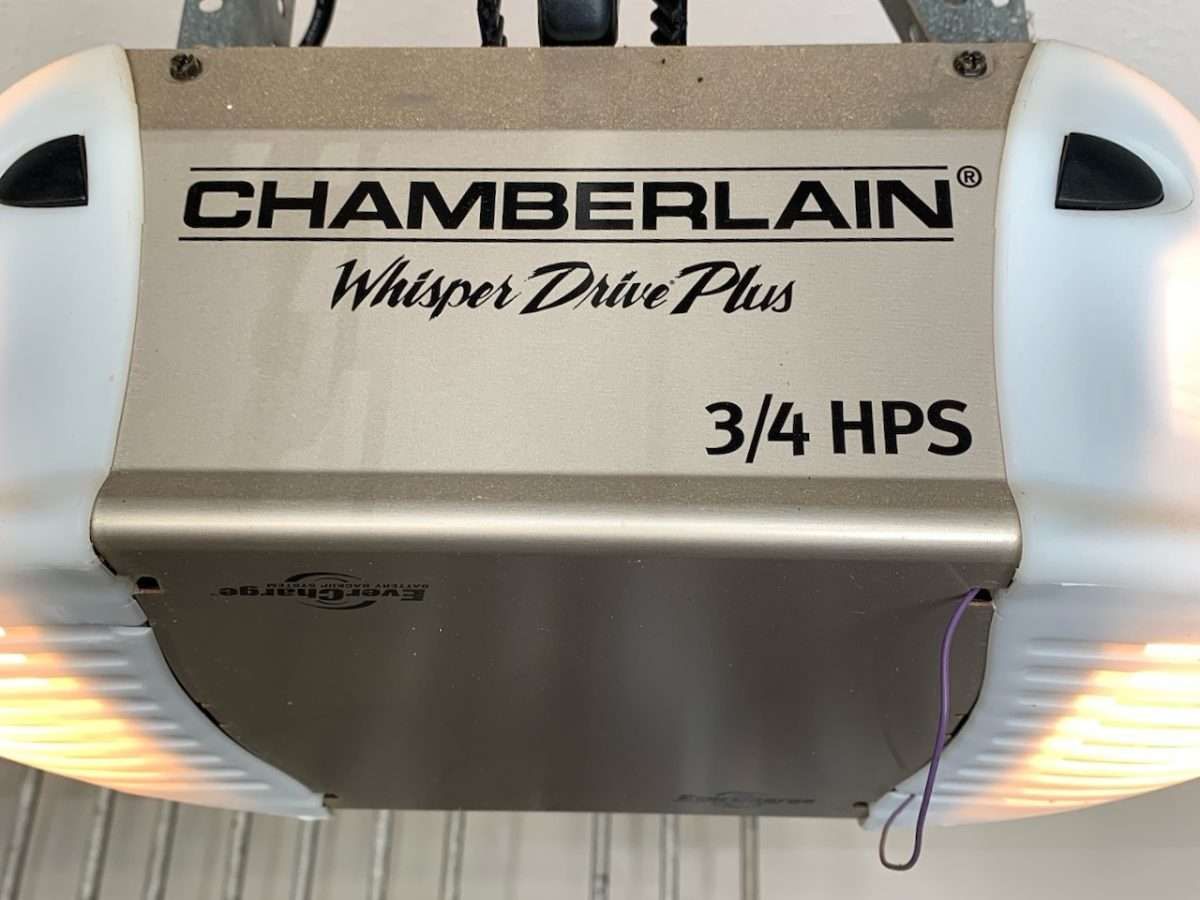
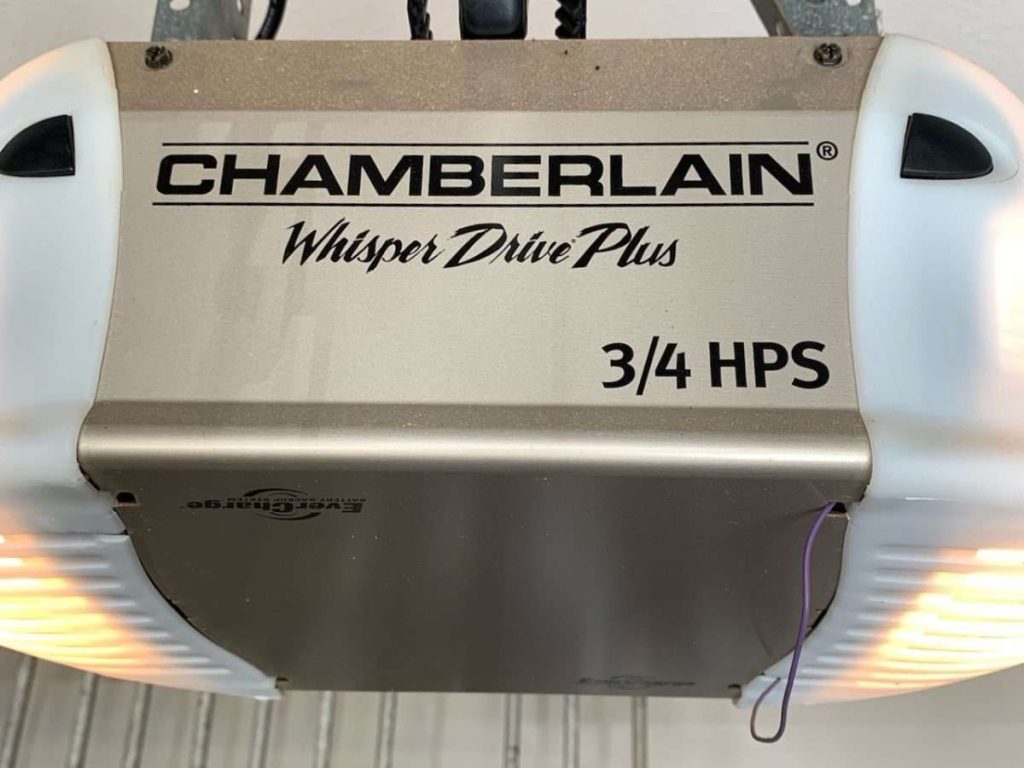
The Chamberlain Whisper Drive series is renowned for its quiet operation and robust performance. The 3/4 HP variant is particularly popular among homeowners with heavier garage doors, such as those made of solid wood or insulated steel. But what exactly makes this model stand out?
Key Features at a Glance
- Quiet Operation: Utilizes belt-drive technology to minimize noise, making it ideal for homes with living spaces above or adjacent to the garage.
- Powerful Motor: The 3/4 HP motor provides ample strength to lift heavy doors effortlessly.
- Security+ 2.0 Technology: Offers rolling code encryption to prevent unauthorized access.
- Battery Backup Option: Many models support battery backup systems, ensuring functionality during power outages.
According to industry standards, a 3/4 HP opener is recommended for double-car garage doors or single doors that weigh more than 150 pounds. This ensures longevity and reduces strain on the motor over time.
How to Find and Use the Official Manual
Locating the correct manual is the first step toward successful installation and maintenance. Chamberlain provides comprehensive documentation for all its products, but navigating their website can sometimes be confusing.
Step-by-Step Guide to Downloading Your Manual
- Identify Your Model Number: Check the label on the motor unit. It usually starts with “WD” followed by a series of numbers (e.g., WD832KEV).
- Visit the Chamberlain Support Page: Go to the official Chamberlain support website.
- Enter Your Model Number: Use the search bar to input your specific model number.
- Download the PDF: Look for the “Manuals & Guides” section and download the latest version.
Pro Tip: Always keep a digital copy of your manual on your phone or cloud storage for easy access during emergencies.
For more detailed technical specifications, you can refer to the general overview of garage door openers on Wikipedia, which provides historical context and mechanical principles relevant to all modern units.
Installation Tips for a Smooth Setup
Installing a garage door opener can seem daunting, but with the right preparation, it’s a manageable DIY project. Here are some essential tips to ensure a safe and efficient installation.
Pre-Installation Checklist
- Clear the Area: Ensure the garage ceiling and door tracks are free of obstructions.
- Gather Tools: You’ll need a ladder, wrench set, screwdrivers, and a drill.
- Check Door Balance: Manually lift the door halfway. If it doesn’t stay in place, your springs may need adjustment by a professional.
Critical Installation Steps
- Mount the Rail Assembly: Attach the rail to the motor unit and secure it to the ceiling bracket. Ensure it’s level to prevent binding.
- Install the Door Bracket: Connect the trolley to the top of the garage door using the provided bracket.
- Wire the Safety Sensors: Place sensors 6 inches above the floor on both sides of the door. Misaligned sensors are the most common cause of operational issues.
- Program the Remote Controls: Follow the manual’s instructions to sync your remotes and keypad.
| Component | Recommended Action | Common Mistake to Avoid |
|---|---|---|
| Rail Assembly | Keep level and tight | Over-tightening bolts |
| Safety Sensors | Align perfectly | Placing them too high |
| Limit Settings | Test repeatedly | Setting them too far |
Troubleshooting Common Issues
Even the best-engineered systems can encounter hiccups. Here are some frequent problems users face with the Chamberlain Whisper Drive 3/4 HP and how to fix them.
Door Reverses Before Closing
This issue is often caused by obstructed safety sensors or incorrect limit settings.
- Solution: Clean the sensor lenses with a soft cloth and ensure nothing is blocking the beam. Adjust the close limit setting slightly if the door hits the floor too hard.
Motor Runs but Door Doesn’t Move
If the motor is humming but the door remains stationary, the trolley may be disengaged.
- Solution: Check the emergency release cord. Pull it gently to re-engage the trolley with the motor carriage.
Remote Control Not Working
Dead batteries or signal interference are typical culprits.
- Solution: Replace the remote batteries with fresh ones. If the problem persists, reprogram the remote according to the manual’s instructions.
Maintenance Best Practices for Longevity
Regular maintenance can extend the life of your Chamberlain Whisper Drive significantly. A well-maintained opener not only operates more quietly but also reduces the risk of sudden failures.
Quarterly Maintenance Routine
- Lubricate Moving Parts: Use a silicone-based lubricant on the chain or belt, rollers, and hinges. Avoid grease, which can attract dirt.
- Inspect Hardware: Tighten any loose bolts or screws on the rail and motor unit.
- Test Safety Features: Monthly, place a 2×4 piece of wood on the floor under the door. When closing, the door should reverse immediately upon contact.
FAQ Section
1. Where can I find the model number on my Chamberlain Whisper Drive?
The model number is typically located on a label on the back or side of the motor unit. It may also be found on the original packaging or in the purchase receipt.
2. Is the Chamberlain Whisper Drive 3/4 HP suitable for heavy wooden doors?
Yes, the 3/4 HP motor is specifically designed to handle heavier doors, including solid wood and insulated steel models, providing sufficient torque for smooth operation.
3. How do I reset my Chamberlain Whisper Drive opener?
To reset the opener, locate the “Learn” button on the motor unit. Press and hold it until the indicator light blinks, then release. This will clear all previously programmed remotes and keypads, allowing you to start fresh.
4. Why is my garage door opener making a grinding noise?
A grinding noise usually indicates worn-out gears or lack of lubrication. Inspect the gear assembly for wear and apply appropriate lubricant to moving parts. If the gears are stripped, they may need replacement.
5. Can I install a battery backup on my Whisper Drive model?
Many Chamberlain Whisper Drive models are compatible with battery backup units. Check your specific model’s manual to confirm compatibility and follow the installation instructions provided with the battery kit.
6. What should I do if my safety sensors keep misaligning?
Ensure the sensor brackets are securely fastened to the wall. Vibration from the door’s movement can loosen them over time. Use a level to ensure they are perfectly aligned at the same height.
Conclusion
Owning a Chamberlain Whisper Drive 3/4 HP garage door opener is an investment in convenience, security, and peace of mind. By understanding how to access and utilize your manual, performing regular maintenance, and troubleshooting common issues, you can ensure your system operates efficiently for years to come.
Remember, a little preventative care goes a long way. Keep your manual handy, stay proactive with maintenance, and don’t hesitate to consult a professional for complex repairs. If you found this guide helpful, share it with your friends and family on social media to help them master their garage door openers too!
Leave a Reply